Claude Code Hooks Examples: Real Configs for Every Event
 By Neo Zino - builder of ClockedCode15 min read
Six tested Claude Code hook configs: block a bad command, run tests without blocking, notify anywhere, stop until checks pass, load context, and screen prompts.
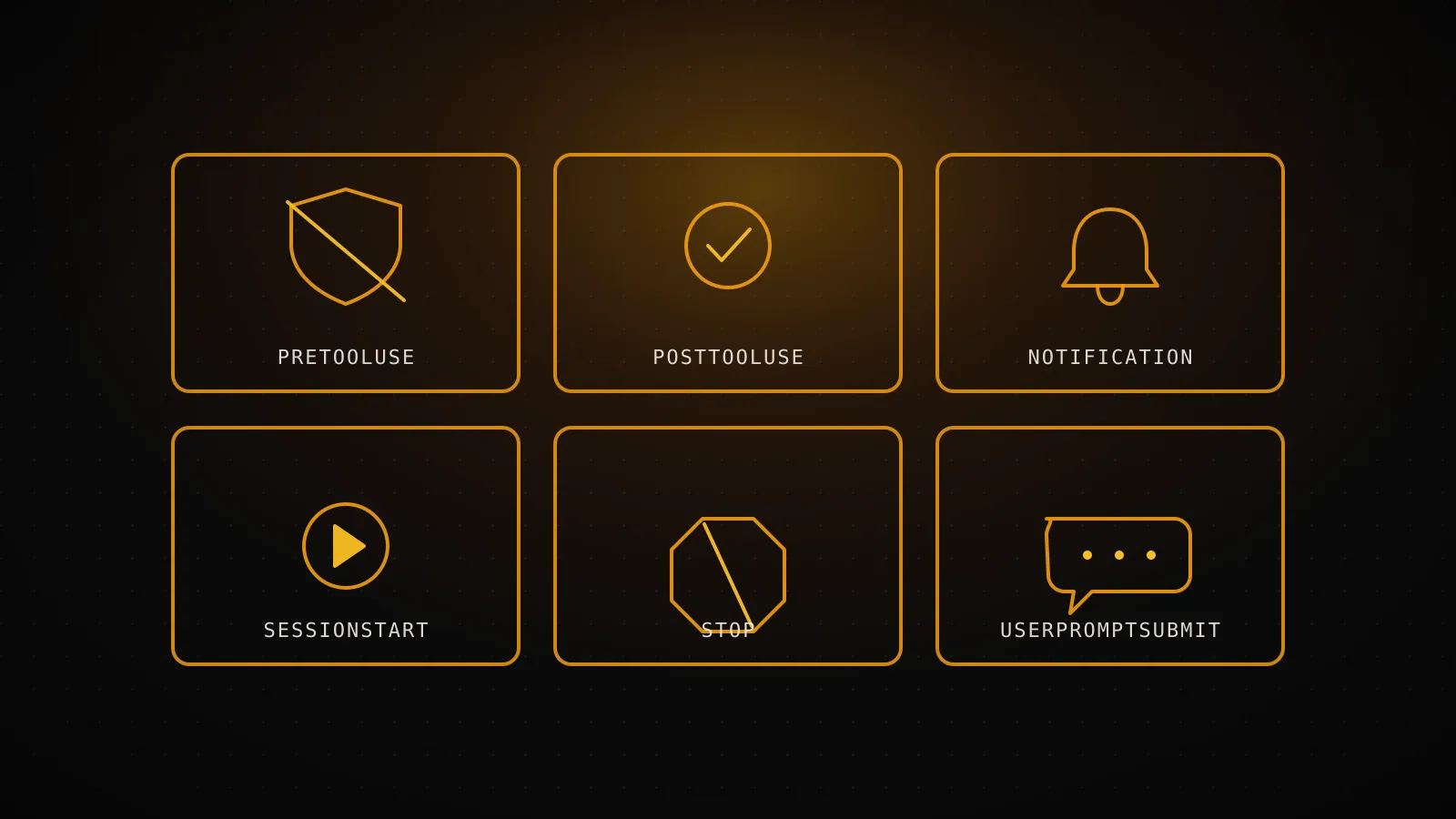
Made with DispatchSEO
On this page
Every hook example the official docs ship covers exactly one event per page, so pulling together configs for six different ones means jumping between the hooks reference, the hooks guide, and the agent SDK docs. Six tested configs live here instead, one per event people actually reach for: block a dangerous command before it runs, run tests after an edit without blocking Claude, forward a notification anywhere, stop Claude from finishing until checks pass, load git context at session start, and screen a prompt before Claude ever sees it.
TL;DR: Block a dangerous command (PreToolUse), run tests in the background (PostToolUse), notify anywhere (Notification), force Claude to keep working until checks pass (Stop), load git context at session start (SessionStart), and screen a prompt before Claude sees it (UserPromptSubmit). Every script below ran against a real or mock payload before it made it onto this page - the complete hooks guide is where the full 33-event reference and matcher rules live if you need those instead.
Where these six configs fire in one turn
SessionStart fires
Once per session - loads git branch and status into context
UserPromptSubmit fires
Before Claude sees the prompt - can scan it and block
PreToolUse fires
Before every tool call - can deny it before it runs
PostToolUse fires
After a tool call succeeds - can run in the background
Stop fires
When Claude finishes responding - can force it to keep going
Notification fires
On its own schedule (idle, permission wait) - not part of this sequence
| Event | What the script needs | Can it block? | Where it goes |
|---|---|---|---|
| PreToolUse | jq | Yes - permissionDecision: "deny" | .claude/settings.json |
| PostToolUse | jq, your linter | No - runs async instead | .claude/settings.json |
| Notification | jq, curl | No - side effect only | ~/.claude/settings.json |
| Stop | jq, your test/typecheck command | Yes - decision: "block" | .claude/settings.json |
| SessionStart | jq, git | No - injects context only | .claude/settings.json |
| UserPromptSubmit | jq | Yes - decision: "block" | .claude/settings.json |
Block a dangerous command before it runs
The official docs' own version of this hook catches rm -rf. Mine catches that and a force push, because losing a directory and losing unreviewed remote history are the two "ask me first" moments I actually hit:
{
  "hooks": {
    "PreToolUse": [
      {
        "matcher": "Bash",
        "hooks": [
          {
            "type": "command",
            "command": "${CLAUDE_PROJECT_DIR}/.claude/hooks/block-dangerous.sh"
          }
        ]
      }
    ]
  }
}
#!/bin/bash
# .claude/hooks/block-dangerous.sh
INPUT=$(cat)
COMMAND=$(echo "$INPUT" | jq -r '.tool_input.command // empty')

if echo "$COMMAND" | grep -Eq 'rm -rf|git push[^&]*--force'; then
  jq -n --arg cmd "$COMMAND" '{
    hookSpecificOutput: {
      hookEventName: "PreToolUse",
      permissionDecision: "deny",
      permissionDecisionReason: ("Blocked: `" + $cmd + "` matches a destructive pattern - ask me first.")
    }
  }'
else
  exit 0
fi
Piped through three mock Bash payloads, it denied rm -rf /tmp/build and git push origin main --force with the exact reason text, and stayed silent (exit 0) on npm test - silence means "no decision," which lets the normal permission flow decide instead of accidentally approving anything. permissionDecision takes four values, not two: "allow", "deny", "ask", and "defer" (exits gracefully so the tool call resumes later), and when more than one PreToolUse hook fires on the same call, deny wins over defer, which wins over ask, which wins over allow. If you only need the one-line version, the docs' own if: "Bash(rm *)" field filters the matcher before the script even spawns, which is cheaper than grepping the command yourself for a single pattern - worth it once you're past two or three patterns like this script checks.
Run tests after an edit without blocking Claude
A synchronous PostToolUse hook makes Claude wait for it to finish before continuing, which is fine for a fast formatter and painful for a real test run. Set async: true and Claude keeps working while the check runs in the background, then reads the result on the next turn:
{
  "hooks": {
    "PostToolUse": [
      {
        "matcher": "Write|Edit",
        "hooks": [
          {
            "type": "command",
            "command": "${CLAUDE_PROJECT_DIR}/.claude/hooks/lint-after-edit.sh",
            "async": true
          }
        ]
      }
    ]
  }
}
#!/bin/bash
# .claude/hooks/lint-after-edit.sh
INPUT=$(cat)
FILE_PATH=$(echo "$INPUT" | jq -r '.tool_input.file_path // empty')

case "$FILE_PATH" in
  *.ts|*.tsx) ;;
  *) exit 0 ;;
esac

RESULT=$(pnpm exec eslint "$FILE_PATH" 2>&1)
CODE=$?

if [ $CODE -eq 0 ]; then
  MSG="Lint clean on $FILE_PATH"
else
  MSG="Lint failed on $FILE_PATH: $RESULT"
fi
jq -nc --arg msg "$MSG" '{hookSpecificOutput: {hookEventName: "PostToolUse", additionalContext: $msg}}'
I ran this against this site's own src/lib/tools.ts and got {"hookSpecificOutput":{"hookEventName":"PostToolUse","additionalContext":"Lint clean on src/lib/tools.ts"}} back - real output from this repo, not a stand-in file. Two things about async are easy to miss: an async hook's decision, permissionDecision, and continue fields do nothing, since whatever they would have controlled already happened by the time it returns, and if the session ends via claude -p, Claude Code kills any async hook still running at teardown instead of waiting for it - fine for a fast lint pass, not for a five-minute integration suite.
Send a hook notification anywhere, not just macOS
The desktop-notification example everyone copies is osascript, which only runs on macOS. A curl to a webhook URL works from any OS and reaches whatever you actually watch - Slack, Discord, a phone via a push-notification relay:
{
  "hooks": {
    "Notification": [
      {
        "matcher": "permission_prompt|idle_prompt",
        "hooks": [
          {
            "type": "command",
            "command": "${CLAUDE_PROJECT_DIR}/.claude/hooks/notify-webhook.sh"
          }
        ]
      }
    ]
  }
}
#!/bin/bash
# .claude/hooks/notify-webhook.sh
INPUT=$(cat)
MESSAGE=$(echo "$INPUT" | jq -r '.message // "Claude Code needs you"')
TITLE=$(echo "$INPUT" | jq -r '.title // "Claude Code"')

curl -s -X POST "$NOTIFY_WEBHOOK_URL" \
  -H "Content-Type: application/json" \
  -d "$(jq -n --arg text "$TITLE: $MESSAGE" '{text: $text}')" \
  -o /dev/null
I pointed NOTIFY_WEBHOOK_URL at a throwaway local listener while testing this and confirmed the request lands as a real POST with the JSON body built correctly - swap in your actual Slack or Discord webhook URL, exported wherever your shell already sets environment variables, and it just works. Notification fires on eleven distinct types (permission_prompt and idle_prompt are the two worth matching on directly; the rest cover elicitation dialogs and quota auto-resume), and it can't block or modify anything - Claude Code even discards a Notification hook's systemMessage field, so this event is side effects only, never control flow. If you'd rather skip the curl wrapper, type: "http" sends the same JSON payload as a POST body directly, with allowedEnvVars gating which environment variables can fill in an Authorization header.
Stop Claude from finishing until checks pass
A Stop hook can force Claude to keep going, so it's the natural place for "prove the types check before calling this done." The trap is looping forever if the check never passes - stop_hook_active is what stops that:
{
  "hooks": {
    "Stop": [
      {
        "hooks": [
          {
            "type": "command",
            "command": "${CLAUDE_PROJECT_DIR}/.claude/hooks/check-before-stop.sh"
          }
        ]
      }
    ]
  }
}
#!/bin/bash
# .claude/hooks/check-before-stop.sh
INPUT=$(cat)
ACTIVE=$(echo "$INPUT" | jq -r '.stop_hook_active')

if [ "$ACTIVE" = "true" ]; then
  exit 0
fi

RESULT=$(pnpm exec tsc --noEmit -p tsconfig.json 2>&1)
CODE=$?

if [ $CODE -ne 0 ]; then
  jq -n --arg reason "Type check failed, fix it before finishing: $(echo "$RESULT" | head -c 300)" \
    '{decision: "block", reason: $reason}'
else
  exit 0
fi
There's no matcher field in the config above on purpose - Stop is one of the events that ignores matchers entirely, so leaving it out is honest about what the hook actually filters on (nothing). I ran the script against this repo's own tsconfig.json twice: once with stop_hook_active: false, where it ran the real type check (which passed clean, so it exited 0 and let Claude stop), and once with stop_hook_active: true, where it exited 0 immediately without running the check at all - confirming the guard actually short-circuits instead of just looking like it does.
A blocking Stop hook can't loop forever
Attempts 1 through 7
Each block sets stop_hook_active: trueon the next Stop input, so the hook can tell it's already retrying
Attempt 8
Claude Code ends the turn anyway, whatever the hook returns
decision: "block" requires a reason, and it's the only field the docs describe as a hard stop - the softer option is hookSpecificOutput.additionalContext, which keeps the conversation going through the same loop protections but shows up in the transcript as feedback rather than an error, better suited to "run the tests" nudges than hard failures.
Load git context automatically when a session starts
SessionStart is the one event where plain stdout reaches Claude directly, no JSON wrapper required - useful for exactly this, loading the state of the repo before the first prompt:
{
  "hooks": {
    "SessionStart": [
      {
        "matcher": "startup",
        "hooks": [
          {
            "type": "command",
            "command": "${CLAUDE_PROJECT_DIR}/.claude/hooks/session-context.sh"
          }
        ]
      }
    ]
  }
}
#!/bin/bash
# .claude/hooks/session-context.sh
if ! git rev-parse --git-dir > /dev/null 2>&1; then
  exit 0
fi

BRANCH=$(git branch --show-current)
DIRTY=$(git status --porcelain | wc -l | tr -d ' ')
LAST_COMMIT=$(git log -1 --format='%h %s')

CONTEXT=$(printf 'Current branch: %s\nUncommitted files: %s\nLast commit: %s' "$BRANCH" "$DIRTY" "$LAST_COMMIT")

jq -n --arg ctx "$CONTEXT" '{hookSpecificOutput: {hookEventName: "SessionStart", additionalContext: $ctx}}'
Run inside this site's own repo while writing this guide, it printed Current branch: main, Uncommitted files: 0, and the actual last commit hash and message - real state from the checkout this page shipped from, not sample text. The matcher here is "startup", one of five values (startup, resume, clear, compact, fork) that correspond to how the session began rather than to a tool name; drop the matcher entirely to fire on all five. A SessionStart hook can't block anything, but two adjacent fields are worth knowing about even though this script skips them: sessionTitle renames the session the same way /rename does, and reloadSkills: true tells Claude Code to re-scan skill directories after the hook finishes, for a hook that installs or updates skills mid-session.
Screen a prompt before Claude ever sees it
UserPromptSubmit runs before your text reaches the model at all, which makes it the right place to catch an accidentally pasted credential before it becomes part of the conversation history:
{
  "hooks": {
    "UserPromptSubmit": [
      {
        "hooks": [
          {
            "type": "command",
            "command": "${CLAUDE_PROJECT_DIR}/.claude/hooks/screen-prompt.sh"
          }
        ]
      }
    ]
  }
}
#!/bin/bash
# .claude/hooks/screen-prompt.sh
INPUT=$(cat)
PROMPT=$(echo "$INPUT" | jq -r '.prompt // empty')

if echo "$PROMPT" | grep -Eq 'sk-ant-[a-zA-Z0-9_-]{20,}|AKIA[0-9A-Z]{16}'; then
  jq -n '{
    decision: "block",
    reason: "This prompt looks like it contains a live API key or AWS access key - remove it and resend.",
    hookSpecificOutput: { hookEventName: "UserPromptSubmit", suppressOriginalPrompt: true }
  }'
else
  exit 0
fi
Three test prompts, three real results: a prompt with a fake sk-ant-api03-... string got blocked with the exact reason above, one with a fake AKIA... AWS key got blocked the same way, and a clean "write a function to calculate the factorial of a number" passed through untouched. suppressOriginalPrompt: true is what keeps the flagged text out of the block message the user sees - without it, the prompt containing the key gets echoed right back into view, which defeats the point. One timing detail this event has that the other five don't: UserPromptSubmit hooks default to a 30-second timeout instead of the usual 600 seconds, because a stuck hook here stalls every single prompt - raise timeout explicitly if a heavier scan ever needs more room.
What each event actually honors
| Event | Can block the action | additionalContext | updatedInput | Matcher evaluated |
|---|---|---|---|---|
| PreToolUse | ||||
| PostToolUse | ||||
| Notification | ||||
| Stop | ||||
| SessionStart | ||||
| UserPromptSubmit |
Notification and PostToolUse can't block anything - Stop and UserPromptSubmit can, but neither one reads a matcher, so a matcher field on either is silently ignored.
Where each config actually goes in settings.json
All six install the same way: save the script under .claude/hooks/ in your project, chmod +x it, and add the matching block above to .claude/settings.json (shared with your team), .claude/settings.local.json (gitignored, just you), or ~/.claude/settings.json (every project on your machine) - the complete hooks guide has the full breakdown of when to pick which. Settings files are hot-reloaded, so nothing here needs a restart to take effect, and every hook from every matching file runs - they merge instead of overriding each other, which is also why running several of these together in one project causes no conflict.
If typing this JSON by hand isn't how you want to spend the next ten minutes, the free Hooks Preset Generator builds the same shape of block for the events it covers - a PreToolUse file guard, PostToolUse formatting, and a Stop check-before-done hook - through a wizard instead of a text editor, with a validator that catches an automation you turned on but never finished configuring.
When a hook is the wrong call for this
An honest list, specific to the six above rather than hooks in general:
- The secret-scan regex is a tripwire, not a security boundary. It catches known key prefixes in plain text; it won't catch a key in an unfamiliar format, split across lines, or generated mid-response by the model itself.
- The async lint hook isn't the place for a slow suite.
async: truekeeps Claude moving, but in a-pheadless run Claude Code kills anything still running at teardown - fine for ESLint on one file, not for a multi-minute integration run. - The Stop check-before-done hook blocks every single turn's ending, not just the ones where it matters. A test suite that takes minutes turns every "done" into a multi-minute wait; reserve it for a fast check (a type check, a quick unit slice) or gate it behind a file that only exists when you want strict mode on.
- Matcher-based filtering on
Bash(rm *)-styleifconditions fails open when a command can't be parsed, per Claude Code's own docs - useful for cutting noise, not a guarantee against a cleverly obfuscated command.
FAQ
Are these different from the examples in Claude Code's own docs?
Some build on the same idea - the block-rm.sh pattern in the official hooks reference is the starting point for the PreToolUse example here, extended to also catch a force push. The other five (the async test runner, the cross-platform notification, the Stop loop guard, the SessionStart context loader, and the UserPromptSubmit secret scan) aren't in the docs' own examples, and every script on this page was run against real or mock payloads before it went in, not just copied.
Why does my PreToolUse hook need permissionDecision instead of just exit code 2?
You can use either - exit 2 blocks and sends your stderr text to Claude as the reason, which is simpler for a one-line check. permissionDecision inside hookSpecificOutput is the JSON form, and it's worth learning because it's the only form that supports ask and defer in addition to allow and deny, and the only one that can pair with updatedInput to rewrite the tool's arguments instead of just blocking them outright.
Can I run several of these hooks at once in one settings.json?
Yes - they're on six different events (PreToolUse, PostToolUse, Notification, Stop, SessionStart, UserPromptSubmit), so they don't conflict, and Claude Code merges hooks from every settings file that matches rather than picking one. Put each under its own event key in the same hooks object, or split them across .claude/settings.json and .claude/settings.local.json if some should be personal and some shared with your team.
Why did my UserPromptSubmit hook time out when nothing else does?
UserPromptSubmit hooks default to a 30-second timeout for command, http, and mcp_tool types, well under the 600-second default most other events get, because the hook runs before every single prompt and a stuck one stalls the whole session. If your prompt-screening logic is slower than that, raise timeout explicitly in the hook's config rather than assuming the default matches other events.
Is a regex secret scan actually enough to stop a real leak?
No - treat it as a tripwire for the obvious cases (a pasted key matching a known prefix like sk-ant- or AKIA), not a security boundary. It won't catch a key in an unfamiliar format, one split across two lines, or one the model itself generates mid-response. The same caveat applies to the PreToolUse command guard: Claude Code's own docs note that the if field's command matching fails open when a command can't be parsed, so pattern-matching hooks reduce risk, they don't guarantee it.
Where do these configs go if I don't want to hand-write the JSON?
The free Hooks Preset Generator builds the same shape of block for the events it covers - PreToolUse guards, PostToolUse formatting, and a Stop check-before-done hook - through a click-through wizard, with a validator that flags anything you turned on but didn't finish configuring. The Notification, SessionStart, and UserPromptSubmit scripts on this page are still hand-written territory for now.
Copy what fits, verify what matters
Six events, six tested configs, and none of them need to be adopted as a set - the PreToolUse guard alone is worth more than all six if command safety is the only thing you're missing. Test whatever you copy against your own repo's mock JSON before trusting it in a real session, the same way every script on this page got tested against this one: that's the difference between a config that looks right and one that actually is. ClockedCode ships a version of several of these - the file guard, the format-on-edit hook, the check-before-done pattern - pre-wired into a tuned settings.json alongside the rest of a done-for-you Claude Code setup, if you'd rather start from a working baseline than six separate copy-pastes.