"EACCES: Permission Denied" in Claude Code - The Fix
 By Neo Zino - builder of ClockedCode10 min read
Claude Code's EACCES error means npm or the installer hit a directory your account doesn't own - not a broken install. The exact fix, reproduced and tested.
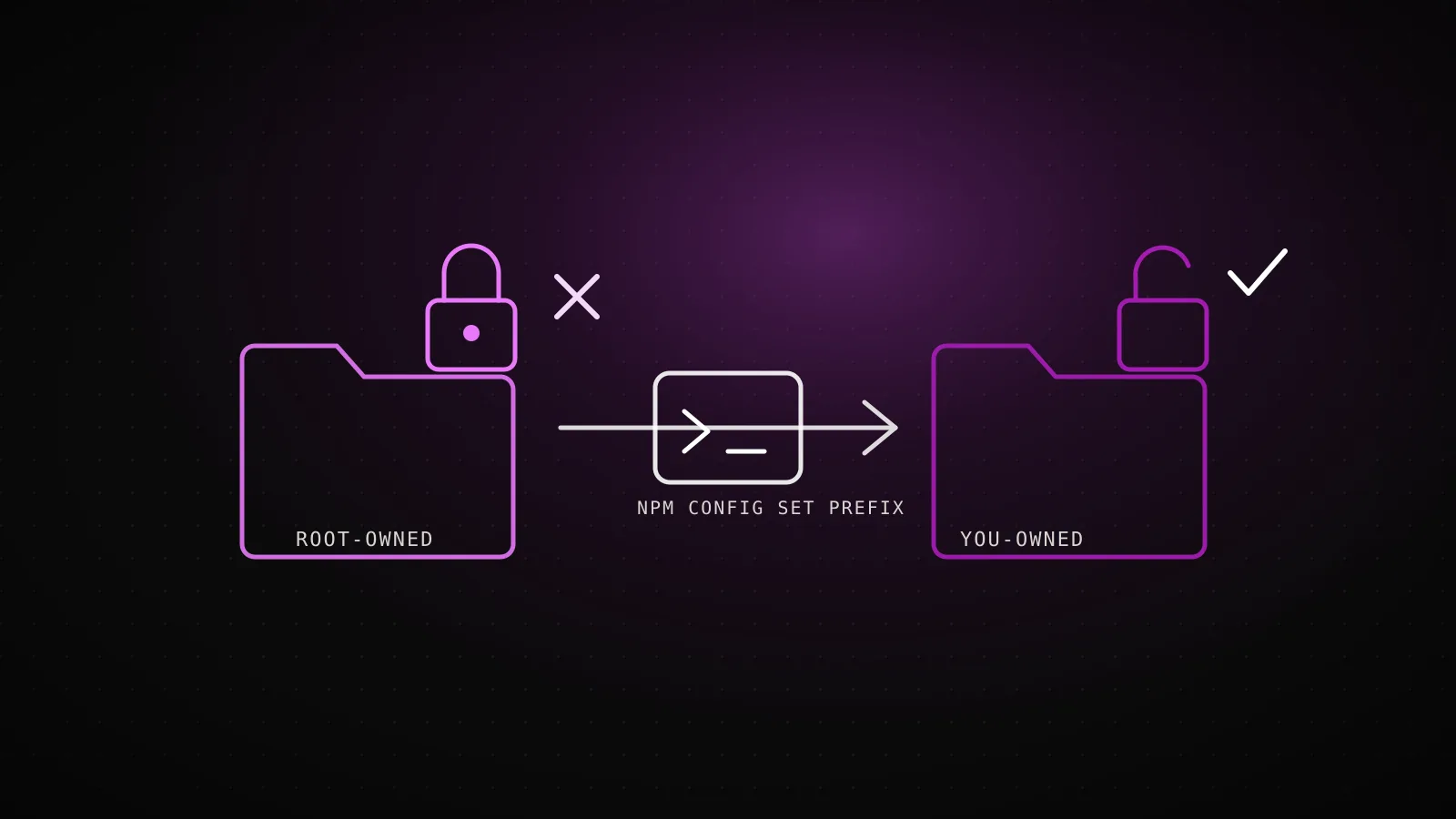
Made with DispatchSEO
On this page
npm, or the native installer, sometimes tries to write into a directory your current user account doesn't own. When that happens, Node.js reports it as EACCES: permission denied. Nothing about the download is broken; running the exact same install command again just hits the same ownership mismatch and fails the same way. The fix is to change which directory the install writes into, not to force the write through with sudo.
TL;DR: Run
npm config set prefix ~/.npm-global, make sure that directory exists and is on yourPATH, then reinstall withnpm install -g @anthropic-ai/claude-code. That points npm at a folder you own instead of a root-owned system one, so the error - and every update after it - stops happening. If you'd rather sidestep npm permissions entirely, Anthropic's own installer (curl -fsSL https://claude.ai/install.sh | bash) manages its own updates and never touches npm's global directory. Never fix this withsudo npm install -g- it papers over the symptom for one run and recreates the same problem on the next.
Why Claude Code throws EACCES in the first place
EACCES is a standard POSIX errno - "permission denied" - that Node.js surfaces whenever a process tries to create or write a file in a directory it doesn't have write access to. It has nothing to do with Claude Code's own code; npm and the native installer both hit it the same way any program would. Two install paths trigger it in slightly different places:
Four EACCES symptoms, and what actually causes each
npm error code EACCES ... mkdir '.../lib/node_modules/@anthropic-ai'npm's global prefix directory is owned by root - usually left there by an earlier sudo npm install -g, or by Node.js itself having been installed through a system package manager
Point npm at a directory you own (npm config set prefix ~/.npm-global), or skip npm and use the native installer
The exact same error returns the next time you update with npm install -g @anthropic-ai/claude-code@latestA one-off sudo npm install -g "fixed" it by writing the files as root, which just recreates the same root-owned directory for the next reinstall to trip over
The prefix fix is permanent because your account owns the directory afterward, not root - nothing recreates the problem
The native installer (curl -fsSL https://claude.ai/install.sh | bash) fails with a permission error~/.local/bin or ~/.claude doesn't exist yet, or was created by root at some point - a provisioning script, a container image built as root, an earlier sudo run
sudo mkdir -p ~/.local/bin && sudo chown -R $(whoami) ~/.local, then rerun the install command
Startup notice: Claude Code couldn't auto-update because the npm global directory isn't writableAn npm install where the account running Claude Code doesn't own its own package directory
Run claude doctor for the exact blocked path, apply the same prefix fix, or migrate to the native installer, which needs no npm permissions at all
Rows 1-3 reproduced for this guide; row 4 from code.claude.com's setup docs. Checked 2026-09-13.
The common thread across all four rows: something - usually a past sudo command, sometimes a system package manager that installed Node.js as root - left a directory owned by root in the path Claude Code (or npm, on its behalf) needs to write into as your normal user.
Reproducing it, and fixing it, for real
I didn't want to describe this error from memory, so I reproduced it for this guide: pointed npm's global prefix at a root-owned directory and ran the actual install command against the real @anthropic-ai/claude-code package (npm 10.9.8, Node 22.23.2).
EACCES to installed, four commands
npm install -g @anthropic-ai/claude-codenpm error code EACCES ... mkdir '.../lib/node_modules/@anthropic-ai'
npm config set prefix ~/.npm-globalSwitches future global installs to a directory you own
test -w ~/.npm-global && echo writablewritable
npm install -g @anthropic-ai/claude-codeadded 2 packages in 3s - claude --version then prints 2.1.270 (Claude Code)
Reproduced for this guide, 2026-09-13
Pointing npm's prefix at a root-owned directory and running npm install -g @anthropic-ai/claude-code reliably reproduces the exact error above against the real package - not a stand-in. Switching the prefix to ~/.npm-global and reinstalling, with nothing else changed, installs cleanly and claude --version prints 2.1.270 (Claude Code).
That's the whole bug, end to end - one root-owned directory, one EACCES, and one config change that makes it go away for good.
The fix for an npm global install
If you installed with npm install -g @anthropic-ai/claude-code and hit EACCES, don't reach for sudo. It looks like it works - the install completes - but it just moves the ownership problem instead of removing it:
root now owns your global npm folder
Directory ownership
drwxr-xr-x root root .../lib/node_modulesNext update
npm install -g ...@latest -> EACCES again
you own the folder Claude Code updates into
Directory ownership
drwxr-xr-x you you ~/.npm-global/lib/node_modulesNext update
npm install -g ...@latest -> succeeds, every time
Fix the prefix instead:
npm config set prefix ~/.npm-global
mkdir -p ~/.npm-global
Add the new bin directory to your shell's PATH so the installed command is found (append to ~/.zshrc on macOS, ~/.bashrc on most Linux distributions):
echo 'export PATH="$HOME/.npm-global/bin:$PATH"' >> ~/.zshrc
source ~/.zshrc
Then reinstall:
npm install -g @anthropic-ai/claude-code
If you already ran sudo npm install -g at some point and want to undo the root ownership instead of moving the prefix, sudo chown -R $(whoami) "$(npm config get prefix)" hands the existing global directory back to your account. Anthropic's own troubleshooting guide points to the prefix change as the default fix, and it's the one I tested above, so it's the one I'd reach for first.
If you'd rather not manage npm's prefix at all, the native installer sidesteps this entire class of error - it installs to ~/.local/bin, bundles its own runtime, and manages its own auto-updates without ever going through npm's global directory:
curl -fsSL https://claude.ai/install.sh | bash
The fix for the native installer
A smaller number of people hit EACCES from the native installer itself, not npm. It needs write access to two directories: ~/.local/bin (where the claude binary lands) and ~/.claude (settings and session state). Check both:
test -w ~/.local/bin && echo "writable" || echo "not writable"
test -w ~/.claude && echo "writable" || echo "not writable"
If either says "not writable" - usually because it doesn't exist yet, or a previous root process created it - create it and hand it back to your account:
sudo mkdir -p ~/.local/bin
sudo chown -R $(whoami) ~/.local
~/.claude follows the same pattern if that's the one failing:
sudo mkdir -p ~/.claude
sudo chown -R $(whoami) ~/.claude
Rerun the install command afterward. This is the one place a single sudo command is the right tool - you're using it to hand a directory back to your own account, not to force a write through as root.
Windows barely sees this error, and here's why
Claude Code's Windows install location sits under %USERPROFILE%, which your account owns by default - there's no shared system directory in the mix the way /usr/local or a root-installed Node.js creates on macOS and Linux. That's not a guess: it's what Anthropic's own installation docs say directly, and it matches why this keyword barely shows npm-EACCES results from Windows users at all.
If you do see a permission error on Windows, it's usually one of these instead, and none of them is the root-owned-directory bug covered above:
- A corporate policy or antivirus product locking the install directory or the
claude.exefile mid-write. - Windows Defender or an EDR agent quarantining the binary before the install finishes, which shows up as an access-denied error rather than a clean install failure.
- A locked file from a running process - close any terminal or editor with an active Claude Code session before reinstalling or updating.
Check whether the directory is actually the problem before chasing any of those:
Test-Path "$env:USERPROFILE\.local\bin"
Get-Acl "$env:USERPROFILE\.local\bin" | Format-List
Verify the fix and reinstall cleanly
After applying whichever fix matches your install method, confirm it actually took:
claude --version
A working install prints a version number followed by (Claude Code) - 2.1.270 (Claude Code) at the time this guide was tested. For a deeper check that also validates settings files and reports any lingering install issues, run:
claude doctor
claude doctor is worth running even if claude --version already works - it's the same command the auto-update notice points to, and it names the exact directory it's still blocked on if permissions aren't fully fixed yet.
When it's a different error wearing the same message
Not every install failure after an EACCES fix is the same bug resurfacing. Three real ones worth ruling out before you re-chase permissions:
Error: claude native binary not installed- the package downloaded, but the postinstall step that copies the real binary into place didn't run (--ignore-scripts,--omit=optional, or an.npmrcwithoptional=false). No amount of permission fixing solves this; reinstall without those flags, or runnode node_modules/@anthropic-ai/claude-code/install.cjsdirectly.npm error code ENOTEMPTYduring an update or reinstall - npm couldn't move the old package directory aside, usually because an earlier interrupted install left temp directories behind. Delete$(npm root -g)/@anthropic-ai/claude-codeand any$(npm root -g)/@anthropic-ai/.claude-code-*leftovers, then reinstall.command not found: claudeafter a clean install - a different bug with a different fix: the binary installed fine, but the directory it landed in isn't on your shell'sPATH. The command-not-found guide covers the exact fix per shell.
Honest limits: what a permission fix won't solve
Fixing directory ownership resolves the install. It doesn't touch Claude Code's own permission rules - the allow/ask/deny settings that govern which tools and commands Claude can run once it's installed and working. Those two systems share the word "permission" and nothing else; an EACCES fix here won't change a single prompt you see once claude is actually running.
It also won't help on a machine where you genuinely don't have sudo access to fix directory ownership at all - a locked-down corporate laptop or a shared server where an admin controls /usr/local and your home directory's provisioning. On those, the native installer's advanced options or asking whoever provisions the machine to pre-create ~/.local/bin and ~/.claude as your user are the realistic paths forward, not another permission command run as yourself.
FAQ
What does "EACCES: permission denied" mean in Claude Code?
It means npm, or the native installer, tried to write into a directory your current user account doesn't own - most often npm's global package folder after an earlier sudo install, or ~/.local/bin and ~/.claude if they were created by root at some point. It's a filesystem permission mismatch, not a corrupted download, and rerunning the same install command reproduces the identical failure.
How do I fix EACCES during npm install -g @anthropic-ai/claude-code?
Run npm config set prefix ~/.npm-global, create that directory if it doesn't exist, add ~/.npm-global/bin to your PATH, then reinstall with npm install -g @anthropic-ai/claude-code. This points npm at a folder your account owns instead of a root-owned system directory, so the install - and every update after it - stops needing elevated permissions. Anthropic's own guidance is to skip npm entirely and use the native installer if you'd rather avoid this class of error altogether.
Why did sudo npm install -g fix it once but bring the error back on the next update?
sudo doesn't fix the underlying permission problem, it just runs the install as root, which writes the package files as root-owned. The directory is still root-owned after that command finishes, so the next plain npm install -g @anthropic-ai/claude-code@latest hits the exact same EACCES error. The prefix fix is permanent because it makes your own account the owner, not root, so nothing recreates the mismatch.
Does EACCES happen on Windows?
Rarely. Claude Code's install locations on Windows sit under %USERPROFILE%, which your account owns by default, so the directory-ownership mismatch that causes EACCES on macOS and Linux mostly doesn't arise there. If you do see a permission error on Windows, it's typically a corporate policy, antivirus software, or a locked file rather than the classic root-owned-directory cause - check directory permissions with the PowerShell commands in this guide before assuming it's the same bug.
Does EACCES mean my Claude Code install is broken?
No. The binary or package downloaded correctly in almost every case - the install just couldn't finish writing files into a directory it isn't allowed to touch. Fixing the directory permissions and reinstalling resolves it without needing to troubleshoot the download itself. A genuinely broken install shows a different error, like claude native binary not installed or an ENOTEMPTY error during an update.
It's an ownership problem, not an install problem
I keep coming back to how much confusion this one error causes for how small the actual bug is: one directory, owned by root instead of by you. Hand that directory back to your own account, or pick the install method that never touches a root-owned one, and the error is gone for every future install and update, not just this one. If you're setting up from scratch rather than fixing an existing install, the complete install guide walks through every platform's install command before permissions become a factor, and my free Claude Code setup walkthrough is the fast way past the generic defaults once claude actually runs.