Claude Code Remote Control Not Working: Fix Connecting, Login and Failed Errors
 By Neo Zino - builder of ClockedCode9 min read
Remote Control fails for six setup reasons and eight exact error messages. Find yours, see the cause, and run the one command that clears it. Tested on 2.1.308.
Made with DispatchSEO
On this page
Remote Control refuses to start for one of six setup reasons: the wrong plan, no claude.ai login, a session not talking to api.anthropic.com, a disabled feature-flag variable, an untrusted folder, or an organization policy. If it started and then broke, you are looking at one of a short list of exact error messages, each with a one-line fix. Work down the list below and stop at the first thing that matches.
TL;DR: Run
claude auth status. IfloggedInis false, runclaude auth login. If you are signed in, checkecho $ANTHROPIC_BASE_URLand whether you use Bedrock, Foundry or a proxy, because any of those rules Remote Control out. Still stuck on a Team or Enterprise plan? An Owner has to switch it on at claude.ai/admin-settings/claude-code.
Which setups rule Remote Control out before you type anything?
Most "not working" reports I see are not a broken connection at all. The setup was never eligible. The Remote Control docs list the requirements, and I have put them in the order I would check them.
Six ways Remote Control is ruled out before it connects
- 1
Plan
Ruled out by: An API key, or no paid claude.ai plan
Fix: Pro, Max, Team or Enterprise only
- 2
Login
Ruled out by: Signed out, or signed in with a key
Fix: Run /login and pick the claude.ai account
- 3
Endpoint
Ruled out by: Bedrock, Vertex-style, Foundry, or ANTHROPIC_BASE_URL on another host
Fix: Unset the variable and restart the session
- 4
Feature flags
Ruled out by: CLAUDE_CODE_DISABLE_NONESSENTIAL_TRAFFIC or DISABLE_GROWTHBOOK
Fix: Unset it in your shell and in the settings env block
- 5
Folder trust
Ruled out by: A directory you never trusted, run with no terminal attached
Fix: Run claude once in that folder and accept the trust prompt
- 6
Org policy
Ruled out by: Team or Enterprise toggle off, HIPAA, or a missing role
Fix: An Owner enables it in admin settings
From the Requirements section of code.claude.com's Remote Control page, checked 2026-10-22.
Two of those catch people who did everything right. The first is the endpoint rule: if ANTHROPIC_BASE_URL points anywhere except api.anthropic.com, Remote Control is off, even when you are signed in with claude.ai. That includes a company LLM gateway and the setups in the Claude Code proxy guide. The second is the variable rule. Setting CLAUDE_CODE_DISABLE_NONESSENTIAL_TRAFFIC or DISABLE_GROWTHBOOK turns Remote Control off, and it does not matter whether you set them in your shell or in the env block of a settings.json. DISABLE_TELEMETRY and DO_NOT_TRACK alone are fine, but only from v2.1.283 (v2.1.304 in the Claude Desktop app), so an older build is another way to hit it. Check your version first with the steps in how to update Claude Code.
What does it look like when you are simply not signed in?
This is the one I could reproduce myself. On the signed-out build sandbox I wrote this on, claude remote-control does not hang on "connecting" or print "failed". It exits straight away:
The full message adds "Remote Control is only available with claude.ai subscriptions. Run claude auth login to sign in with your claude.ai account." Per the docs, before v2.1.302 the same situation produced one of the errors in the next section instead, so an older install can show a more confusing message for the same cause.
There is a second wrinkle. claude remote-control exits with the error, but claude --remote-control still starts a normal interactive session and shows a Remote Control failure notification a moment after launch. So if the session opened fine and a red notification appeared, that is still this problem. Run /login, pick the claude.ai account, and try /remote-control again.
Sign-in has an expiry too. If your organization requires Trusted Devices, your sign-in must be under 18 hours old, and an unenrolled device gets its own message. Both are fixed by running /login.
Which exact message are you seeing, and what clears it?
Match the message you have against these. The strings are copied from the docs' troubleshooting section, and I checked them against 2.1.308 on 2026-10-22.
Find your message, read across
Remote Control is only available when using Claude via api.anthropic.com
The session is routed through Bedrock, Foundry, a gateway or a proxy URL
Unset the variable the message names, then restart
Remote Control is disabled by your organization's policy
Admin toggle off, disableRemoteControl in managed settings, HIPAA, or a stale org login
Run /status to see which org you are signed in under
Couldn't verify your organization's policy for remote control
Claude Code started offline, before the VPN, or behind a proxy
Restore the network, then run /remote-control again
Remote credentials fetch failed
Not signed in, outbound port 443 blocked, or an inactive subscription
claude remote-control --verbose shows the underlying error
Couldn't reconnect to your Remote Control session
A resumed conversation could not reach its old session, usually a network blip
Run /remote-control to retry
Previous session is unavailable - run /remote-control to start a new one
The old remote session could not be brought back
Run /remote-control for a fresh session
Remote Control got an unexpected server response
The server replied in a form this version cannot read
claude update, then /remote-control
session expired for trusted-device check
Trusted Devices is on and your sign-in is over 18 hours old
Run /login, or confirm with a passkey or biometric
Exact strings from the troubleshooting section of code.claude.com's Remote Control page, checked 2026-10-22.
Three of those deserve more than a table row.
"Remote credentials fetch failed" is the generic one. Claude Code could not get a short-lived credential from the Anthropic API. Run it again with the verbose flag and read what comes back:
claude remote-control --verbose
If you also see Session creation failed - see debug log, the failure happened earlier, and the thing to check is that your subscription is active. Add --debug-file ./rc.log if you want the log on disk to attach to a report.
"Remote Control got an unexpected server response" means retrying on the same version fails the same way. The fix is the boring one: claude update, then /remote-control.
"Previous session is unavailable" shows up after claude --resume or claude --continue. One detail from the docs worth knowing: if you run /remote-control after that message without restarting Claude Code first, the new remote session leaves out the conversation's earlier messages. Restart first if you need the history on your phone.
Why does it block you with an organization policy on a personal plan?
"Remote Control is disabled by your organization's policy" has five different causes, and the docs list them in a useful order. The one I would check first, because it is the least obvious: you are on a Pro or Max plan, but Claude Code is still signed in under a Team or Enterprise organization from an earlier login, so it checks that organization's rule instead of yours.
# inside a session
/status
# if it shows the wrong organization
claude auth logout
claude auth login
The other causes, in the order the docs give them:
- The error mentions
disableRemoteControl. Your IT admin turned it off in managed settings for this machine. - The message does not tell you to contact your admin. The organization has the HIPAA configuration applied, which turns Remote Control off.
/statusshowsHIPAAon theOrganization configurationline. - It works for colleagues but not you. On Enterprise with custom roles, you need both the cloud sessions permission and the Claude Code remote control permission.
- Nothing else matches. On Team and Enterprise it is off by default, and an Owner has to turn on the Remote Control toggle in admin settings. That toggle is a server-side setting, so nothing on your machine fixes it.
A related one: "Couldn't verify your organization's policy for remote control" means Claude Code could not fetch the policy at all. That happens when you start offline, before a VPN connects, or behind a proxy that interferes. Reconnect and run /remote-control again. No restart needed. claude doctor has an Organization policy line that says why the policy did not load.
It worked yesterday. What changed?
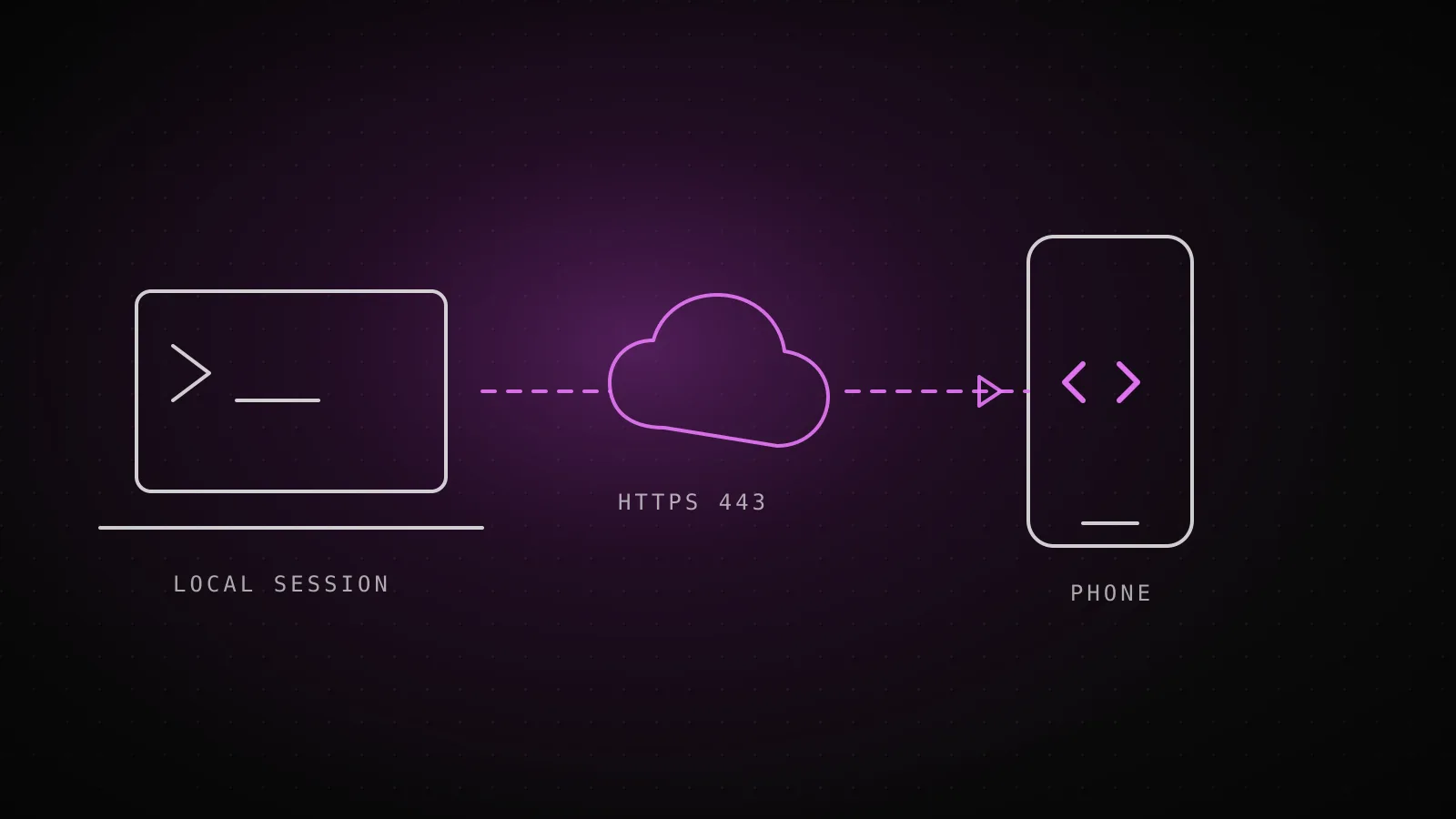
Remote Control only makes outbound HTTPS requests and never opens an inbound port, so a normal home or office network is fine. It needs port 443 to the Anthropic API. If it died after a network change, that is the first thing to look at.
A few failures are not failures:
- Laptop slept. Claude Code reconnects on its own when the machine comes back. Give it a moment before assuming it broke.
- "Another connection took over this session". Another device or Claude Code process has the session now. Run
/remote-controlonly if you want it back. - "This session was ended or archived from another device or app". Same rule. Running
/remote-controlreopens an archived session. - Policy changed mid-session. "Remote Control was turned off by your organization's policy" means an admin switched it off while you were connected. The session keeps running locally, and it does not reconnect on its own once the policy allows it again. An open session picks up the change about once an hour.
If you want it on every time, set Enable Remote Control for all sessions in /config, or remoteControlAtStartup to true in your user ~/.claude/settings.json. A true in a project's .claude/settings.json is ignored on purpose, so a checked-in file cannot turn it on for everyone who opens the repo. The settings guide covers where each file sits.
When Remote Control is the wrong tool
Skip it if you are on Bedrock or Vertex-style auth, behind a gateway you cannot unset, or in an organization under HIPAA or Zero Data Retention. None of those can use it, and no setting changes that. Also remember where the work happens: your machine has to stay awake with the terminal process running. If you want the task to run with your laptop closed, that is a cloud session, which is a different feature.
What I could not test here: the connected states, because the sandbox I build on is signed out and has no phone. Everything past the login gate comes from the current docs, not from a run of my own, and I have said so where it applies. If your version is much older than 2.1.308, wording may differ, so run claude doctor first. If the basics (the install, the PATH, the login) are the problem rather than Remote Control, start with Claude Code not working and check whether Claude Code itself is down.
FAQ
Why does Claude Code say "You must be logged in to use Remote Control"?
Remote Control only works with a claude.ai subscription login, so a signed-out install, or one using an API key, stops at that message. Run claude auth login (or /login inside a session) and pick the claude.ai account. claude auth status should then report loggedIn as true.
Does Remote Control work with an API key, Bedrock or a proxy?
No. It needs a claude.ai login on Pro, Max, Team or Enterprise, and it needs the session to talk to api.anthropic.com directly. Amazon Bedrock, Google Cloud's Agent Platform, Microsoft Foundry, and any ANTHROPIC_BASE_URL pointing at another host (an LLM gateway or proxy) all rule it out until you unset the variable.
Why does it say Remote Control is disabled by my organization's policy when I am on a personal plan?
Usually Claude Code is still signed in under an old Team or Enterprise organization from an earlier login. Run /status to see which plan and organization your sign-in uses, then claude auth logout and claude auth login to sign in again under your current plan.
Why does Remote Control disconnect after my laptop sleeps?
It is meant to reconnect on its own when the machine comes back online. If it does not, Claude Code shows the reason in a notification, and running /remote-control reconnects it. If the reason says another connection took over the session, only run it if you want the session back.
How do I see why Remote Control is failing?
Run claude remote-control --verbose for the full connection log, or add --debug-file with a path to write it to disk. Inside a session, /remote-control opens a status panel, and claude doctor reports an Organization policy line that says why a policy did not load.