Jira MCP with Claude Code: Connect, Sign In and Fix the 401s and 403s
 By Neo Zino - builder of ClockedCode11 min read
Connect Jira to Claude Code through Atlassian's official MCP server: the one-line command, OAuth vs API token, which Jira tools can write, and what 401 and 403 mean.
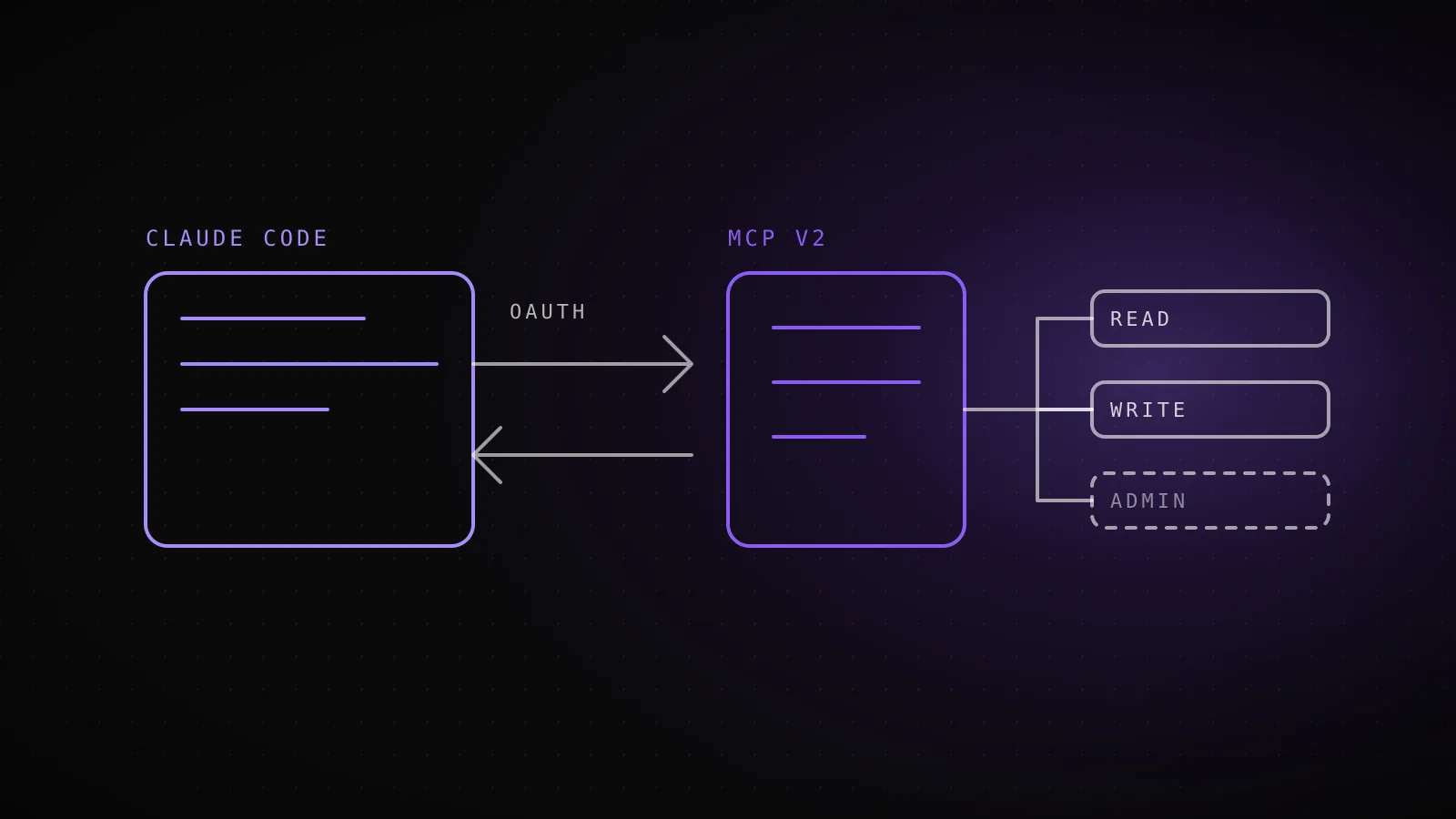
Made with DispatchSEO
On this page
Jira goes into Claude Code with claude mcp add --transport http atlassian https://mcp.atlassian.com/v2/mcp, followed by /mcp inside a session to finish an OAuth sign-in in your browser. After that Claude can search issues with JQL, read a ticket, comment, and move it through your workflow, all under your own Jira permissions. Most of the trouble people hit comes after that command: a 401 from a token header, a 403 that looks like a sign-in failure, or a write tool that is simply switched off.
TL;DR: Use the v2 endpoint
https://mcp.atlassian.com/v2/mcpand OAuth. Confirm withclaude mcp list, which shows "Needs authentication" until you sign in through/mcp. API tokens work for headless use only if an org admin turned them on. Jira has 52 tools in five groups: reading, searching and writing are on, whiledelete_jiraandmanage_jiraneed an admin. A 403 after a good sign-in is a permissions or scope problem, not a connection problem.
Which URL do you add, and does it cover Confluence too?
Atlassian runs one hosted server, the Rovo MCP server, and it covers more than Jira: Confluence, Jira Service Management, Bitbucket, Projects, Goals and Loom recordings sit behind the same endpoint. You add it once. Searching for a "Jira MCP" mostly turns up older community servers, and you do not need one of those to read tickets.
claude mcp add --transport http atlassian https://mcp.atlassian.com/v2/mcp
Three endpoints exist, and the docs treat them differently:
| Endpoint | Status | What to do |
|---|---|---|
https://mcp.atlassian.com/v2/mcp | Recommended | Use this one |
https://mcp.atlassian.com/v1/mcp | Still supported | Existing v1 connections already use v2 tools; on March 1, 2027 the move becomes automatic |
/v1/sse | Deprecated | Support ended after 30 June 2026, so point old configs at /mcp |
That command writes the server at the default local scope. For a tool you use every day, add -s user so it follows you into every project, the same scope flags covered in adding any MCP server to Claude Code. If you would rather pick from a list than type the command, the MCP config generator builds it for you.
What does it look like when you add it, and when you get the credential wrong?
Add it, list it, then see what a bad token says
claude mcp add --transport http atlassian https://mcp.atlassian.com/v2/mcpAdded HTTP MCP server atlassian with URL: https://mcp.atlassian.com/v2/mcp to local config
claude mcp listatlassian: https://mcp.atlassian.com/v2/mcp (HTTP) - ! Needs authentication
claude mcp add-json atlassian-token '{"type":"http","url":"https://mcp.atlassian.com/v2/mcp","headers":{"Authorization":"Basic PLACEHOLDER"}}'atlassian-token: ... Failed to connect - Server rejected the configured Authorization header (HTTP 401) ... OAuth fallback is disabled when headers.Authorization is set. Error detail: {"error":"invalid_token"}
Run for real in a scratch project on Claude Code 2.1.302, 2026-10-18. The placeholder token is deliberate: it captures the exact failure text a wrong or expired credential produces.
I ran this in a scratch project on Claude Code 2.1.302. The add command only writes config, so its "Added HTTP MCP server" line proves nothing about whether Atlassian is reachable. claude mcp list is the real check, and it reported atlassian: https://mcp.atlassian.com/v2/mcp (HTTP) - ! Needs authentication. That is the normal starting state for an OAuth server, not an error.
To finish, open a session, run /mcp, select atlassian, and approve the consent screen for your Atlassian site. From a plain shell, claude mcp login atlassian opens the same flow without starting a session. Run claude mcp list again and the status flips to connected.
The third row is the one worth remembering. I added a second entry with a made-up Authorization: Basic PLACEHOLDER header, and the server answered with HTTP 401 and {"error":"invalid_token"}. Claude Code's message says it plainly: "OAuth fallback is disabled when headers.Authorization is set." So a stale token never degrades into a browser prompt. If you see that 401, either fix the token or delete the header and use OAuth. The wider triage for servers that will not connect lives in the MCP server not working guide.
OAuth, a personal API token, or a service account?
OAuth 2.1
No header. Browser sign-in via /mcp- For
- You, at your own terminal
- Needs
- A browser and a supported Atlassian Cloud site
Personal API token
Authorization: Basic <base64(email:api_token)>- For
- You, headless or over SSH
- Needs
- An admin has enabled API token auth
Service account key
Authorization: Bearer <api_key>- For
- CI jobs and shared automation
- Needs
- An admin creates the account and its scoped key
OAuth 2.1 is the default and the right choice at your own keyboard. Atlassian says it keeps every action inside your existing access controls. The other two exist for machines:
- Personal API token. Send
Authorization: Basic <base64(email:api_token)>. Create the token with the scopes you need, note the email it belongs to, and encode the pair withecho -n "you@example.com:YOUR_TOKEN" | base64. - Service account API key. Send
Authorization: Bearer <api_key>. An admin creates the service account and its key. Atlassian suggests keeping it in a secrets manager or CI secret store.
Both depend on a switch you may not control: an org admin has to enable API token auth under Atlassian Administration, then Rovo, then Rovo MCP server, then Authentication. If it is off, OAuth is your only option. Jira Service Management tools are the odd case, since they accept API token authentication only.
For the token route in Claude Code, add-json carries the header:
claude mcp add-json atlassian '{"type":"http","url":"https://mcp.atlassian.com/v2/mcp","headers":{"Authorization":"Basic <base64>"}}'
Atlassian's own page only shows a generic mcp.json block here, not a Claude Code command, so that line is the documented JSON shape adapted to add-json, not something I could run against a real token. Token auth also has a smaller tool set than OAuth, because some scopes cannot be granted to personal tokens or keys. And tools are not bound to one cloudId, so you need to pass the right one when your account spans several sites.
Which Jira tools can change data?
Jira tool groups, Atlassian MCP v2
read_jira27 tools - Read - OngetJiraIssue, listJiraBoards
search_jira1 tool - Search - OnsearchJiraIssuesUsingJql
write_jira15 tools - Write - OncreateJiraIssue, transitionJiraIssue
manage_jira6 tools - Read and write - Admin enablescreateJiraProject, getJiraWorkflows
delete_jira3 tools - Delete - Admin enablesdeleteJiraIssue, deleteJiraComment
I tallied these from Atlassian's Supported tools page for v2. Jira has 52 tools in five groups. Reading is the bulk of it: 27 tools for issues, boards, sprints, transitions, comments, changelogs, filters and dashboards. searchJiraIssuesUsingJql sits alone in its own search group, and it is the tool Claude will reach for first on any "find me" request.
The write_jira group has 15 tools, including createJiraIssue, editJiraIssue, transitionJiraIssue, addOrEditJiraIssueComment and addOrEditJiraIssueWorklog. These are on by default. That surprised me: connecting in a hurry gives Claude the ability to edit and transition tickets, not just read them.
The risky groups are off. delete_jira (three tools) and manage_jira (six, covering workflows, screens and project creation) stay disabled until an admin enables them. If Claude says it has no tool to delete a ticket, that is the reason, not a bug.
Atlassian also states that only "Primary" tools appear directly and the rest are discovered on demand. So the tool list in /mcp will be shorter than the table, and the exact names Claude Code shows can differ from the Atlassian ones. Check /mcp before writing any permission rule against a specific name.
How do you keep it read-only anyway?
Two layers. The server enforces your Atlassian permissions, so a service account scoped to read access cannot write however it is asked. On the Claude Code side, a deny rule in settings.json blocks tools by name, and mcp__atlassian as a prefix matches everything from that server. If you want reads only, deny the write tools you can see in /mcp rather than guessing. How those rule files layer is covered in Claude Code settings.
Which prompts are worth running first?
These map to tools from the lists above. I have not run them against a live Jira site, so treat the tool names as what Atlassian documents rather than a transcript:
| Prompt | Tools it should reach for |
|---|---|
| "Find my open bugs in project PAY, newest first" | searchJiraIssuesUsingJql |
| "Summarize PAY-412 and list its comments" | getJiraIssue, listJiraIssueComments |
| "What status can PAY-412 move to?" | listJiraIssueTransitions |
| "Move PAY-412 to In Review and comment with the PR link" | transitionJiraIssue, addOrEditJiraIssueComment |
| "Create a bug under PAY-400 from this stack trace" | getJiraIssueTypeMetaWithFields, createJiraIssue |
| "What is in the current sprint?" | listJiraBoards, listJiraBoardSprints, getJiraBoardSprintData |
The most useful habit is the ticket-to-branch loop: paste an issue key, ask Claude to read it, implement it, and open the pull request with the key in the title. If you also connect GitHub, the GitHub MCP guide covers the other half of that loop. Ask for the transition list before a status change, since workflows differ per project and a wrong guess just fails.
Why do you get a 403 after a clean sign-in?
Atlassian's troubleshooting page separates the failures, and they point at different causes:
| Symptom | What Atlassian says it is | What to do |
|---|---|---|
| "You don't have permission to connect from this IP address" | IP allowlisting is blocking the request | Ask a site, org or workspace admin to review the allowlist |
| Sign-in works, tool calls return 403 | Insufficient scopes, app permissions or another access policy, not the IP allowlist | Read the denial reason before touching the allowlist |
| Auth fails after the move to v2 | Cached client IDs or .well-known credentials | Clear them and sign in again |
| A tool you expect is missing | delete_jira and manage_jira are off by default, and only Primary tools show directly | Ask an admin, or look for the on-demand version |
| Your AI client is blocked | Admins can restrict which external AI tool domains connect | Ask the admin who owns Rovo MCP server settings |
One thing I could not find in the docs is a specific "domain mismatch" error string for enterprise sites. What the docs do give you is the shape of the problem: if you belong to several sites, pass the right cloudId, and if an admin has restricted client domains, that is a policy block rather than something you fix in Claude Code. For a stuck connection that is not an Atlassian-side issue, the general checks in the not-working guide apply first.
When is the Atlassian MCP server the wrong tool?
Skip it if your Jira lives on Server or Data Center. Atlassian lists Cloud as the prerequisite and describes no self-hosted path. Skip it too if you only read a ticket once a day and copy-paste does the job, because the server adds its tools to Claude Code's context on every turn it is connected. Trimming that overhead is worth reading before you leave several servers on. And heavy use costs something on Atlassian's side: Rovo MCP calls consume Rovo credits from your organization's shared pool, which is a conversation to have with whoever owns the plan.
FAQ
What is the command to connect Jira to Claude Code?
claude mcp add --transport http atlassian https://mcp.atlassian.com/v2/mcp adds Atlassian's official remote server. Then start a session, run /mcp, pick atlassian, and finish the OAuth 2.1 sign-in in the browser. The same server covers Jira, Confluence, Jira Service Management, Bitbucket, Projects, Goals and Loom recordings, so there is no separate Jira-only server to install.
Can I use a Jira API token instead of OAuth?
Yes, but only if an organization admin has enabled API token authentication for the Rovo MCP server. A personal token goes in an Authorization: Basic header holding base64 of email:api_token, and a service account key goes in an Authorization: Bearer header. Claude Code does not fall back to OAuth once an Authorization header is set, so a bad token fails with a 401 instead of opening a browser.
Why do I get a 403 after signing in successfully?
Atlassian's troubleshooting page says a sign-in that works but tool calls that return 403 point to insufficient scopes, app permissions or another access policy, not the IP allowlist. Check the denial reason first. The server acts with your existing Atlassian permissions, so a project you cannot open in Jira will not open through Claude Code either.
Can Claude Code delete Jira issues through MCP?
Not by default. Atlassian ships the delete_jira group (deleteJiraIssue, deleteJiraComment, deleteJiraIssueAttachment) and the manage_jira group disabled until an admin enables them. The write_jira group, which creates and edits issues and transitions them, is on by default.
Does the Jira MCP server work with Jira Server or Data Center?
Atlassian's getting-started page lists the prerequisite as an Atlassian Cloud site with at least one supported product. It does not describe a Server or Data Center path, so treat this server as Cloud-only and check Atlassian's docs before assuming otherwise.
Connect it once, then let the ticket drive the work
The setup is one command and one browser approval; the part that deserves your attention is the write group being on by default. Decide up front whether Claude should transition tickets or only read them. Picking Jira is the smaller choice, and the MCP servers worth running next to it are where ClockedCode's curated setup, and its tuned CLAUDE.md, saves the remaining config work.