What Are the Best MCP Servers for Claude Code in 2026?
 By Neo Zino - builder of ClockedCode5 min read
The best MCP servers for Claude Code in 2026: 6 official, free connectors for tools you use daily, verified on a real shipped product, no padding.
On this page
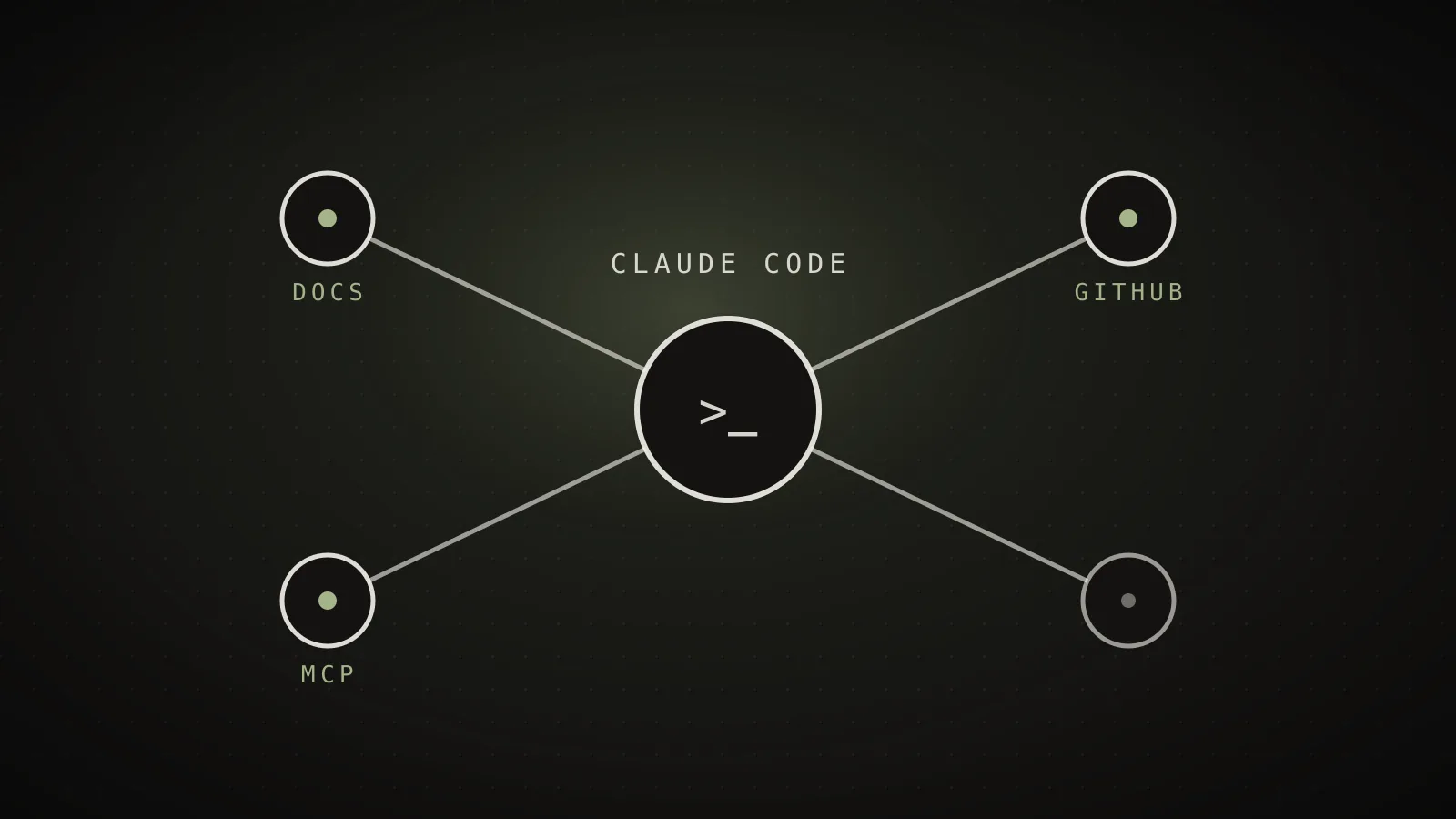
The best MCP servers for Claude Code in 2026 are the official, free ones that connect a tool you already use every day, not a long directory of connectors you install once and forget. After running a shipped product through Claude Code daily, six earn a permanent place: Context7 for live documentation, GitHub for repos and pull requests, Supabase for the database, Sentry for errors, Vercel for deployments, and Playwright for browser testing. Everything else is situational, and situational MCP servers cost context every single turn whether you use them or not.
TL;DR: Install Context7 (current docs), GitHub, Supabase, Sentry, Vercel, and Playwright - all official, all free, all connecting something you touch daily on a real product. Each is added with one
claude mcp addcommand. Six is the number that earns its keep; a bigger list mostly just eats your context window.
What is an MCP server in Claude Code?
An MCP server is a connection between Claude Code and an external tool or service, added with claude mcp add, that exposes a set of callable actions instead of you copy-pasting data back and forth. Once connected, Claude can read a GitHub issue, query a Supabase table, or look up a Sentry error directly, in the same conversation, instead of you fetching it and pasting it in. The tradeoff is that every connected server sends its full tool list into the context window on every turn, so the honest question for any server is not "is this useful" but "do I use this often enough to pay for it on every single message."
The 6 best MCP servers for Claude Code
1. Context7. Fetches current, version-specific documentation for the library or framework you are actually using, instead of Claude answering from training data that may be a year or more out of date. This is the single highest-value server for anyone working in a fast-moving stack (a new major version of a framework, a renamed API, a deprecated flag) because it replaces confident-but-wrong answers with the real docs. Free, official, install with:
claude mcp add --scope user --transport http context7 https://mcp.context7.com/mcp
2. GitHub. The official GitHub MCP server lets Claude Code read issues, open and review pull requests, check CI status, and search code directly in your repositories, instead of you narrating repo state into the chat. It needs a personal access token (repo and read:org scopes at minimum):
claude mcp add --scope user --transport http github https://api.githubcopilot.com/mcp -H "Authorization: Bearer <YOUR_TOKEN>"
3. Supabase. Connects Claude Code straight to your Supabase project so it can inspect your schema, query tables, and check RLS policies instead of you describing your database out loud every session. If you are building on Supabase, this closes the single biggest gap between "Claude guesses your schema" and "Claude reads your schema":
claude mcp add --scope user --transport http supabase "https://mcp.supabase.com/mcp" -H "Authorization: Bearer <YOUR_TOKEN>"
4. Sentry. Lets Claude pull the actual error, stack trace, and (where available) Sentry's own root-cause analysis directly, instead of you copying a stack trace out of the dashboard by hand. For "something broke in production, go look" this is the fastest path from report to fix:
claude mcp add --scope user --transport http sentry https://mcp.sentry.dev/mcp
5. Vercel. The official Vercel MCP server gives Claude Code access to your deployments and build/runtime logs, so when a deploy fails it can read the actual log instead of you pasting the failure back in. It is an OAuth connection, so the first run opens a browser tab to authorize:
claude mcp add --scope user --transport http vercel https://mcp.vercel.com
6. Playwright. Drives a real browser so Claude Code can click through a flow, read the rendered page, and check console errors itself, instead of you describing what you see on screen. This is the one that turns "I think the button works" into "I watched it work":
claude mcp add --scope user playwright npx @playwright/mcp@latest
How do I install an MCP server in Claude Code?
Run claude mcp add with a scope, a name, and either a URL (for a hosted server) or a command (for a local one), then confirm it connected with claude mcp list. Most of the servers above are hosted and OAuth- or token-based, so after adding one, type /mcp inside Claude Code to finish authorizing it. Use --scope user for anything you want available in every project, and reserve project scope (a .mcp.json file at the repo root) for a connector that only makes sense in that one codebase.
Do more MCP servers make Claude Code better?
No - past the tools you actually use, more MCP servers make Claude Code slower and more expensive, not smarter. Every connected server sends its full tool schema into the context window on every turn, whether you call it or not, so five servers "just in case" can cost 15,000 or more tokens before you type a word. I have written a full walkthrough of measuring and cutting that cost if your MCP list has grown past what you actually use - the fix is /context to see the damage, then remove or scope down anything that fails the "would I notice this week" test. The rule that keeps a setup fast: a server earns its place by daily use, not by being available.
What MCP servers does ClockedCode ship?
ClockedCode ships the six servers above as part of its curated 10-tool Claude Code setup, alongside the skills and hooks that pass the same daily-use bar, plus a tuned global CLAUDE.md. Every one of them is something I use on this actual product, not a list padded to look complete - that is the whole filter. One paste sets up the connectors, the install snippet for each, and the CLAUDE.md rules that make sure Claude actually reaches for them.