How to Make MCP Servers Not Take Up As Much Context in Claude Code
 By Neo Zino - builder of ClockedCode6 min read
MCP servers inject every tool definition into Claude Code's context on every turn. Here is how to audit the damage and cut it without losing the tools you use.
On this page
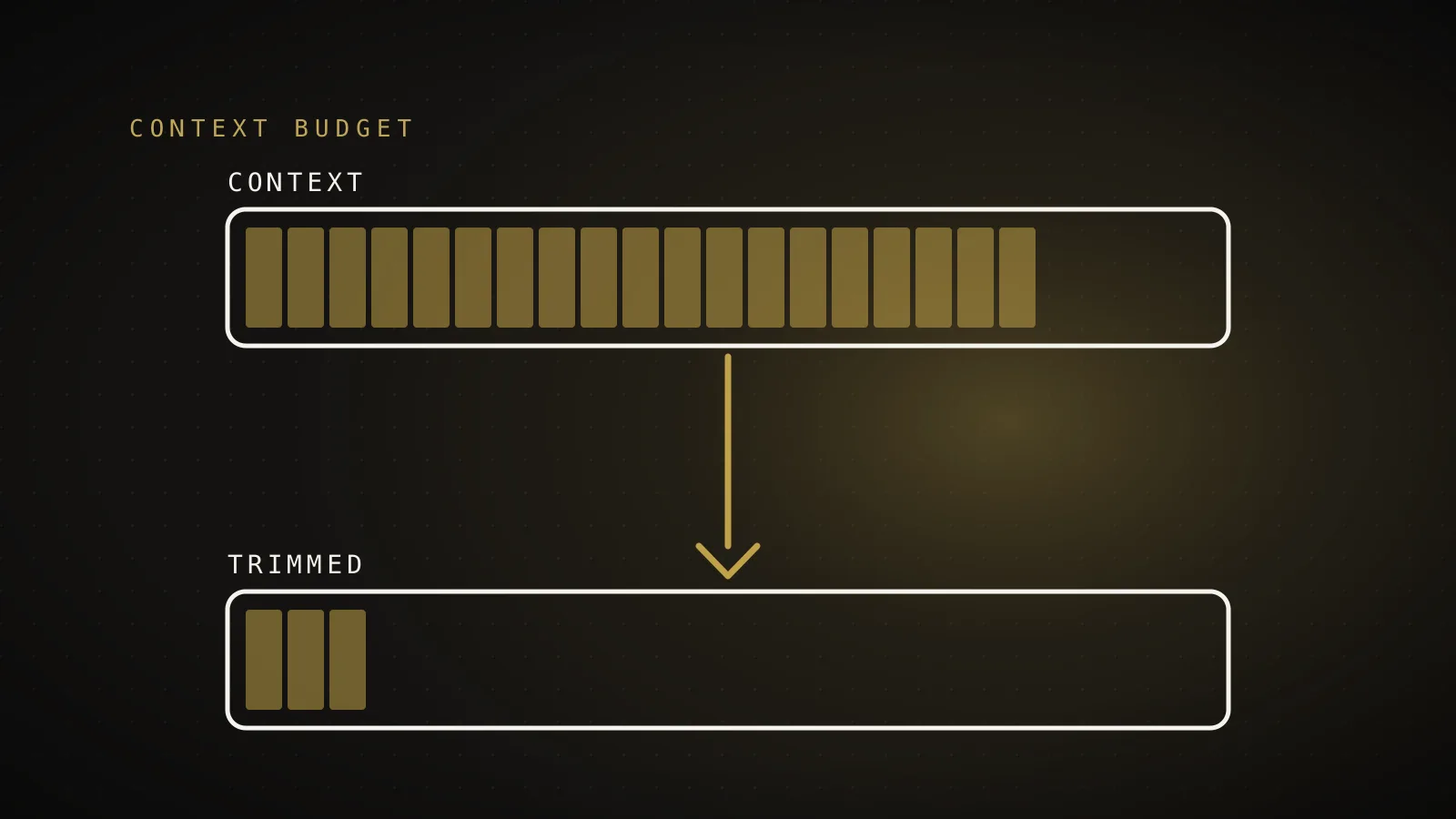
MCP servers eat Claude Code context because every connected server injects all of its tool definitions into the context window, on every turn, whether you call them or not. A single heavy server can carry 30 or more tools at roughly 400 to 800 tokens each, so connecting it costs you 15,000+ tokens before you type a word. Connect five servers "just in case" and a meaningful slice of your 200k context is gone at session start. The fix is not to abandon MCP - it is to measure what each server costs, drop what you do not use, and scope the rest so they only load where they earn their keep.
TL;DR: Run
/contextto see exactly how many tokens your MCP tools consume. Then: remove servers you have not used in a week, move project-specific servers out of your global config and into per-project.mcp.jsonfiles, prefer a CLI or a skill for anything you touch rarely, and pick lean servers over kitchen-sink ones. Most setups can cut thousands of tokens per turn in ten minutes.
Why do MCP servers take up so much context in Claude Code?
Every MCP server you connect sends Claude Code a schema for each of its tools - the name, the description, and every parameter - and that whole block rides along in the context window on every single request. This happens even if you never call a single tool from that server during the session. The cost scales with the number of tools, not with usage: a server exposing 5 tight tools might cost 2,000 tokens, while one exposing 40 tools can cost over 20,000. Because the definitions are re-sent with the full context each turn, a bloated tool list does not tax you once - it taxes every message for the whole session, and it also leaves less room for the code you actually want Claude to read.
How do I see how much context my MCP servers are using?
Run /context inside Claude Code. It breaks down the current context window by category, including a line for MCP tools, so you can see in seconds whether your servers cost 3,000 tokens or 30,000. Run it in a fresh session, before doing any work, to see your fixed per-turn overhead. Then run /mcp to list which servers are connected and how many tools each exposes. If the MCP line in /context is more than about 10 percent of your window at session start, you have real savings on the table.
Which MCP servers should I remove?
Remove any server you have not actually called in your last several sessions. The honest test: if the server disappeared today, would you notice this week? Common candidates are servers you installed to try once, servers duplicating something a CLI already does, and "someday" connectors for services you rarely touch. Removing a server is one command:
claude mcp remove <server-name>
You can always add it back later. Nothing about your account or the server's data changes - you are only removing the connection and reclaiming its token overhead.
Should MCP servers be global or per-project?
Per-project, in almost every case. A server registered in your global (user) scope loads its tools into every session in every project, so a database connector you only need in one repo quietly taxes all the others. Instead, declare project-specific servers in a .mcp.json file at that project's root. Then the tools load only where they are used, and every other project starts thousands of tokens lighter. A reasonable end state for most developers is one or two genuinely universal servers in global scope and everything else scoped to the repo that needs it.
What can I use instead of an MCP server for occasional tasks?
Use a CLI through the Bash tool, or a skill, for anything you touch less than daily. Claude Code is good at driving command-line tools, and a CLI costs zero standing context - it only spends tokens when actually invoked. The classic example is GitHub: the gh CLI covers most PR and issue workflows without a standing 30-tool schema in your window. Skills work the same way for reference material and workflows: a skill's instructions load on demand when triggered, not on every turn. The rule of thumb: daily-use integrations earn an MCP connection, occasional ones should be a CLI call or a skill.
How do I shrink a server I want to keep?
Check whether the server supports limiting which tools it exposes. Several popular servers do. The official GitHub MCP server, for example, lets you enable only specific toolsets via an environment variable, so you can load the 8 tools you use instead of all of them. Others offer a read-only flag that trims write tools you may not want anyway. Check the server's README for options like toolset filters, read-only mode, or modular sub-servers - cutting a 40-tool server down to 10 saves roughly the same tokens as removing a whole mid-sized server.
The 5-step cleanup, in order
- Measure: run
/contextin a fresh session and note the MCP tools number. - Cut:
claude mcp removeevery server that fails the "would I notice this week?" test. - Scope: move project-specific servers from global scope into that project's
.mcp.json. - Substitute: replace rarely-used servers with a CLI or a skill that loads on demand.
- Trim: for keepers, enable toolset filters or read-only mode where the server supports it.
Re-run /context after. Cutting 10,000+ tokens of standing overhead is common on a setup that grew organically, and it compounds: fewer tokens per turn means longer sessions before compacting and fewer usage-limit hits.
If you would rather not audit this by hand, this is exactly the problem ClockedCode solves: a curated set of connections that earn their context cost, instead of a pile of them, plus a tuned global CLAUDE.md - packaged as one paste into your own setup. The cleanup above, already done.