Claude Code Workflow: What Dynamic Workflows Are and How to Use Them
 By Neo Zino - builder of ClockedCode13 min read
What Claude Code's Dynamic Workflows feature is, how it differs from subagents, skills, and agent teams, and a run measured live against this repo.
Made with DispatchSEO
On this page
A Claude Code workflow, in the current sense of the word, is a JavaScript script that Claude writes for you and a background runtime executes to orchestrate dozens or hundreds of subagents while your session stays free to do something else. Anthropic calls the feature Dynamic Workflows, and it's separate from the docs' older "Common workflows" page, which is just a cookbook of prompt recipes for exploring code, fixing bugs, and writing PRs - no script, no orchestration, nothing that runs in the background. This guide is about the newer one.
TL;DR: Type
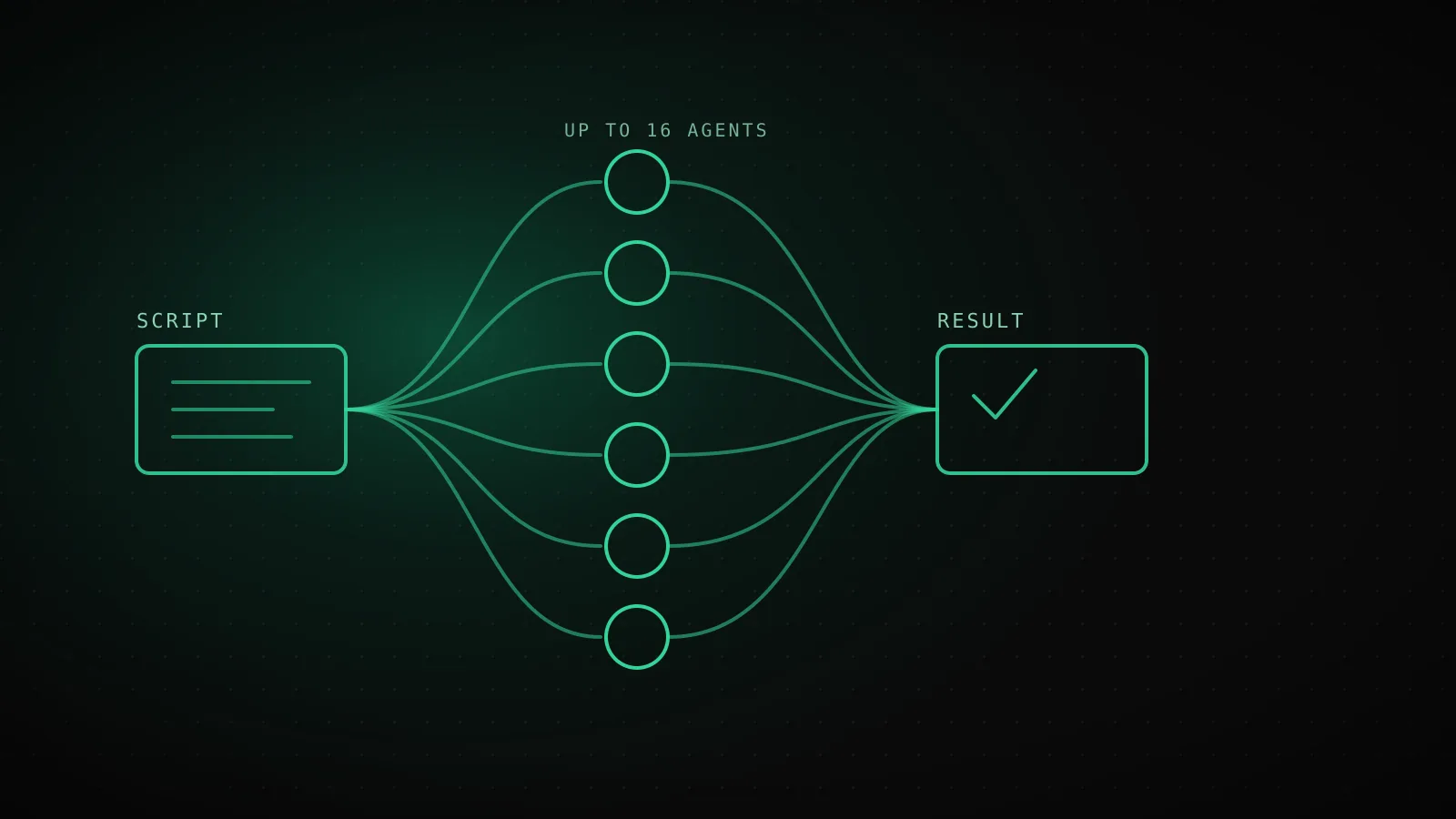
ultracodein a prompt (or ask in your own words, "use a workflow to...") and Claude writes and runs a script that fans a task out across subagents instead of working through it turn by turn. The script holds the plan and the intermediate results - your context window only ever sees the final answer. It differs from a subagent, a skill, and an agent team in who decides what runs next: a workflow's script does, which is what lets one run coordinate up to 16 agents at a time and 1,000 total, resumable if you stop it mid-run. I ran a small one against this exact repo while writing this guide - two agents, 5.6 seconds, real numbers below.
The script Claude writes, not the turn it takes
Every other way Claude does multi-step work keeps the plan in Claude's own head, turn by turn. Ask for a subagent and Claude decides what to spawn next as it goes; describe a skill and Claude follows its instructions the same way. A workflow moves the plan out of the conversation and into code: Claude writes a small JavaScript file with a meta block and a script body, a runtime executes that script in an isolated environment separate from your conversation, and only the final return value lands back in your context.
That separation is what makes the scale different. A subagent call is a phone call your session makes and waits on. A workflow is closer to kicking off a batch job: the runtime tracks each agent's result as the run progresses, your session stays responsive, and you check in on progress with /workflows instead of watching a live transcript. Anthropic's own bundled example is /deep-research, which fans web searches out across several angles, cross-checks what it finds, and hands back one cited report instead of a dozen intermediate messages.
The shape of a generated script is small. Here's the exact example Anthropic's own docs show for auditing route handlers, unedited:
export const meta = {
  name: 'audit-routes',
  description: 'Audit every route handler for missing auth checks',
}

const found = await agent('List every .ts file under src/routes/.', {
  schema: { type: 'object', required: ['files'], properties: { files: { type: 'array', items: { type: 'string' } } } },
})

const audits = await pipeline(found.files, file =>
  agent(`Audit ${file} for missing authentication checks.`, { label: file }),
)

return audits.filter(Boolean)
agent() spawns one subagent and returns its result; pipeline() runs that same call once per item in a list. agent() resolves to null if you stop it mid-run or it hits an unrecoverable API error, which is why the last line filters those out before returning. That's genuinely most of the API surface you need to read a script Claude hands you - parallel() for a hard barrier where you need every result together before continuing is the other piece worth knowing before the next section.
Workflows vs subagents vs skills vs agent teams
What it is
A worker Claude spawns
Instructions Claude follows
A lead agent supervising peers
A script the runtime executes
Who decides what runs next
Claude, turn by turn
Claude, following the prompt
The lead agent, turn by turn
The script
Where results live
Claude's context window
Claude's context window
A shared task list
Script variables
Scale
A few delegated tasks per turn
Same as subagents
A handful of long-running peers
Dozens to hundreds of agents per run
Interruption
Restarts the turn
Restarts the turn
Teammates keep running
Resumable in the same session
Sourced from code.claude.com's own workflows comparison table.
The row that actually decides which one to reach for is "who decides what runs next." With a subagent, a skill, or an agent team, Claude is still the orchestrator in the moment - it picks the next move as the conversation unfolds, and every intermediate result passes through a context window somewhere. A workflow's script owns that decision instead, which is the whole reason it scales to dozens or hundreds of agents where a team tops out at a handful of long-running peers: nothing about the script's loop consumes a context window the way a turn-by-turn decision does.
Interruption is the other real difference. Stop a subagent mid-call and you've lost that call; stop an agent team's lead and the teammates keep running on their own. Stop a workflow and you can resume it, with a catch worth knowing before you rely on it: an agent that was still running when you stopped isn't cached, so it reruns, and so does every agent that started after it, even ones that finished - only agents that completed before the first unfinished one replay from cache. A workflow built as many small fan-out agents therefore survives a pause far better than one built as a few long ones.
If you haven't set up a subagent before, the subagent generator is the fastest way to get a role definition a workflow script can point agent() at by name, the same way you'd hand one to an agent team.
Turning one on: ultracode, /deep-research, and writing your own
You don't write the script by hand. Three ways to get Claude to write and run one:
- Say
ultracodein a prompt. The keyword is highlighted as you type; Claude treats it as an opt-in and writes a workflow for that one task without changing your session's effort level. Before v2.1.160 the literal trigger wasworkflowinstead - both work as natural language today ("use a workflow to migrate every component under src/components/"). - Run
/deep-research <question>. The one workflow Claude Code ships built in. It fans searches out across angles, cross-checks sources against each other, and returns a cited report with claims that didn't survive the cross-check already filtered out. - Turn on
/effort ultracode. Combinesxhighreasoning effort with automatic workflow orchestration for the rest of the session - Claude decides on its own when a task warrants a script instead of waiting for the keyword. It resets when you start a new session, and it needs a model that supportsxhigheffort.
Before a run starts, Claude Code shows you the planned phases and asks for confirmation - the exact prompt depends on your permission mode, and in claude -p or the Agent SDK there's no one to ask, so the run just starts and follows your configured tool rules. That last part matters for exactly the kind of unattended run this guide itself was built by: no interactive approval step, tool calls just follow whatever's already allowlisted. If a run does what you wanted, /workflows -> select it -> press s saves the script to .claude/workflows/ or ~/.claude/workflows/, and it becomes a /<name> command you can pass fresh input to later through the args parameter, without touching the script itself.
What I actually ran, and what came back
Rather than describe what a run looks like secondhand, I pointed a two-agent workflow at this exact repository while writing this section - one agent counting the curated tools in src/lib/content/tools.ts, the other counting the subagents in src/lib/content/agents.ts, both in parallel:
export const meta = {
  name: 'count-clockedcode-registries',
  description: 'Count entries in two ClockedCode content registries in parallel',
  phases: [{ title: 'Count' }],
}

const results = await parallel([
  () => agent('Open src/lib/content/tools.ts in this repo. Count how many top-level entries are in the exported array...', { label: 'tools.ts' }),
  () => agent('Open src/lib/content/agents.ts in this repo. Count how many top-level entries are in the exported array...', { label: 'agents.ts' }),
])

return results
The two answers that came back: 20 - the TOOLS array in src/lib/content/tools.ts and 9, AGENTS. Both check out against a plain grep of the two files, run separately before this went live. Nothing about that result is impressive on its own - counting two arrays is not what workflows are for - but it's a real, small, honest look at the mechanics: two agents queued at once, each in its own context window, the runtime holding both results until they were ready, and the final return value landing back as one array instead of two separate turns. Scale the same shape up to fifty files instead of two arrays and the reason this runs as a script instead of a conversation stops being abstract.
The six shapes worth knowing
The six shapes the docs name
Audit many files
One agent per file, findings adversarially verified before they're reported
Fix until a check passes
Run a checker, fix what failed, repeat until it passes or stalls
Migrate in parallel
Transform each file in its own isolated copy so edits never collide
Review and summarize
One reviewer per changed file, merged into a single ranked summary
Research across sources
Fan readers out across docs and changelogs, then synthesize - what /deep-research does
Find issues until the list stops growing
Search in rounds, stop once two in a row turn up nothing new
From code.claude.com's own "Example workflow prompts" section - each one asks Claude to write and run the script, you never write it by hand.
Anthropic's own docs list these six as the example prompts worth knowing, and between them they cover most of what people actually reach for a workflow to do. The migrate-in-parallel shape is worth calling out if you've already set up git worktrees for parallel Claude Code sessions: a workflow's isolated-copy option solves the same same-file-collision problem a worktree does, just automated per agent instead of per terminal you open yourself. The find-issues shape is the one with no natural stopping point otherwise - "keep searching until nothing new turns up for two rounds running" is a loop condition, not a fixed task list, which is exactly the kind of thing that's awkward to hold across many conversation turns and trivial to write as a while loop in a script.
Concurrency, cost, and the caps that bound a run
The runtime bounds every run the same way regardless of what the script asks for:
| Constraint | Value |
|---|---|
| Concurrent agents | Up to 16 at once (fewer with fewer available CPUs) |
| Total agents per run | 1,000 |
| "Large workflow" warning | Fires past 25 scheduled agents or ~1.5M projected tokens |
| Mid-run input | None - only agent permission prompts can pause a run |
| Filesystem / shell access | None from the script itself; only the agents it spawns get it |
| Module loading | Banned - a script containing import() fails before it starts |
Every agent in a run uses your session's model by default, so the same model-cost tradeoffs you'd make in conversation apply here too, just multiplied by however many agents the script spawns - a workflow burns meaningfully more tokens than the equivalent conversation would, and it's worth testing on one file or one narrow question before pointing it at the whole repo. If you want Claude to aim for fewer agents by default, the workflowSizeGuideline setting (small targets under 5, medium - the default - under 15, large under 50) is advice to the script writer, not a hard cap; the concurrency and total-agent limits above still apply no matter what you set it to.
When a workflow is the wrong tool
The same script-holds-the-plan design that makes a workflow scale is exactly what makes it a bad fit for anything that needs your input partway through:
- Anything you want to steer mid-task. No mid-run user input is possible - only a tool's own permission prompt can pause a run. If you need to sign off between stages, that's several smaller workflows chained by you, not one script.
- A task with one obvious next step. The whole value of a script owning the plan is coordinating agents that don't need you in the loop. A single file, a quick factual question, or one focused edit doesn't need a runtime tracking agent results it could just do.
- Anything that needs a library the script itself would import. The script body can't load modules -
import()fails before the run even starts. That work belongs inside an agent's task, not the orchestration around it. - A first attempt at an expensive scope. Token cost scales with agent count, and a script Claude wrote from a one-line description can misjudge how many agents a task actually needs. Run it small first; the size guideline and the "Large workflow" warning both exist because this is the most common way a run gets expensive by surprise.
FAQ
What is a Claude Code workflow?
In current Claude Code, "workflow" usually means Dynamic Workflows: a JavaScript script that Claude writes for you, which a background runtime executes to orchestrate many subagents at once. It's different from the docs' separate "Common workflows" page, which is just a cookbook of prompt recipes for everyday tasks like exploring code or fixing a bug - no script, no orchestration, nothing to run.
How do I start a Claude Code workflow?
Type ultracode anywhere in a prompt, or ask in your own words ("use a workflow to..."), and Claude writes a script for that task instead of working through it turn by turn. You can also run the bundled /deep-research command, or re-run a workflow you've already saved with /workflows.
What's the difference between a workflow and agent teams?
Agent teams are a lead session and its teammates deciding what to do next turn by turn, with results living in a shared task list. A workflow moves that plan into a script: the script itself decides what runs next and holds the results in variables, which is what lets it coordinate dozens to hundreds of agents instead of a handful of long-running peers.
How many agents can one workflow run?
Up to 16 concurrent agents at a time (fewer on a CPU-limited machine), and 1,000 agents total across a single run. Claude Code also flags a run as "Large workflow" once it schedules more than 25 agents or projects past 1.5 million tokens, which is a warning, not a hard stop.
Can I reuse a workflow I've already run?
Yes. Open /workflows, select the run, and press s to save its script as a command in .claude/workflows/ (shared with the repo) or ~/.claude/workflows/ (just you). It then runs as /<name> in future sessions, and you can pass it new input through the args parameter without editing the script.
Start with something small enough to watch
The two-agent run above is a toy on purpose - the fastest way to trust what a workflow actually does is watching one finish on something too small to go wrong, before you point it at fifty files or a real migration. Once /workflows makes sense as a progress view instead of a black box, scaling the same script up is a config change, not a leap. It's also exactly the kind of setting ClockedCode tunes for you by default alongside the subagents a workflow has something real to spawn from, instead of a blank role description.