Claude Code vs Claude Desktop: One App, Two Interfaces
 By Neo Zino - builder of ClockedCode10 min read
Claude Code vs Claude Desktop compared: Desktop is now one app with a Code tab, what still only works in the CLI, and which to pick for real work.
Made with DispatchSEO
On this page
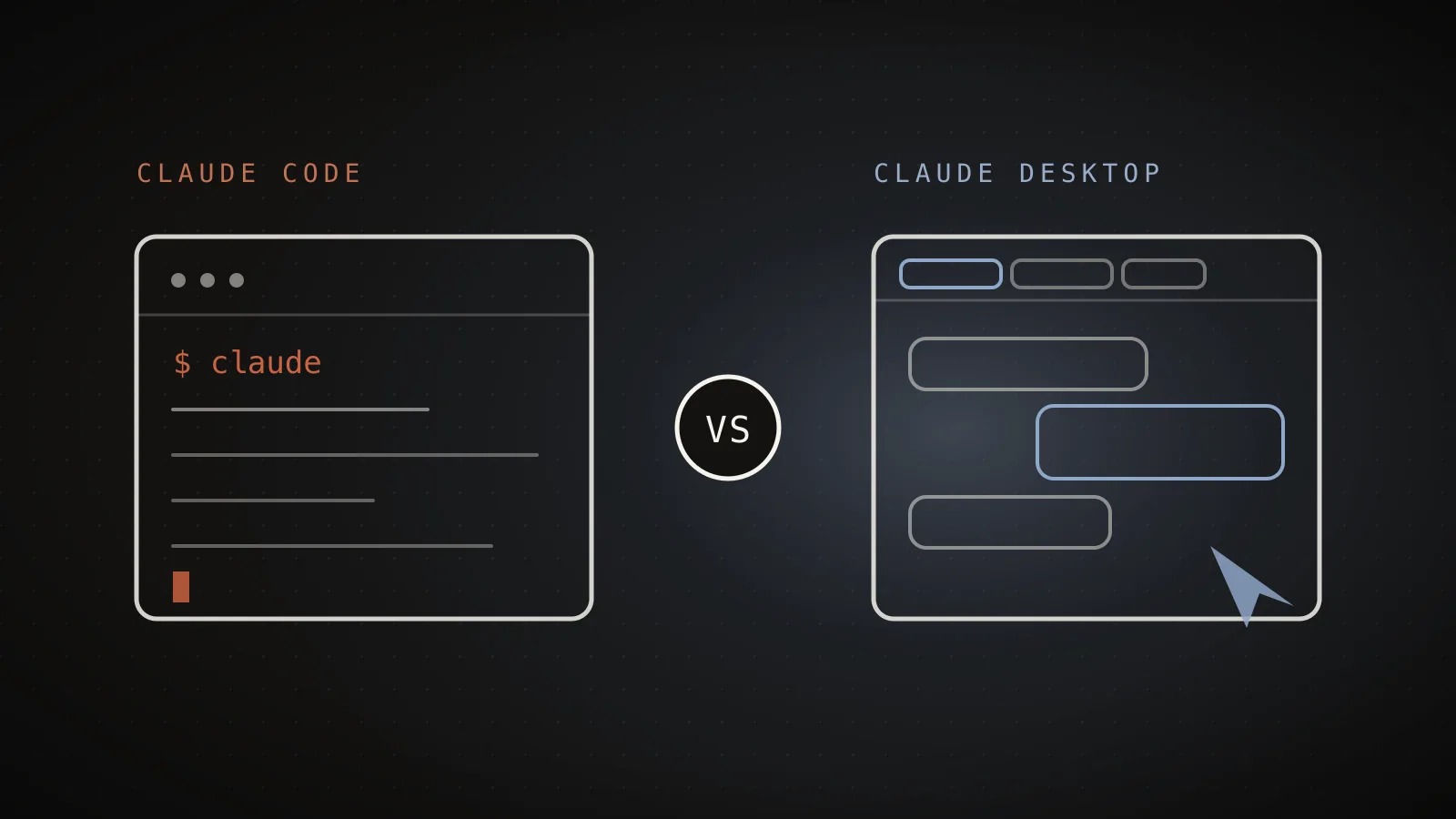
Claude Desktop isn't a separate product from Claude Code anymore - it's one app with three tabs, Chat, Cowork, and Code, and the Code tab runs the exact same Claude Code engine as the terminal CLI. That single fact resolves most of what this search is actually asking: the real choice isn't "coding agent vs. chat app," it's "which interface to the same agent do I want today." I read Claude Code's current desktop docs and ran the CLI installed in this repo to check what still only works one way or the other.
TL;DR: Claude Desktop is a single app with three tabs - Chat, Cowork, and Code - and the Code tab is Claude Code itself with a graphical interface, sharing the same CLAUDE.md, MCP servers, hooks, and settings.json permission rules as the terminal CLI (
claude --versionon this machine reports 2.1.306). What doesn't carry over: the CLI keeps headless output (--output-format), Unix piping into scripts and CI, the--bgbackground-agent flag, and the CLI-onlydontAskpermission mode; Desktop keeps visual diff review, parallel session panes, computer use, and the iOS Simulator. Pick the CLI for scripting and automation, Desktop's Code tab for reviewing several sessions visually - and reach for the Cowork tab, not either coding surface, when the task isn't code at all.
Is Claude Desktop a different product from Claude Code?
It used to read that way, and a lot of what still ranks for this search was written before it changed. Reddit threads asking "why do people use Claude Code instead of Claude Desktop" and older comparison posts describe Desktop as a general chat app you'd use instead of the CLI - a fair description of Desktop before this year, when it was mainly a conversational client. Anthropic's current docs for the desktop app describe a different shape entirely:
Same Claude Code engine
Source: code.claude.com/docs/en/desktop (fetched 2026-07-23) - "The Claude Desktop app has three tabs: Chat for conversations, Cowork for Dispatch and longer agentic work, and Code for software development."
Desktop is one download, one sign-in, and three tabs inside it: Chat for ordinary conversations, Cowork for longer, non-coding agentic work like inbox triage or contract review, and Code - which the docs call "the reference for the Code tab" in the same breath as they document the CLI. Clicking Code doesn't open a different Anthropic product. It opens Claude Code, with a session sidebar, a diff viewer, and panes instead of a bare prompt.
What changes when you move from the CLI to the Code tab
Every session in the Code tab is the same engine as claude in your terminal, so the honest comparison isn't features, it's interface. The permission system is the clearest example: both surfaces resolve the same modes, but Desktop's mode selector and the CLI's --permission-mode flag don't map one to one.
| CLI flag value | Desktop mode selector | Behavior |
|---|---|---|
manual (default) | Manual | Asks before every edit or command |
acceptEdits | Accept edits | Auto-accepts file edits and safe filesystem commands |
plan | Plan | Reads and explores, proposes a plan, edits nothing |
auto | Auto | Background safety classifier reviews actions, fewer prompts |
bypassPermissions | Bypass permissions | No prompts except explicit ask rules; sandboxes only |
dontAsk | (no Desktop equivalent) | Denies anything not pre-approved - CLI only |
Five of the six modes appear in both places under renamed labels - Desktop's own docs note that earlier Code tab versions still called them "Ask permissions," "Auto accept edits," and "Plan mode," so a screenshot from a few months back may show different names for the identical setting. dontAsk is the one mode Anthropic's docs explicitly scope to the CLI only, with no Desktop equivalent at all.
What's shared, and what stays exclusive to each
Beyond permission modes, the rest of the configuration is identical - which is the part most comparisons on this keyword skip entirely, usually because they're built around a features list instead of the actual config files each surface reads.
Shared by both
Same config either way
CLAUDE.md
Same project memory, read by both surfaces
MCP servers
~/.claude.json and .mcp.json work in both
Settings & permission rules
settings.json allow/ask/deny rules apply to both
CLI only
No Desktop equivalent
Headless output
--print, --output-format json/stream-json
Background agents
--bg / --background, managed via claude agents
dontAsk mode
Silently denies anything not pre-approved; no Desktop equivalent
Desktop only
No CLI equivalent
Visual diff review
Comment on lines, then watch the PR through CI
Parallel session panes
Arrange chat, diff, browser, and terminal side by side
Computer use
Screen control and the iOS Simulator pane (research preview)
Rows from code.claude.com's own "CLI flag equivalents" and "Shared configuration" sections.
One asymmetry to know about: the Chat tab's own claude_desktop_config.json feeds MCP servers into Code tab sessions too, alongside whatever you've already defined in ~/.claude.json or .mcp.json. The standalone CLI never reads claude_desktop_config.json - if you configured MCP servers through Desktop's Chat tab first, run claude mcp add-from-claude-desktop (macOS and WSL) to copy them into the CLI's own config instead of setting them up twice.
What Desktop adds on top of the shared engine
The Code tab is more than a skin. Per the current desktop docs, these are the pieces with no one-line terminal equivalent:
- Per-folder mode memory. The mode you pick in the selector is remembered per folder, except Plan, which only lasts the current session. Shift+Tab does not cycle modes in Desktop the way it does in the terminal.
- Parallel sessions in worktrees. Turn on Worktree before you start and each session gets its own checkout, so two sessions can't trample the same files.
- SSH sessions. Run a session on a remote Linux, macOS, or Windows machine from the same window.
- PR monitoring. The Changes card offers Auto-fix and Merge when ready, which needs the GitHub CLI (
gh) installed and signed in. - Side chat. Cmd+; on Mac or Ctrl+; on Windows (or
/btw) asks a question without adding it to the session or saving it to disk. - Preview pane. A browser pane for dev servers configured in
.claude/launch.json.
Auto mode has its own gate in both places: it needs Opus 4.6 or later, Sonnet 4.6 or later, Haiku 5.5, or a Fable model, and admins can switch it off with disableAutoMode in managed settings.
Where the Cowork tab fits in
Cowork is the tab most likely to get pulled into this comparison by mistake, since all three tabs launched close together and share the same download. It's worth being precise: Cowork is Anthropic's surface for work that isn't code - inbox triage, calendar scheduling, document and spreadsheet editing, connected messaging apps. It can open a code file since that's in its supported file types, but it has no repo awareness, no MCP ecosystem tied to a project, and no test loop. If the task is shipping a feature or fixing a bug, Claude Code - either interface - is the tab built for it; Cowork is a different tool for a different half of the job entirely.
Which one should you use?
Reach for the CLI when the task involves scripting, CI, or anything you'd pipe into another command - git diff main --name-only | claude -p "review these changed files" only works in the terminal, since Desktop has no --print or --output-format equivalent at all. The CLI is also the only place dontAsk mode and the --bg background-agent flag exist.
Reach for Desktop's Code tab when you want to see a diff before it lands, run several sessions in parallel panes instead of switching terminal tabs, or use computer use and the iOS Simulator for things a shell command can't touch. If you're new to Claude Code entirely, Desktop's visual diff review and Manual-mode defaults are the gentler first session - you see exactly what changed before deciding whether to keep it, the same reassurance a tuned permission setup gives once you move to the terminal.
Running both isn't unusual. The /desktop command moves an active CLI session straight into the desktop app, and nothing stops you from keeping a terminal open in one project while reviewing a different session's diffs in Desktop.
When NOT to use Desktop
Desktop can't run headless, so anything that needs to execute without a human watching - a pre-commit hook, a scheduled job, a CI step - has to be the CLI, full stop. Desktop also wants Git installed (the docs require it for session isolation with worktrees, so check git --version first), and computer use, the feature that lets Claude click around your actual screen, is a research preview limited to macOS and Windows, off by default, and unavailable on Team or Enterprise plans. Bypass permissions mode is gated too: Pro and Max users flip it on in Settings, but Team and Enterprise accounts need an organization policy instead of a personal toggle - the same allow/ask/deny rules a generated settings.json writes apply underneath either mode. None of that makes Desktop worse - it makes it the wrong tool for anything meant to run without you in the room.
FAQ
Is Claude Desktop the same product as Claude Code?
Not quite, and not entirely separate either. Claude Desktop is a single app with three tabs - Chat, Cowork, and Code - and the Code tab runs the same Claude Code engine as the terminal CLI, reading the same CLAUDE.md and settings files. Older writeups that describe Claude Desktop purely as a general chat app predate this unification.
Does Claude Desktop include Claude Code?
Yes, as one of its three tabs. Open Claude Desktop, sign in, and click Code to get Claude Code with a graphical interface: session sidebar, visual diff review, an integrated terminal and file editor, and panes you can arrange side by side. The Chat tab is still a general conversation surface, and Cowork handles non-coding agentic work like inbox and document tasks.
What can the Claude Code CLI do that Desktop can't?
Headless output (--print, --output-format json or stream-json), Unix piping into scripts and CI, the --bg background-agent flag, and the dontAsk permission mode are CLI-only - Desktop's own docs list these as flags with no desktop equivalent, since Desktop is interactive-only by design.
Do the CLI and Desktop share the same CLAUDE.md and MCP servers?
Yes. CLAUDE.md and CLAUDE.local.md, MCP servers defined in ~/.claude.json or .mcp.json, hooks, skills, and settings.json permission rules all apply to both surfaces. One asymmetry: MCP servers from the Chat tab's claude_desktop_config.json also load into Code tab sessions, but the standalone CLI doesn't read that file - run claude mcp add-from-claude-desktop to copy them over.
Should I use the CLI or Desktop's Code tab?
Use the CLI for scripting, CI pipelines, and anything you'd pipe into another command. Use Desktop's Code tab when you want to review diffs visually, run several sessions in parallel panes, or use computer use and the iOS Simulator. Most Claude Code developers end up using both depending on the task, since either one reads the same project configuration.
The interface changed. The agent underneath didn't.
Whichever surface first taught you Claude Code, the actual decision now is smaller than "vs" implies: same CLAUDE.md, same MCP servers, same permission rules either way, and the only real trade is scriptability for the CLI against visual review and parallel panes for Desktop. What's actually worth your setup time is the config both surfaces read - a tuned CLAUDE.md and a permission setup that doesn't need rebuilding depending on which window you opened this morning.