Claude Code Permissions Explained: Modes, Rules, and a Safe Starter Config
 By Neo Zino - builder of ClockedCode12 min read
How Claude Code's permission modes and allow/ask/deny rules resolve, why deny always wins, and a tested starter config safer than skipping permissions.
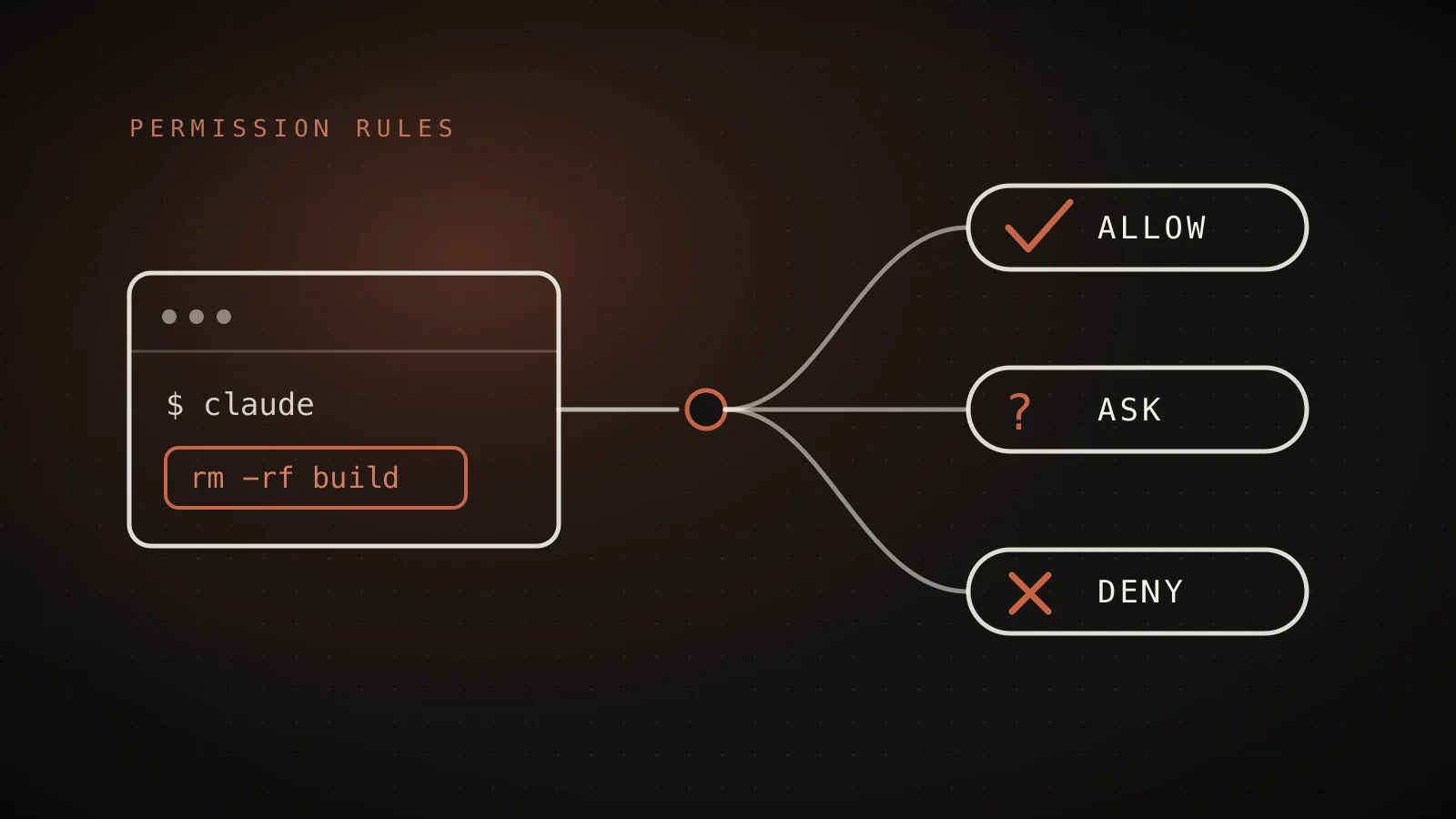
Made with DispatchSEO
On this page
Claude Code's permission system runs on two layers: a mode that sets the baseline (how much it can do without asking) and rules (allow, ask, deny) that override that baseline for specific tools and commands. Reads inside your working directory never prompt, Bash commands prompt except for a built-in read-only set, and file edits prompt until you approve them or switch modes. Get the two layers straight and the constant "yes, allow" prompts stop being a wall you skip past with --dangerously-skip-permissions and start being a config you write once.
TL;DR: Six permission modes exist as of Claude Code v2.1.217 - Manual (the default, prompts on everything),
acceptEdits,plan,auto,dontAsk, andbypassPermissions. On top of whichever mode you're in,allow/ask/denyrules insettings.jsonmatch specific tools with syntax likeBash(npm run *)orRead(.env), and they're evaluated deny, then ask, then allow - the first match wins no matter how specific the other rules are.bypassPermissions(what--dangerously-skip-permissionssets) belongs in isolated containers only, never on a machine with real credentials. A short starter config below covers the commands that need blocking.
What are Claude Code's permission modes?
A mode sets what runs without a prompt before any rule is applied. Six exist right now, current as of the CLI installed for this guide (claude --version reports 2.1.217):
The six permission modes
--permission-modeManual (the default)
manualNothing - prompts on first use of every tool
acceptEdits
acceptEditsFile edits, plus mkdir / touch / mv / cp / sed in the working directory
plan
planReads and read-only shell commands only - never edits
auto
autoEverything, screened first by a background safety classifier
dontAsk
dontAskOnly what your allow rules already name - denies the rest outright
bypassPermissions
bypassPermissionsEverything, no prompts at all - including protected paths
From code.claude.com's permission-modes reference, cross-checked against `claude --help` on Claude Code 2.1.217. `auto` and the `manual` label/alias for `default` are recent additions (v2.1.198- v2.1.200) - older writeups on this topic still describe four modes.
Two of these are recent enough that a lot of existing writing on this topic doesn't mention them. The default mode picked up the label Manual and a manual config alias in v2.1.200, and auto mode (an LLM classifier reviewing actions in the background instead of a human) shipped as a distinct mode around the same time. If a guide you're reading only lists four modes, it predates both.
Switch modes mid-session with Shift+Tab in the CLI, or start in one directly:
claude --permission-mode plan
To make a mode the default for a project, set it in .claude/settings.json:
{
  "permissions": {
    "defaultMode": "acceptEdits"
  }
}
plan mode works differently from the rest: Claude reads files and runs read-only commands to explore, writes up a plan, and asks before touching anything. It's the mode to reach for on a codebase you don't fully trust yet, or before a change you want reviewed as a plan rather than as a diff.
How do allow, ask, and deny rules work - and which one wins?
Rules sit on top of the mode. An allow rule pre-approves a specific tool call so it never prompts. An ask rule forces a prompt every time, even in a mode that would otherwise skip it. A deny rule blocks the call outright, in every mode - including bypassPermissions.
The order they're checked in is fixed and doesn't bend for specificity:
Deny beats ask beats allow, always
Worked example: Claude tries Bash(aws s3 ls) with both a deny rule for Bash(aws *) and an allow rule for the exact command in scope.
1. Deny
Bash(aws *)2. Ask
no matching ask rule3. Allow
Bash(aws s3 ls)Rule specificity never overrides the order. A broad deny rule blocks every matching call, including ones a narrower allow rule also matches - a deny rule can't carry allowlist exceptions.
That's the part that trips people up: writing a broad deny and expecting a narrower allow to carve out an exception. It doesn't. Bash(aws *) denied means every aws command is blocked, full stop, even one an allow rule also names exactly. The same holds between ask and allow - a matching ask rule prompts even when a more specific allow rule also matches.
One more distinction: a bare tool name like Bash in a deny rule removes the tool from Claude's context entirely, so it's never even offered as an option. A scoped rule like Bash(rm *) leaves the tool available and blocks only matching calls.
What does the rule syntax look like?
Rules follow Tool or Tool(specifier). The specifier syntax differs slightly by tool:
| Tool | Example | Matches |
|---|---|---|
Bash | Bash(npm run *) | Any command starting with npm run |
Read / Edit | Read(.env) | .env at or under the current directory (gitignore-style) |
WebFetch | WebFetch(domain:*.example.com) | Any subdomain of example.com |
Agent | Agent(Explore) | The Explore subagent specifically |
Bash wildcards are the ones people get wrong most. Bash(ls *) - with a space before the * - matches ls -la but not lsof, because the space enforces a word boundary. Drop the space and Bash(ls*) matches both. Claude Code is also aware of shell operators (&&, ||, ;, |), so a rule like Bash(safe-cmd *) does not implicitly grant safe-cmd && rm -rf . - each subcommand of a compound command has to match its own rule.
Read and Edit rules follow gitignore syntax, with four anchor styles: //path for an absolute filesystem path, ~/path for home-relative, /path for relative to wherever the rule is defined (project root in .claude/settings.json, your home directory in ~/.claude/settings.json), and a bare path for relative to the current directory. A bare filename like Read(.env) matches at any depth, same as Read(**/.env) - it's the leading-slash forms that anchor to one exact spot.
As of v2.1.208, a Read deny rule also blocks Edit on that same path (including creating a new file there) - but not Write or NotebookEdit, which need their own Edit deny rule to be covered. That asymmetry is easy to miss if you're writing rules from memory instead of the current reference.
Where do permission rules live, and which file wins?
Four settings files can carry permissions rules, plus an organization's managed policy on top:
- Managed settings - can't be overridden by anything below, including CLI flags
- Command line arguments -
--allowedTools/--disallowedTools, session-only - Local project settings (
.claude/settings.local.json) - your own, gitignored - Shared project settings (
.claude/settings.json) - committed, whole team - User settings (
~/.claude/settings.json) - every project on your machine
A deny at any level blocks the call regardless of what a lower level allows - a user-level deny beats a project-level allow, because deny rules from every scope are checked before any allow rule is. When you approve a Bash command with "yes, don't ask again," Claude Code writes the rule to .claude/settings.local.json at your repository root (resolved through worktrees to the main checkout as of v2.1.211), so that approval carries into every session in that repo without you touching a config file by hand.
Is --dangerously-skip-permissions dangerous?
Yes, outside an isolated environment. The flag is equivalent to --permission-mode bypassPermissions, and what it removes is specific: every prompt except explicit ask rules, including writes to protected paths like .git, .claude, and your shell rc files, which stay guarded in every other mode. The one thing it doesn't remove is a small circuit breaker on rm -rf / and rm -rf ~ - those still prompt as a last-resort check against a badly formed command.
The docs' own guidance is blunt about where this belongs: containers, VMs, or sandboxes with no internet access, where a bad command can't reach anything you'd miss. On a laptop with your SSH keys, cloud credentials, and an open terminal to production, it's the permission system's one blind spot, not a productivity setting.
auto mode is the middle ground worth trying first if prompt fatigue is the actual complaint. It auto-approves the same way bypassPermissions does, but a background classifier screens each action first, and it blocks categories like force-pushes, secret-manager writes, and unreviewed PR merges by default - the tradeoffs are covered in the permission modes reference if you want the full blocked-and-allowed lists before turning it on.
A safe starter config you can paste in today
Written for this guide and checked for valid JSON with jq, not lifted from somewhere else. It leans on acceptEdits for the mode (so file changes don't interrupt you) and rules for the handful of Bash commands that need a gate:
A safe starter config
defaultMode: acceptEditsAllow
Bash(npm run *)Bash(npm test *)Bash(git status)Bash(git diff *)Bash(git log *)Bash(git commit *)
Ask
Bash(git push *)confirm before anything leaves your machine
Deny
Bash(rm -rf *)Bash(curl *)route network access through WebFetch(domain:...) insteadBash(wget *)Read(.env)Read(.env.*)Read(**/secrets/**)Edit(.env)
Written for this guide and validated with `jq .` - every rule uses the syntax documented at code.claude.com/docs/en/permissions. Not a copy-paste from a listicle.
As full settings.json:
{
  "permissions": {
    "defaultMode": "acceptEdits",
    "allow": [
      "Bash(npm run *)",
      "Bash(npm test *)",
      "Bash(git status)",
      "Bash(git diff *)",
      "Bash(git log *)",
      "Bash(git commit *)"
    ],
    "ask": [
      "Bash(git push *)"
    ],
    "deny": [
      "Bash(rm -rf *)",
      "Bash(curl *)",
      "Bash(wget *)",
      "Read(.env)",
      "Read(.env.*)",
      "Read(**/secrets/**)",
      "Edit(.env)"
    ]
  }
}
Two of these choices need a word of explanation. First, curl and wget are denied rather than pattern-matched, because Bash argument patterns are fragile - a rule meant to restrict curl to one domain misses redirects, protocol swaps, and variable expansion. The documented fix is to deny the raw commands and grant network access through WebFetch(domain:example.com) instead, which matches the actual destination rather than trying to parse a shell string. Second, git push sits in ask rather than deny: it's routine enough to want working, risky enough to want a look before it leaves your machine.
Paste this into .claude/settings.json to share it with your team, or .claude/settings.local.json to keep it to yourself. Want a version tailored to your own stack instead of typed by hand? The settings.json generator builds the same allow/ask/deny shape from a checklist, plus the hook presets covered next.
Extending permissions with hooks
Rules cover anything you can express as a fixed pattern. For judgment calls a pattern can't make - "is this specific push actually safe" - a PreToolUse hook runs before the permission prompt and can deny the call, force a prompt, or let it through. Hook decisions never bypass rules: a matching deny rule blocks a call even if a hook returned allow, and a blocking hook (exit code 2) stops a call even if an allow rule would otherwise let it through. That ordering is what makes hooks safe to add on top of rules instead of a replacement for them - you can grant broad Bash access and still have a hook reject a handful of specific commands.
When permission rules aren't enough
Permission rules stop Claude Code from calling a tool. They don't stop a subprocess Claude starts from doing its own file I/O - a Python or Node script Claude writes and runs can still open a denied path directly, because the deny rule only intercepts Claude's built-in tools and the Bash-recognized commands like cat and sed. If you need OS-level enforcement that blocks every process regardless of how it gets invoked, that's what sandboxing is for, and it's meant to run alongside rules, not instead of them. And no rule set replaces reading the diff on anything that touches production - acceptEdits and auto both mean less interruption, not less responsibility for what ships.
FAQ
What are Claude Code's permission modes?
Six as of v2.1.217: Manual (config value default, prompts on everything), acceptEdits (auto-approves file edits and safe filesystem commands), plan (reads only, never edits), auto (auto-approves with a background safety classifier), dontAsk (denies anything not pre-approved), and bypassPermissions (skips prompts entirely). Manual's manual alias and the auto mode both landed within the last few versions, so older writeups on this topic usually only list four.
What's the difference between allow, ask, and deny rules?
Allow rules let a matching tool call run without a prompt. Ask rules force a prompt every time, even in modes that would otherwise auto-approve. Deny rules block a matching call outright, in every mode including bypassPermissions. Rules are evaluated deny, then ask, then allow, and the first match wins regardless of how specific the rules are.
Is --dangerously-skip-permissions safe to use?
Only in an isolated environment with no access to anything you'd mind losing, like a throwaway container or a sandboxed VM with no internet. The flag (equivalent to --permission-mode bypassPermissions) skips prompts for everything except explicit ask rules and a small circuit breaker on root/home-directory deletes. On a real machine with real credentials, it removes the one layer that catches a bad command before it runs.
Where does Claude Code save permission rules?
Rules you approve interactively for Bash commands save to .claude/settings.local.json at your repository root. Rules you write yourself go wherever you put them: .claude/settings.json for the whole team, .claude/settings.local.json for just you, or ~/.claude/settings.json for every project on your machine. When rules conflict, precedence runs managed settings, then CLI flags, then local project settings, then shared project settings, then user settings - and a deny at any level can't be overridden by a lower one.
Can hooks override permission rules?
No. Claude Code evaluates deny and ask rules regardless of what a PreToolUse hook returns, so a matching deny still blocks the call even if the hook said allow. What hooks add is judgment a rule can't express: a hook can approve or block a call your rules don't cover, or add a security check like verifying a git remote before a push. A hook can also block a call a rule would otherwise allow, since a blocking hook runs before rules are evaluated.
The rules do the enforcing, not the prompt
The permission system stops feeling like an obstacle between you and the terminal as soon as the mode and the rule precedence click: acceptEdits plus a short deny list covers most solo work, dontAsk locks down CI, and bypassPermissions stays in the one place it belongs, a container with nothing to lose. Getting that config right once, instead of re-typing it per project, is the whole idea behind the setup ClockedCode ships - a tuned settings.json, permissions included, installed with one paste instead of assembled from a dozen tabs.