Figma MCP with Claude Code: Setup, Design-to-Code Workflow and Fixes
 By Neo Zino - builder of ClockedCode9 min read
Connect the Figma MCP server to Claude Code with one command, sign in, pick remote or desktop, and fix the auth, seat and rate-limit problems that block it.
Made with DispatchSEO
On this page
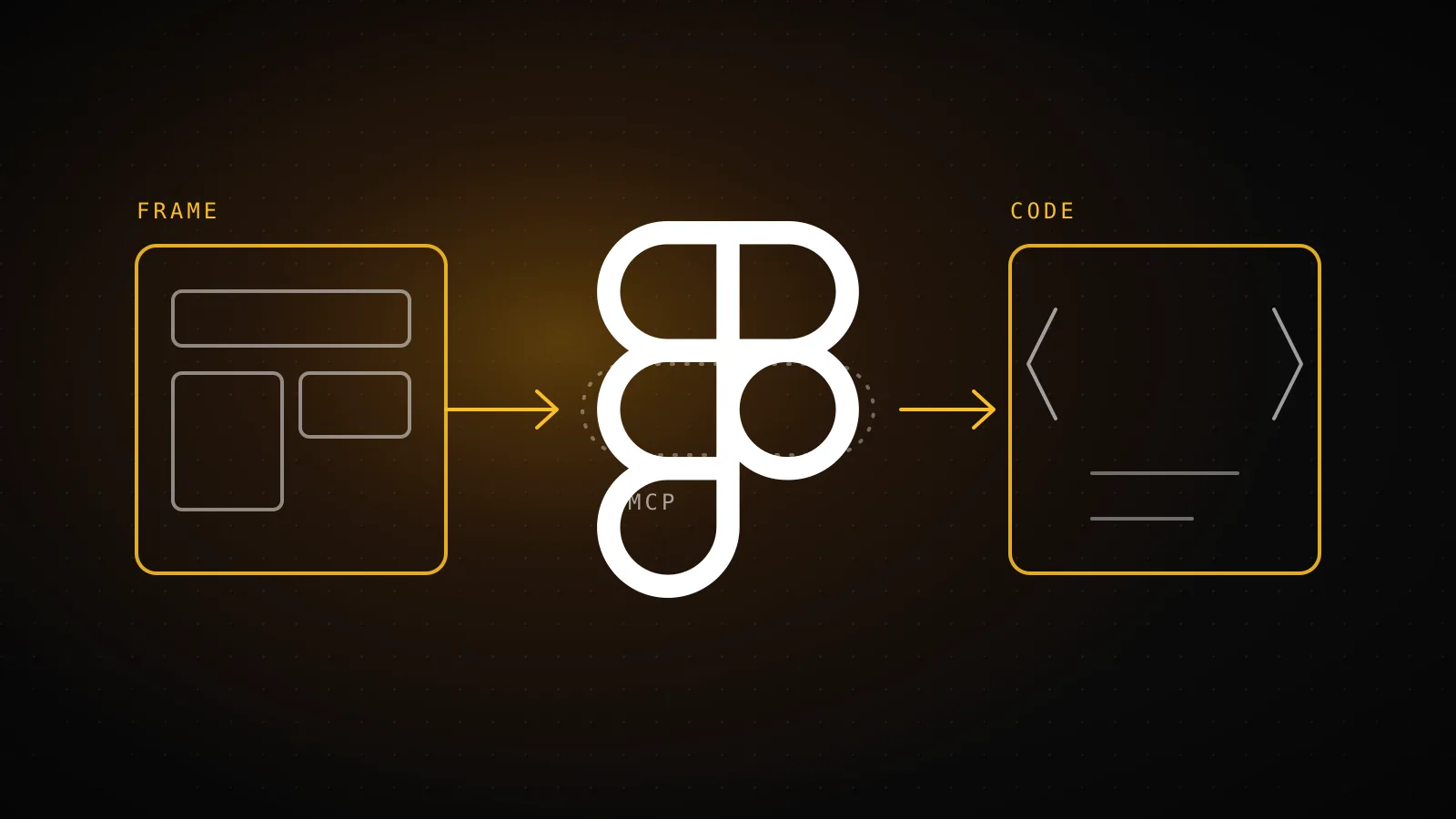
Run claude mcp add --transport http figma https://mcp.figma.com/mcp, open /mcp in a session, select figma and approve access in the browser. After that, Claude Code can read a Figma frame's layout, variables and reference code and write the component for you. Most of the trouble people hit afterward has nothing to do with the command: it is the seat on their Figma account, the rate limit, or a frame too big to read in one call.
TL;DR: Use the remote server, not the desktop one.
claude mcp add --transport http figma https://mcp.figma.com/mcp, then/mcp> figma > Authenticate. It exposes 32 tools. View and Collab seats get only 20 read calls a month, so a free account will look broken. For code that matches your codebase, add Code Connect mappings and a short Figma section inCLAUDE.md.
Remote or desktop: which Figma server do you connect?
Two Figma servers, one clear default
Remote server (recommended)
claude mcp add --transport http figma https://mcp.figma.com/mcpSign-in: Browser OAuth via /mcp
Needs the desktop app: No
Writes to the canvas: Yes (use_figma and others)
Tools exposed: All 32, incl. remote-only ones
Desktop server
claude mcp add --transport http figma-desktop http://127.0.0.1:3845/mcpSign-in: None, runs inside Figma desktop
Needs the desktop app: Yes, Dev Mode toggle on
Writes to the canvas: No
Seat needed: Dev or Full, on a paid plan
Source: Figma's remote and desktop server install pages, read 2026-10-16. Figma itself says to prefer the remote server unless your organization needs the desktop one.
Figma ships two servers and its own docs steer you to the remote one. The desktop server only exists while the Figma desktop app is open on a file in Dev Mode, and it cannot write to the canvas, so anything that sends code or a live UI back into Figma needs the remote one. I would pick desktop in exactly one case: your organization will not allow the OAuth connection to Figma's hosted endpoint.
There is also a plugin route. Figma's install page calls claude plugin install figma@claude-plugins-official the recommended option because the plugin bundles the server settings plus Figma's skills, which tell the agent which tools to call in which order. The manual command does not install those skills.
What command do you run, and where does it land?
claude mcp add --transport http figma https://mcp.figma.com/mcp
I ran this in a scratch directory on Claude Code 2.1.302. It printed Added HTTP MCP server figma with URL: https://mcp.figma.com/mcp to local config. That is worth knowing because Figma's install page describes the default as project scope. On this version the default write was local scope, private to you in that one project, and no .mcp.json file appeared. Adding --scope project did create one:
{
  "mcpServers": {
    "figma-proj": {
      "type": "http",
      "url": "https://mcp.figma.com/mcp"
    }
  }
}
So if you want teammates to get the server through git, say --scope project explicitly. If you want it everywhere on your machine, use --scope user. The three scopes work the same for any server, and the scope breakdown for adding an MCP server covers where each one is stored. If you would rather pick Figma from a list than type flags, the MCP config generator builds the command.
The plugin command did not work in my headless run. claude plugin install figma@claude-plugins-official answered Plugin "figma" not found in marketplace "claude-plugins-official" with a hint to run claude plugin marketplace update claude-plugins-official. A shell that has never opened the in-app /plugin browser may not know that marketplace yet, so try the update command it suggests, or fall back to the manual command above.
How do you sign in and prove it connected?
Adding the server only writes config. Right after the add, claude mcp list printed figma: https://mcp.figma.com/mcp (HTTP) - ! Needs authentication, and claude mcp get figma showed the same status with Scope: Local config. That is the normal starting state for an OAuth server, not a failure.
To finish:
- Start a new Claude Code session so it picks up the server.
- Type
/mcpand select figma. - Choose Authenticate and click Allow access in the browser.
- Look for
Authentication successful. Connected to figma, then run/mcponce more to confirm.
If the server still will not connect after that, the MCP not-working checklist walks through the usual causes in order.
How many Figma calls do you get before it stops?
Read-tool calls by seat
View or Collab seat, any plan
20 per month
no daily figure listed
Full or Dev seat, Professional
200 per day
10 per minute
Full or Dev seat, Organization
200 per day
15 per minute
Full or Dev seat, Enterprise
600 per day
20 per minute
Education plans match Professional Full and Dev seats. Write tools such as add_code_connect_map, create_new_file and generate_figma_design do not count, and Figma may change these limits at any time.
This is the part the setup pages skim. Rate limits apply to the tools that read from Figma, and they depend on your seat, not just your plan. A View or Collab seat is capped at 20 calls per month on every plan. Full and Dev seats on Professional get 200 a day and 10 a minute. A single frame can take several read calls (context, metadata, screenshot, assets), so 20 a month is a few screens, not a project.
Write tools such as add_code_connect_map, create_new_file and generate_figma_design are exempt, and so are actions that use Figma AI credits. The desktop server is gated by seat too: it asks for a Dev or Full seat on a Professional, Education, Organization, Government or Enterprise plan.
How do you turn a frame into code that uses your components?
Frame to code, in call order
get_design_contextLayout, tokens and reference code for the frame
get_metadataonly if the first response is too largeLightweight outline of the layers
get_screenshotA picture to compare your result against
download_assetsremote serverIcons and images the frame uses
ImplementTranslate it into your components and tokens, then check it against the screenshot
Select the frame in Figma, or give Claude Code a link to it, and ask for the component. Figma's server exposes 32 tools; the ones that matter for this job are get_design_context (layout, tokens and reference code), get_metadata (a lightweight XML outline), get_screenshot and get_variable_defs. The reference code get_design_context returns is a starting point, usually generic markup. Two things turn it into your code.
Code Connect. get_code_connect_map returns the mappings between Figma components and your code, and add_code_connect_map writes one. With a mapping in place, a Figma button comes back pointing at your Button, not a fresh div.
Rules in CLAUDE.md. Figma's own guidance is to put design system rules in CLAUDE.md under a heading like ## Figma MCP server rules. Its example covers three things: use your design system components, use Figma tokens instead of hardcoded values, and follow the call order in the diagram above. The server also ships a prompt, create_design_system_rules, that drafts this section from your codebase. If you already keep project rules, what to put in CLAUDE.md shows where a section like this fits.
A prompt that works well is short: link the frame, name the target folder, and say which framework and tokens to use. Then ask Claude to compare its result with the screenshot before it stops.
Why does Figma MCP say it needs auth or return nothing?
| Symptom | Likely cause | Fix |
|---|---|---|
Needs authentication in claude mcp list | OAuth not completed | /mcp, select figma, Authenticate |
| Plugin install says plugin not found | Marketplace not registered in a headless shell | Run the marketplace update it suggests, or use claude mcp add |
| Calls stop working after a few frames | View or Collab seat, 20 reads a month | Use a Full or Dev seat, or wait for the monthly reset |
| Daily or per-minute throttling | Seat limit (200 a day on Professional) | Split work across days, ask for one frame at a time |
| Response too large | Frame holds too many layers | Select a smaller frame, or have Claude use get_metadata first |
| Desktop server not listed | Figma app closed or Dev Mode off | Enable the desktop MCP server in the Dev Mode sidebar, restart Claude Code |
| Server missing in another project | Added at local scope | Re-add with --scope user or --scope project |
I did not reproduce the throttling and large-frame rows in this run, since both need a live Figma account. They come from Figma's rate limit page and its rules example, not from my own tests.
Does Figma MCP cost context?
Yes. A server's tool list rides along in context, and Figma lists 32 tools, 9 Weave tools and one prompt. If you only use Figma during UI work, add it at project scope to the repo that has the UI instead of at user scope everywhere, and read how to keep MCP servers from eating context before you stack more connectors. For other servers worth pairing with it, the best MCP servers for Claude Code is the shortlist.
When should you skip Figma MCP?
If your designs are loose mockups with no components, variables or consistent naming, the reference code will be as messy as the file, and a screenshot pasted into the chat gets you the same result without spending reads. Same if you are on a View or Collab seat and only need one screen once. And if nobody on the team has written down which components to use, fix that first, because the server cannot invent your conventions.
FAQ
What is the command to add Figma MCP to Claude Code?
claude mcp add --transport http figma https://mcp.figma.com/mcp adds Figma's remote server. Add --scope user if you want it in every project. Then open /mcp inside a session, pick figma, choose Authenticate and click Allow access in the browser.
Do I need the Figma desktop app for Claude Code?
No. The remote server at mcp.figma.com works without the desktop app, and Figma recommends it. The desktop server (http://127.0.0.1:3845/mcp) needs the desktop app with Dev Mode open, a Dev or Full seat on a paid plan, and it cannot write to the canvas.
Can I use Figma MCP on a free plan?
Barely. Figma lists 20 read-tool calls per month for View and Collab seats on every plan, and the Starter plan shows no limit for Full or Dev seats. Paid Full and Dev seats get 200 calls a day on Professional and Organization and 600 a day on Enterprise.
Why does Claude Code say figma needs authentication?
Because the remote server uses OAuth and nothing has signed in yet. claude mcp list shows it as Needs authentication right after you add it. Run /mcp, select figma, choose Authenticate and approve access in the browser.
How do I make Claude Code use my own components instead of generic markup?
Give it two things: Code Connect mappings so Figma components point at your real code, and a Figma section in CLAUDE.md that says to use your design system components and tokens and never hardcode values. Figma's create_design_system_rules prompt can draft that section from your codebase.
Connect once, then write the rules down
The command takes a minute. The part that decides whether the output is usable is the CLAUDE.md section and the Code Connect mappings, and that is the kind of setup ClockedCode's tuned CLAUDE.md and curated tool list already bundle so you are not rebuilding it per project.