Claude Code MCP Server Not Working: How to Fix It
 By Neo Zino - builder of ClockedCode9 min read
An MCP server that isn't working in Claude Code comes down to five causes - tested on 2.1.263, with the exact commands and error text that name each one.
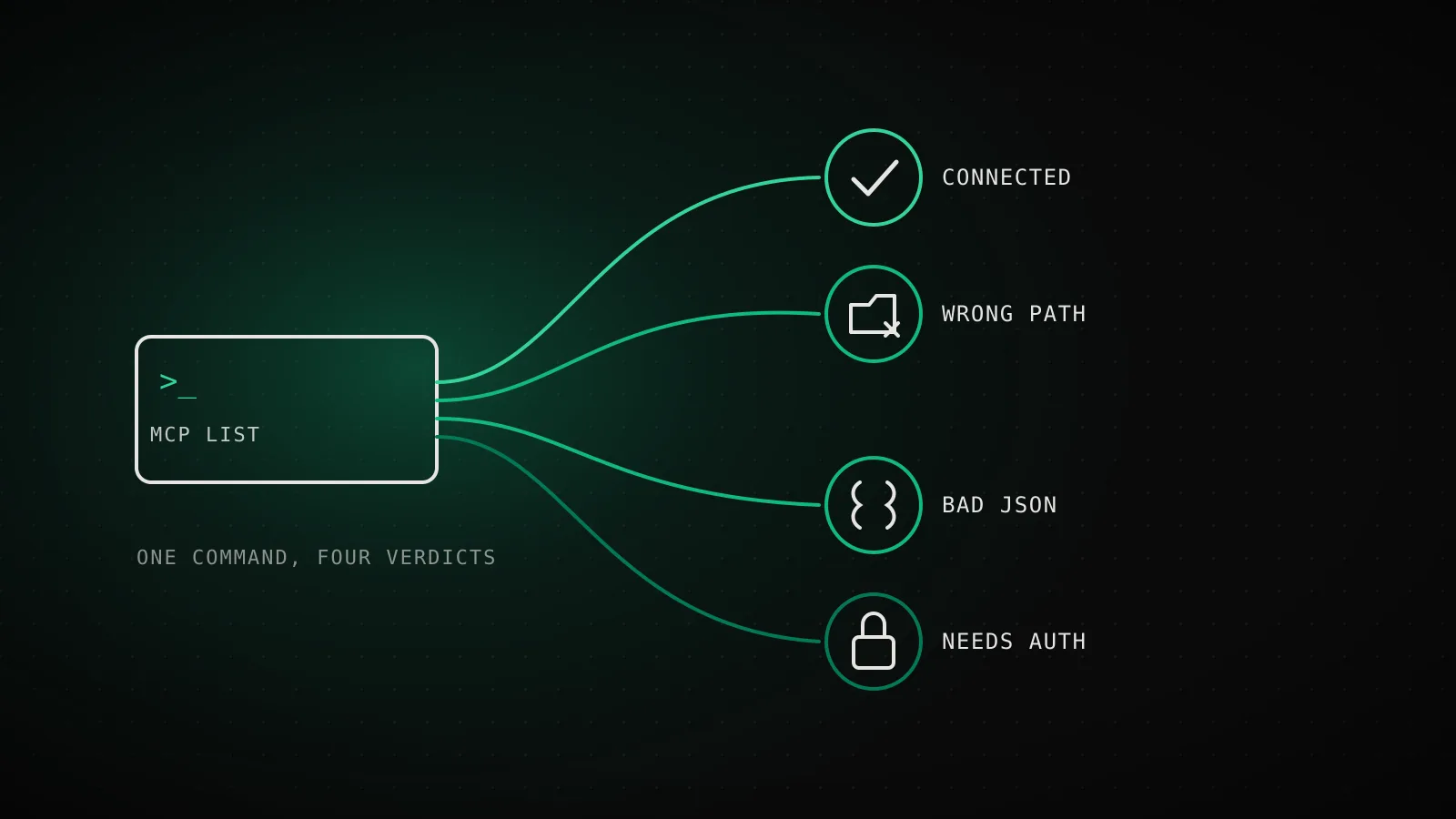
Made with DispatchSEO
On this page
An MCP server that isn't connecting in Claude Code breaks down to one of five causes: a config file sitting somewhere Claude Code has never read from, JSON it can't parse, a server waiting on an OAuth sign-in it never got, an admin-side policy block, or a bug specific to the VS Code extension that doesn't touch the CLI at all. I reproduced the first three live on Claude Code 2.1.263 rather than trust an older post's version of the error text, and two of them print noticeably more specific output now than they did even a few weeks ago.
TL;DR: Run
claude mcp list, thenclaude doctor- both now name the exact config problem instead of failing silently. A.mcp.jsonunder.claude/is invisible to Claude Code (confirmed by Anthropic, reproduced here on 2.1.263); the fix is moving it to the project root. Working in the CLI but not the VS Code extension is a separate, still-open bug (GitHub #19054), not a config mistake on your end. "Blocked by enterprise managed policy" and workspace-trust warnings are admin-level, not something a config edit fixes.
Run these three checks first
Before touching any file, get an honest read on what Claude Code itself thinks is wrong. All three of these are safe to run repeatedly and none of them change your config.
Before editing anything, run these three
Run claude mcp listHealth-checks every configured server; a broken .mcp.json now prints a parse error here instead of silently showing nothing
Run claude doctorSurfaces the same config problem under "Invalid settings" plus a one-line suggested fix that claude mcp list doesn't print
Run /mcp inside a sessionSame server list, plus the sign-in prompt for anything stuck on "needs authentication"
Tested on Claude Code 2.1.263 (Linux) - claude doctor and claude mcp list now name config problems by name instead of failing silently.
The order matters a little: claude mcp list is the fastest and catches most connection and config problems on its own, claude doctor adds the one thing it doesn't - a suggested fix line - and /mcp is the only one of the three that walks you through signing in when a server needs it.
Reading claude mcp list and claude doctor correctly
Each of the three checks above is built to catch a different category of failure, and running the wrong one first just wastes a step:
| Cause | Catches it first | Documented at |
|---|---|---|
File in the wrong location (.claude/.mcp.json) | claude mcp list | code.claude.com/docs/en/mcp |
| Malformed JSON or a wrong key name | claude doctor | code.claude.com/docs/en/errors |
| Server needs an OAuth sign-in | claude mcp list, then /mcp | code.claude.com/docs/en/mcp |
| Blocked by enterprise managed policy | claude mcp list | code.claude.com/docs/en/errors |
| Works in the CLI, not in the VS Code extension | Only shows up as a CLI/extension mismatch | github.com/anthropics/claude-code#19054 |
If claude mcp list already shows every server connected, the problem usually isn't MCP at all - it's the specific tool call the server is trying to run. ClockedCode's fuller command reference covers what each status string (Failed to connect, Needs authentication, Pending approval) actually means once you're past the config layer.
Bad or misplaced config, tested on 2.1.263
This is the category that accounts for most of what looks like a dead MCP server, and it's also the one I could verify firsthand instead of taking someone else's word for the error text.
Five real symptoms, and what actually causes each
"No MCP servers configured" even though .mcp.json existsThe file is at .claude/.mcp.json - a location Claude Code has never read from
Move it to the project root as .mcp.json (confirmed on 2.1.235, reproduced here on 2.1.263)
"MCP config is not a valid JSON"A trailing comma or other malformed JSON in the file
Fix the syntax - claude doctor names the exact file
"Missing \"mcpServers\" - found \"servers\" instead"The top-level key is named servers instead of mcpServers
Rename the key - doctor prints this exact line as a suggested fix
"<name> is blocked by enterprise managed policy"Your org's managed settings blocklist this specific server
Not user-fixable - ask an admin to update the managed policy
"headersHelper not run - this workspace has no persisted trust"The project folder hasn't been trusted yet this session
Accept the workspace-trust prompt, then reconnect the server
Rows 1-3 reproduced live on 2.1.263; rows 4-5 from code.claude.com's error reference, checked 2026-09-07.
The first row is the one worth calling out by name: putting .mcp.json inside a .claude/ folder feels like the natural place for Claude Code's own config, and it's wrong. I set up a server that way on 2.1.263 and claude mcp list reported No MCP servers configured - no error, no hint, nothing. Moving the exact same file to the project root and running the command again picked it up immediately (it then failed to connect for an unrelated reason - echo isn't a real MCP server - which is its own useful tell: a command that exits immediately instead of hanging open is almost never speaking the protocol). Anthropic confirmed this is expected behavior when closing GitHub issue #5037: .claude/.mcp.json was never a location Claude Code reads from, and current versions report a parse error instead of silence when a root .mcp.json itself is broken - which is exactly what I got typing a trailing comma into mine.
The wrong-key error is the newest of the three to get this specific. Typing servers instead of mcpServers at the top of the file used to surface as a generic "expected string, received undefined" error on older Claude Code versions (per the MCP config field reference); on 2.1.263 both claude mcp list and claude doctor now name the exact wrong key and tell you what to rename it to.
Authentication and OAuth expiry
A server reporting Needs authentication the first time you add it is normal and expected for anything OAuth-based - the full sign-in walkthrough covers /mcp, claude mcp login, and the --no-browser path for SSH sessions. What catches people out is the same status reappearing on a server that was already connected: OAuth tokens expire, and Claude Code doesn't always surface that distinctly from a fresh sign-in requirement. If a server that worked yesterday suddenly needs authentication again, treat it as an expired token rather than a broken config - claude mcp login <name> clears the stale one and re-runs the flow in one step, which is faster than diagnosing a config that was never the problem.
The VS Code extension shows nothing while the CLI connects fine
This one isn't a config mistake, and no amount of editing .mcp.json fixes it.
The CLI
claude mcp list -> 5/5 connected ✓Reads .mcp.json and ~/.claude.json directly and confirms every server actually works.
The VS Code extension
"Manage MCP Servers" panel -> No running MCP serversReports its own view of the same config, and that view can lag or miss it entirely.
Open bug, GitHub issue #19054: the tools called through chat still work even when the panel says none are running - one reporter called it a UI-only display bug. The workaround users have reported (not confirmed by Anthropic): move servers out of the nested projects.[path].mcpServers block in ~/.claude.json and into its top-level mcpServers key.
The bug is filed and open as GitHub issue #19054: the VS Code extension's own "Manage MCP Servers" panel can report zero running servers while claude mcp list in the same project shows every one of them connected, and while the tools genuinely work when Claude calls them mid-conversation. One reporter on a later extension build specifically called it a UI-only display bug rather than a functional one - the servers were doing real work, the panel just wasn't reflecting it. The workaround with the most traction in that thread, reported by a user rather than confirmed by Anthropic, is moving entries in ~/.claude.json out of the nested projects.[your-project-path].mcpServers object and into the file's top-level mcpServers key instead. It's worth trying before assuming your setup is broken, but treat it as a community workaround, not a documented fix.
Blocked by enterprise policy or workspace trust
Two more failure modes come straight from Claude Code's error reference, and both are worth recognizing precisely because no local config change resolves either one:
<name> is blocked by enterprise managed policymeans your organization's admin-managed settings have specifically disallowed that server. This is intentional on your org's part, not a bug - the fix is asking whoever manages your Claude Code deployment to update the policy, not retyping your.mcp.json.headersHelper not run - this workspace has no persisted trustshows up when a project folder hasn't been through Claude Code's workspace-trust prompt yet, which is the same prompt that gates a.mcp.jsonyou didn't write yourself. Answer that prompt once (runningclaudeinteractively in the folder triggers it) and a server that looked permanently stuck starts authenticating normally.
Filing it as a bug when nothing here fixes it
If none of the above matches what you're seeing, the fastest path to an actual fix is reporting it rather than continuing to guess. Run /feedback from inside the session with the problem - it sends the real conversation and environment details to Anthropic, which is more useful to them than a description typed from memory afterward. Before filing fresh, search the anthropics/claude-code issue tracker for your exact error text; both bugs cited in this guide already have open threads, and a comment with your own environment details on an existing report does more good than a duplicate.
Honest limits
The location bug and the two JSON errors in this guide are confirmed, reproducible behavior as of 2.1.263 - I ran all three myself. The VS Code extension mismatch is a real, open bug, but its workaround is a community report, not an Anthropic-documented fix, and it may stop applying the moment that issue is closed. If you're on a much older or much newer Claude Code version than 2.1.263, check claude doctor's own output before assuming this guide's exact error strings still match yours - version-to-version wording is exactly the kind of thing that drifts.
FAQ
What's the fastest way to check why an MCP server isn't working in Claude Code?
Run claude mcp list first - on 2.1.263 it names config parse errors directly instead of just saying nothing is configured. Follow it with claude doctor, which surfaces the same problem under "Invalid settings" plus a suggested fix, and /mcp inside a session if the issue looks auth-related.
Why does claude mcp list say "No MCP servers configured" even though I have a .mcp.json file?
Check where the file actually is. Claude Code only reads .mcp.json from the project root (or ~/.claude.json for local/user scope) - a copy nested under .claude/.mcp.json is silently ignored, confirmed by Anthropic on GitHub issue #5037 and reproduced here on 2.1.263.
Why do my MCP servers show up in claude mcp list but not in the VS Code extension?
The CLI and the VS Code extension read the same config independently, and an open bug (GitHub issue #19054) means the extension's "Manage MCP Servers" panel can show nothing even while the tools work fine through chat. One reported workaround: move servers in ~/.claude.json from the nested projects.[path].mcpServers block into its top-level mcpServers key.
What does "blocked by enterprise managed policy" mean for an MCP server?
Your organization's managed settings have specifically blocklisted that server, per Claude Code's error reference. It isn't something you can fix from your own config - an admin has to update the managed policy.
Why does an MCP server keep asking me to authenticate?
A remote server returns a 401 or 403 until you complete its OAuth flow, which claude mcp list reports as "needs authentication." Run /mcp in a session or claude mcp login <name> from the shell to sign in - ClockedCode's guide to adding MCP servers covers the full sign-in flow, including the --no-browser path for remote machines.
One command tells you which of these five it is
claude mcp list and claude doctor between them now catch four of the five causes here by name, which leaves only the VS Code-specific bug as a genuine "not your fault, not yet fixed" case. Run both before touching a config file by hand - it's faster than guessing, and it's the same first move ClockedCode's curated MCP setup is built to keep you from needing in the first place.