Claude Code Allow All Commands: Stop the Prompts Without Skipping Permissions
 By Neo Zino - builder of ClockedCode9 min read
How to let Claude Code run commands without asking: allow-rule wildcards, acceptEdits and auto mode, plus the deny list and a paste-in starter config.
Made with DispatchSEO
On this page
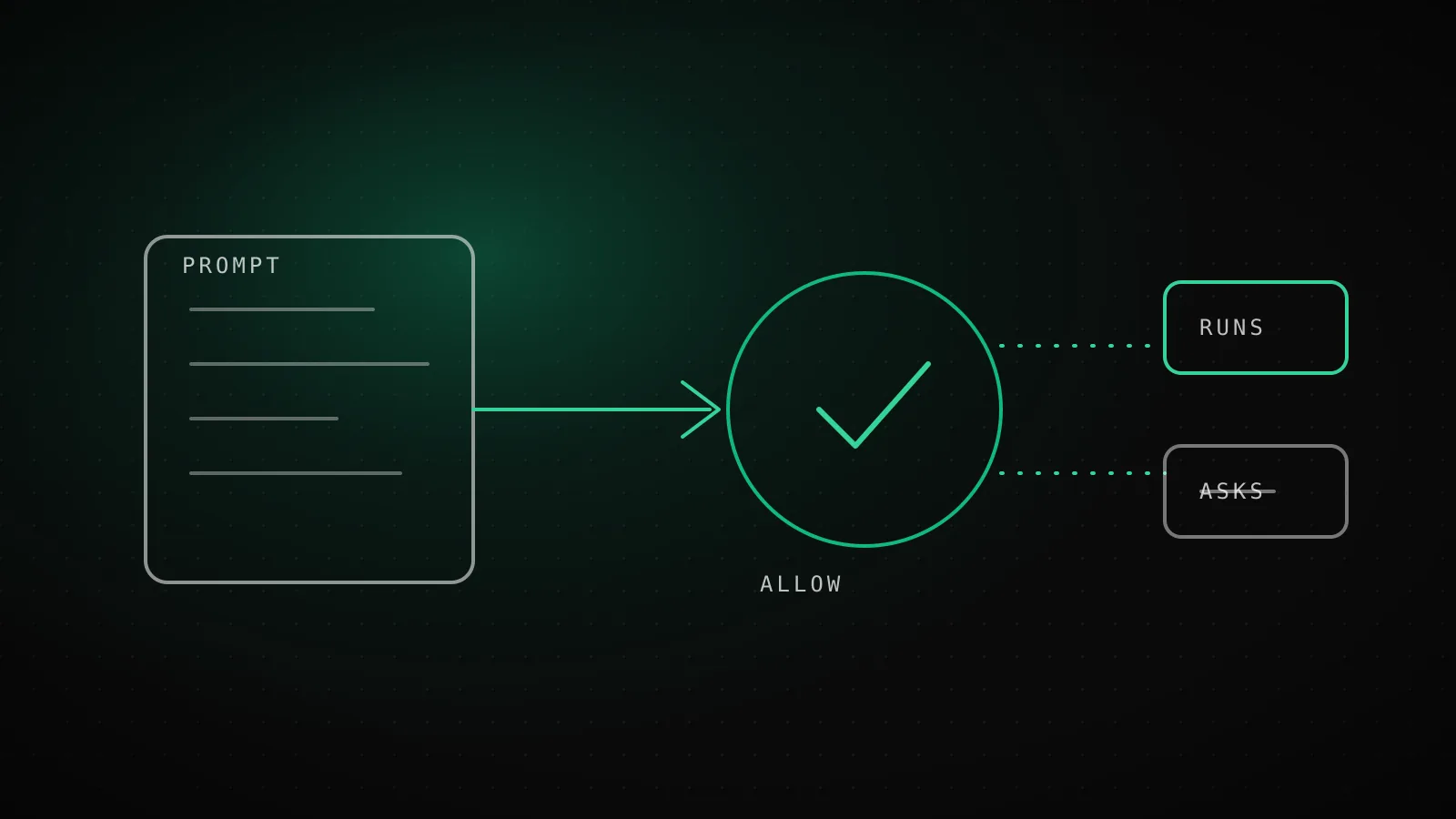
To stop Claude Code asking before every command, add allow rules to the permissions.allow list in settings.json, one per command family you trust, like Bash(npm run *) or Bash(git commit *). That removes the prompts you hit all day and keeps the gate on the few commands that can hurt you. A single catch-all Bash allow also works, but it deletes the safety check along with the interruptions.
TL;DR: Write narrow allow rules with the
*after the subcommand, keeprm -rf,curl,wgetand secret files on the deny list, and makegit pushan ask rule. UseacceptEditsif edits are the noise, auto mode if you want a classifier to judge the rest, andbypassPermissionsonly inside a container. Deny rules match command text, so they are not a security boundary on their own. The paste-in config is below.
What does "allow all commands" actually mean?
Five different setups get called that, and most people want one of the first two.
Five ways to stop the prompts, narrowest first
- Lowest
1. Don't ask again
One command, saved per repository
- Low
2. Allow rules
Command families you wrote, e.g. Bash(npm run *)
- Medium
3. acceptEdits
File edits plus mkdir, touch, rm, rmdir, mv, cp, sed in the working directory
- Medium
4. Auto mode
A classifier model reviews each action instead of you
- Highest
5. bypassPermissions
Everything except ask rules; container use only
Rung 1 is the "Yes, and don't ask again" option on a prompt. For Bash it is saved permanently per repository and command, per the permissions docs. Rung 2 is a rule you write yourself, which is what this guide is mostly about. Rungs 3 to 5 are modes, which change the baseline for every tool at once. If you want the full tour of the modes, the permissions explainer covers it, and I will not repeat it here.
How do you approve a command once and never see the prompt again?
Pick "Yes, and don't ask again" on the prompt. For a compound command like git status && npm test, Claude Code does not save the whole string. It saves a separate rule for each part that needed approval, up to five, so npm test is recognized next time whatever precedes it.
Sometimes the prompt offers only a one-time yes. Claude Code withholds the permanent option when it cannot show you everything the rule would allow. Commands that start with an exec wrapper like watch, and find with an action such as -delete, are examples. For those, add the rule yourself in /permissions, which also shows every loaded rule and which file it came from. A rule added there applies from Claude's next tool call, even mid-turn.
How do wildcard allow rules match commands?
A * matches any text, spaces included. Put it after the subcommand, because everything before the first * is matched as written. Bash(git log *) allows only git log. Bash(git *) allows every git command, including ones you would never approve by hand.
What each allow rule actually lets through
Five rules, the commands they approve without a prompt, and a nearby command each one leaves alone.
Bash(npm run build)Runs npm run build
Still asks npm run build --watch
Bash(npm run *)Runs npm run test --watch, npm run
Still asks npm install
Bash(ls *)Runs ls -la, ls
Still asks lsof
Bash(ls*)Runs ls -la, lsof
Still asks nothing extra
Bash(git * main)Runs git merge main, git push origin main
Still asks git log
The last row is the trap: a * standing in for the subcommand also covers git push.
Three details cause most of the "my rule does nothing" reports:
- The space before a trailing
*is part of the rule.Bash(ls *)skipslsof;Bash(ls*)does not. - A trailing
*also matches the bare command, soBash(npm run *)covers a plainnpm run. :*is an older spelling of the same trailing wildcard.Bash(ls:*)equalsBash(ls *).
Compound commands are split on &&, ||, ;, |, |&, & and newlines, and every piece has to match its own rule. So Bash(safe-cmd *) will not approve safe-cmd && other-cmd. A few wrappers are stripped before matching: timeout, time, nice, nohup, stdbuf, and bare xargs. That means Bash(npm test *) also covers timeout 30 npm test.
Read-only commands never need a rule. ls, cat, grep, head, wc, diff, cd inside the project and read-only git forms already run silently in every mode, and the set is not configurable.
Should you use acceptEdits or auto mode instead of rules?
It depends on what is generating the prompts. Count them for a day before choosing.
If file edits are the noise, acceptEdits approves edits plus mkdir, touch, rm, rmdir, mv, cp and sed, but only inside your working directory. Note that rm is in that list. Start it with claude --permission-mode acceptEdits, or set "defaultMode": "acceptEdits" under permissions in a settings file.
If shell commands are the noise and your rules cannot keep up, auto mode has a second model review each action instead of you. It needs a supported model, and since v2.1.283 it is the built-in starting mode in the terminal and VS Code. One gotcha I would have missed: defaultMode: "auto" has no effect in .claude/settings.json or .claude/settings.local.json. The session quietly starts in Manual. Put it in ~/.claude/settings.json. The same applies to bypassPermissions.
Auto mode also still honors your ask and deny rules, so the rules below are worth writing either way.
Which commands should stay denied when everything else is allowed?
Deny rules win over allow rules from every settings file, and you cannot carve an exception out of one. So the deny list is where the real protection sits. My short list:
rm -rfand anything that deletes recursivelycurlandwget, which move data off your machineRead(.env),Read(.env.*)and any secrets directorygit push, as an ask rule so it stops for a look rather than failing
Keep the deny list short and boring. A long one tends to block legitimate work, and then people start approving things by reflex again.
Why does a deny rule not catch every way of running the command?
Because it matches the text Claude writes, not what the program ends up doing. The docs are direct about this: a deny rule "covers the invocation Claude usually produces and isn't a security boundary around the program."
A deny rule matches text, not intent
Bash(curl *)Blocks curl https://example.com
Not matched /usr/bin/curl https://example.com
Not matched sh -c 'curl https://example.com'
Bash(rm *)Blocks rm -rf build/
Not matched /bin/rm -rf build/
Not matched bash -c 'rm -rf build/'
Bash(git push *)Blocks git push origin main
Not matched git -C . push origin main
Not matched git 'push' origin main
For enforcement that does not depend on how the command is spelled, the docs point to sandboxing or a PreToolUse hook.
That is why a blanket allow plus a deny list is weaker than it looks. Anything spelled differently falls through to your allow rule. Two fixes from the docs: run Bash inside the sandbox, which enforces limits at the OS level, or add a PreToolUse hook that inspects the full command text before it runs. If you only want to read before acting, plan mode is the cheaper option.
A starter allow, ask and deny list you can paste in
I checked this parses with jq before pasting it here. It covers the commands a normal JavaScript project runs all day and gates the rest.
{
  "permissions": {
    "allow": [
      "Bash(npm run *)",
      "Bash(npm test *)",
      "Bash(npx prettier *)",
      "Bash(git status)",
      "Bash(git diff *)",
      "Bash(git log *)",
      "Bash(git add *)",
      "Bash(git commit *)"
    ],
    "ask": [
      "Bash(git push *)"
    ],
    "deny": [
      "Bash(rm -rf *)",
      "Bash(curl *)",
      "Bash(wget *)",
      "Read(.env)",
      "Read(.env.*)",
      "Read(**/secrets/**)"
    ]
  }
}
Put it in .claude/settings.json to share with the team, or .claude/settings.local.json to keep it yours. Swap the npm lines for your own build and test commands. The permissions generator builds the same shape from a checklist if you would rather click than type, and the settings guide explains which file wins when two disagree.
Why is Claude Code still asking after you added the rule?
Check these in order:
- Run
/permissions. If the rule is not listed, the file did not load or the JSON is invalid. - Look for a matching
askordenyrule. Either beats your allow rule. - Check for a compound command. One unmatched piece makes the whole command prompt.
- Check for a
*before the subcommand. Claude Code warns about those at startup and the rule may not do what you expect. - Check for a trailing
&&with nothing after it. That is treated as unparseable and no allow rule approves it.
When is allowing commands the wrong move?
On a machine with real credentials, a bare Bash allow is the wrong move, and so is --dangerously-skip-permissions. The first removes your gate, and the second removes it for edits and the network too. If you truly want zero prompts, do it in a throwaway container or VM with no internet, where there is nothing to lose. Also skip rules you cannot explain. If you do not know what a command does, the prompt is doing its job.
FAQ
How do I make Claude Code stop asking for permission?
Add allow rules for the commands you trust to the permissions.allow array in settings.json, for example Bash(npm run *). Pick "Yes, and don't ask again" on a prompt and Claude Code saves a rule for that command in the repository. Only reach for auto mode or bypassPermissions if rules still leave too many prompts.
Can I allow every Bash command at once?
Yes, a bare Bash allow rule or Bash(*) does it, but it removes the gate on rm, curl, git push and everything else. Deny rules still win over it, so if you do this, pair it with a deny list. Narrow rules per command family are the safer default.
Is --dangerously-skip-permissions the same as allowing all commands?
Close, but broader. It sets bypassPermissions mode, which skips prompts for file edits and network access too, not just Bash. The docs say to use it only in containers or VMs with no internet access.
Why does Claude Code still ask after I added an allow rule?
Usually the rule does not match the command text. A rule must match every part of a compound command separately, a space before the trailing star matters, and a matching ask or deny rule always beats an allow rule. Run /permissions to see which rules loaded and from which file.
Do allow rules work for MCP tools and web fetches too?
Yes. MCP tools match by name, such as mcp__puppeteer__* for every tool on one server, and web fetches match by domain, such as WebFetch(domain:example.com).
Allow the boring commands, gate the rest
Most prompt fatigue comes from eight or ten commands you run every hour. Allow those by name, deny the handful that can hurt, and leave everything else asking. If you want that setup already tuned and installed in one paste, that is what ClockedCode ships.