How to Use Subagents in Claude Code (Create, Call and Restrict Them)
 By Neo Zino - builder of ClockedCode10 min read
Create a Claude Code subagent as a markdown file, call it by name or @-mention, and lock down its tools and model. Frontmatter fields, examples and fixes.
Made with DispatchSEO
On this page
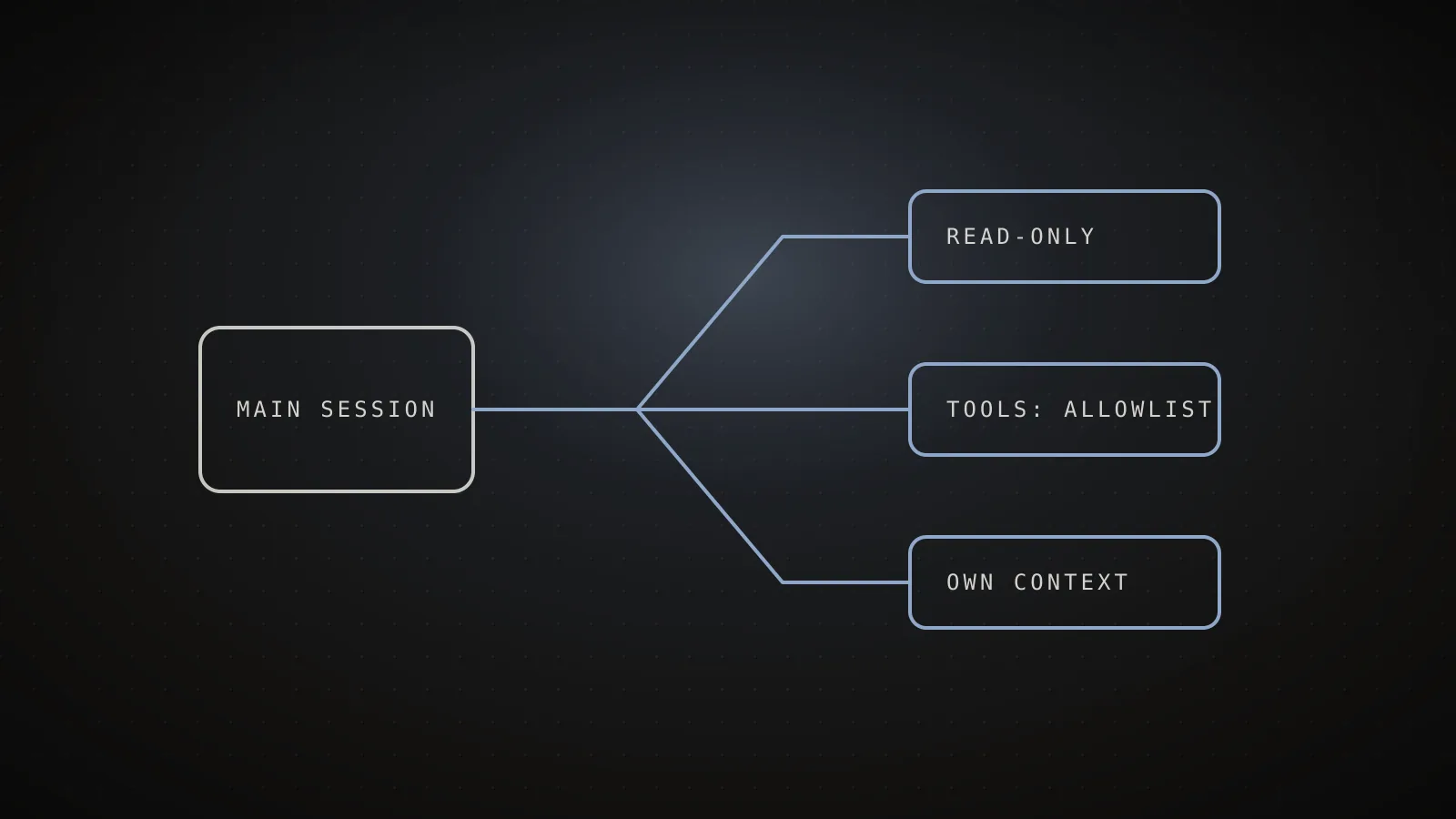
You use a subagent in Claude Code by saving a markdown file in .claude/agents/ and then either asking for it by name or letting Claude pick it from its description. Each subagent runs in its own context window with its own system prompt, tool list and permissions, and only a summary comes back to your conversation. That is the whole point: the noisy work happens somewhere else.
TL;DR: One file, two required fields (
name,description), a markdown body as the prompt. Restrict it withtoolsordisallowedTools. Call it with words,@agent-name, orclaude --agent name. Pick a cheapermodelfor read-only jobs. Everything below is checked against the current subagents docs.
Where does a subagent file live and what goes in it?
A subagent is a markdown file with YAML frontmatter on top. The body becomes its system prompt, and it gets only that plus basic environment details, not the full Claude Code prompt. Only name and description are required.
.claude/agents/your-agent.md
namerequiredUnique identifier. Lookup uses this, not the filename.
descriptionrequiredWhen Claude should hand work to this agent.
toolsoptionalAllowlist. Omit it and the agent inherits every tool.
disallowedToolsoptionalDenylist, applied before the allowlist resolves.
modeloptionalsonnet, opus, haiku, fable, a full model ID, or inherit.
Markdown body
Becomes the system prompt. The agent gets this plus basic environment details, not the full Claude Code prompt.
Here is a complete minimal one:
---
name: code-improver
description: Scans files and suggests improvements for readability, performance, and best practices. Use after writing or modifying code.
tools: Read, Grep, Glob
model: sonnet
---

You are a code improvement specialist. For each issue you find, explain
the problem, show the current code, and provide an improved version.
Where you save it decides who can use it. When two agents share a name, the higher row wins:
| Location | Scope | Priority |
|---|---|---|
| Managed settings | Whole organization | 1 (highest) |
--agents CLI flag | Current session only | 2 |
.claude/agents/ | Current project | 3 |
~/.claude/agents/ | All your projects | 4 |
A plugin's agents/ folder | Where the plugin is enabled | 5 (lowest) |
Two details that trip people up. Identity comes only from the name field, so renaming the file changes nothing. And multi-word fields are camelCase and must match exactly, such as disallowedTools. A misspelled field is silently ignored, not reported, so a typo in tools means the agent gets every tool.
Claude Code watches these folders, so a new file works within seconds. The exception is the first time you create an agents directory for a scope: that one needs a restart.
About /agents: on v2.1.197 and earlier it opens an interactive wizard for creating and editing. On newer versions it just reminds you to ask Claude or edit the folders directly. If you would rather fill in a form than write YAML, the free subagent generator outputs the file.
How do you call one so it actually runs?
You have four options, and they differ in who makes the decision.
1. Ask in plain words
Use the code-improver agent to suggest improvements
Claude decides whether to delegate
2. @-mention it
@"code-reviewer (agent)" look at the auth changes
Forces that subagent for this one task
3. Run the whole session as it
claude --agent code-reviewer
The session itself becomes that agent
4. Make it the project default
"agent": "code-reviewer" in .claude/settings.json
Every session here starts as that agent
Plain words are the loosest. Claude reads your request, compares it against every agent's description, and decides. That is automatic delegation, and it only works as well as the descriptions you wrote.
The @ mention is the one I reach for when I want certainty. Type @agent-code-reviewer or pick it from the menu, and that subagent runs for the task. The other two are different in kind: claude --agent NAME makes the session itself that agent, so the main thread follows its prompt and tool limits. The CLI flag overrides the agent setting if both exist.
There is also a way to define an agent without a file, which is handy in scripts and CI:
claude --agents '{"code-reviewer": {"description": "Reviews diffs", "prompt": "You review code.", "tools": ["Read", "Grep"], "model": "sonnet"}}'
That definition lives for the session only, and it sits at priority 2 in the table above.
The built-in subagents need no file at all. Explore (fast, read-only codebase search) and Plan (research during plan mode) are always there, which is why "use a subagent to find where auth refreshes tokens" works on a fresh install.
How do you limit what a subagent can touch?
Two frontmatter fields do it, and they combine in a specific order.
toolsis an allowlist. Leave it out and the subagent inherits every tool available to subagents, MCP tools included.disallowedToolsis a denylist, removed from whatever it would otherwise have.- If you set both, the denylist is applied first, then
toolsresolves against what remains.
---
name: safe-researcher
description: Research agent with restricted capabilities
tools: Read, Grep, Glob, Bash
---
---
name: no-writes
description: Inherits the available tools except file writes
disallowedTools: Write, Edit
---
You can grant or remove a whole MCP server with mcp__SERVER or mcp__SERVER__*. Some tools are never available to a subagent no matter what you list, including AskUserQuestion, EnterPlanMode and Workflow.
One gotcha worth stating plainly: Bash in a tools list gives the agent a shell. Putting Bash(git push *) in disallowedTools does not block just that command, it removes the entire Bash tool. To block specific commands while keeping Bash, use a permissions.deny rule instead. The permissions guide covers the syntax.
What does least privilege look like in practice?
I read the tools: line of every subagent ClockedCode ships and sorted them by whether they can change your files. Five of nine cannot.
5 of 9 cannot edit files
code-reviewerRead, Grep, Glob, Bash
security-reviewerRead, Grep, Glob, Bash
pr-describerRead, Grep, Glob, Bash
docs-researcherRead, Grep, Glob, WebFetch, WebSearch
web-researcherRead, Grep, Glob, WebFetch, WebSearch + search MCPs
debuggerRead, Grep, Glob, Bash, Edit
test-writerRead, Grep, Glob, Bash, Edit, Write
writerRead, Grep, Glob, Write, Edit, Skill
frontend-designerRead, Write, Edit, Grep, Glob, Bash, WebFetch, Skill + UI MCPs
The rule I followed: reviewers and researchers get read tools and, where they need to run git diff or tests, Bash. Only the agents whose job is to produce files (the test writer, the writer, the debugger that applies a fix) get Edit or Write. The cost of that discipline is that a reviewer cannot "just fix it" while reviewing, which is exactly what I want, since the review then stays a review.
Can you restrict which subagents get spawned?
Only for an agent running as the main thread through claude --agent. There you can write tools: Agent(worker, researcher), Read, Bash, which permits spawning just those two. Plain Agent allows any, and leaving it out prevents spawning entirely. Separately, subagents can nest up to three layers deep by default. CLAUDE_CODE_MAX_SUBAGENT_SPAWN_DEPTH changes that, and a value of 1 turns nesting off. To disable a built-in type, add "Agent(Explore)" to permissions.deny.
Which model should a subagent run on?
The model field takes sonnet, opus, haiku, fable, a full model ID, or inherit. Claude Code resolves it in this order:
- The model parameter Claude passes for that one call.
- The
modelin the frontmatter (inheritmeans the main conversation's model). - The
CLAUDE_CODE_SUBAGENT_MODELenvironment variable. - The main conversation's model.
My habit: leave judgment-heavy agents on inherit, and put mechanical read-and-summarize agents on a smaller model. The docs' own database example uses haiku for a read-only query agent. To force one model on every subagent regardless, set CLAUDE_CODE_SUBAGENT_MODEL together with CLAUDE_CODE_SUBAGENT_MODEL_FORCE=1 (v2.1.257 and later).
What do the other frontmatter fields do?
You will rarely need most of them, but these four earn their place:
| Field | What it does | When I use it |
|---|---|---|
permissionMode | default, acceptEdits, auto, dontAsk, bypassPermissions or plan for this agent | Read-only agents that should never prompt |
maxTurns | Stops the agent after N turns and marks the output partial | Anything that could wander |
isolation: worktree | Runs it in a temporary git worktree, cleaned up if nothing changed | Agents that edit in parallel |
memory | Persistent memory scope: user, project or local | A reviewer that should learn your conventions |
There is also skills to preload skill content, mcpServers, hooks, background, effort and color. The skills guide explains when a skill is a better fit than a whole subagent.
Why does Claude never pick my subagent?
Nine times out of ten it is the description. Claude delegates based on that single field, so "Code reviewer" tells it what the agent is and nothing about when to call it. Compare:
# vague
description: Reviews code

# works
description: Reviews a diff for bugs and style problems. Use right after writing or changing code, before committing.
Other causes, in the order I check them:
- The name is shadowed. Another file with the same
namesits in a higher-priority location and wins. - Wrong folder state. You created the first-ever
agentsdirectory and have not restarted. - A typo in a field name. Unrecognized fields are ignored with no error.
- Delegation is denied.
Agentis inpermissions.deny.
When in doubt, @agent-NAME skips the guessing entirely. If you are choosing between a subagent and a coordinated group, the agent teams guide and the multiple agents comparison draw the line.
When is a subagent the wrong tool?
- The task needs back-and-forth. A subagent returns a summary and is done. For iteration, stay in the main conversation.
- The task is tiny. Spinning up a separate context for a one-line change costs more than doing it.
- Steps depend on each other. Parallel helpers waiting on one another save nothing.
- You need workers that talk to each other. That is an agent team, not a subagent.
- You want a fixed procedure, not a persona. A skill or a slash command is lighter.
FAQ
How do I create a subagent in Claude Code?
Save a markdown file in .claude/agents/ for one project or ~/.claude/agents/ for all your projects. The YAML frontmatter needs a name and a description, and the body is the system prompt. Claude Code watches those folders, so the agent is usable within seconds.
How do I call a specific subagent?
Name it in your prompt, type @agent-NAME, or run the whole session as it with claude --agent NAME. Naming it in plain words lets Claude decide whether to delegate. The @-mention forces that subagent for the task.
How do I stop a subagent from editing files?
Give it a tools allowlist without Write and Edit, for example tools: Read, Grep, Glob, Bash. Or inherit everything and set disallowedTools: Write, Edit. If you set both fields, the denylist is applied first and the allowlist resolves against what remains.
Which model does a subagent use?
Claude Code checks, in order, the model parameter Claude passes for that call, the model field in the frontmatter, the CLAUDE_CODE_SUBAGENT_MODEL environment variable, and finally your main conversation's model. Setting model: inherit keeps the main model.
Why won't Claude use my subagent?
Usually the description is too vague. Claude delegates based on that field, so say when to use the agent, not just what it is. If a name is duplicated in a higher-priority location, that copy wins. You can always force it with an @-mention.
Start with one read-only agent
Write one reviewer with Read, Grep, Glob, Bash, a description that says when to call it, and call it with an @ mention for a week. ClockedCode ships the nine agents above already tuned, if you would rather start from a working roster.