"claude: command not found" - The Fix (Mac, Windows, Linux)
 By Neo Zino - builder of ClockedCode10 min read
Claude Code installed fine but `claude` isn't found? It's almost always a PATH issue, not a broken install - the exact fix for Mac, Linux, and Windows.
Made with DispatchSEO
On this page
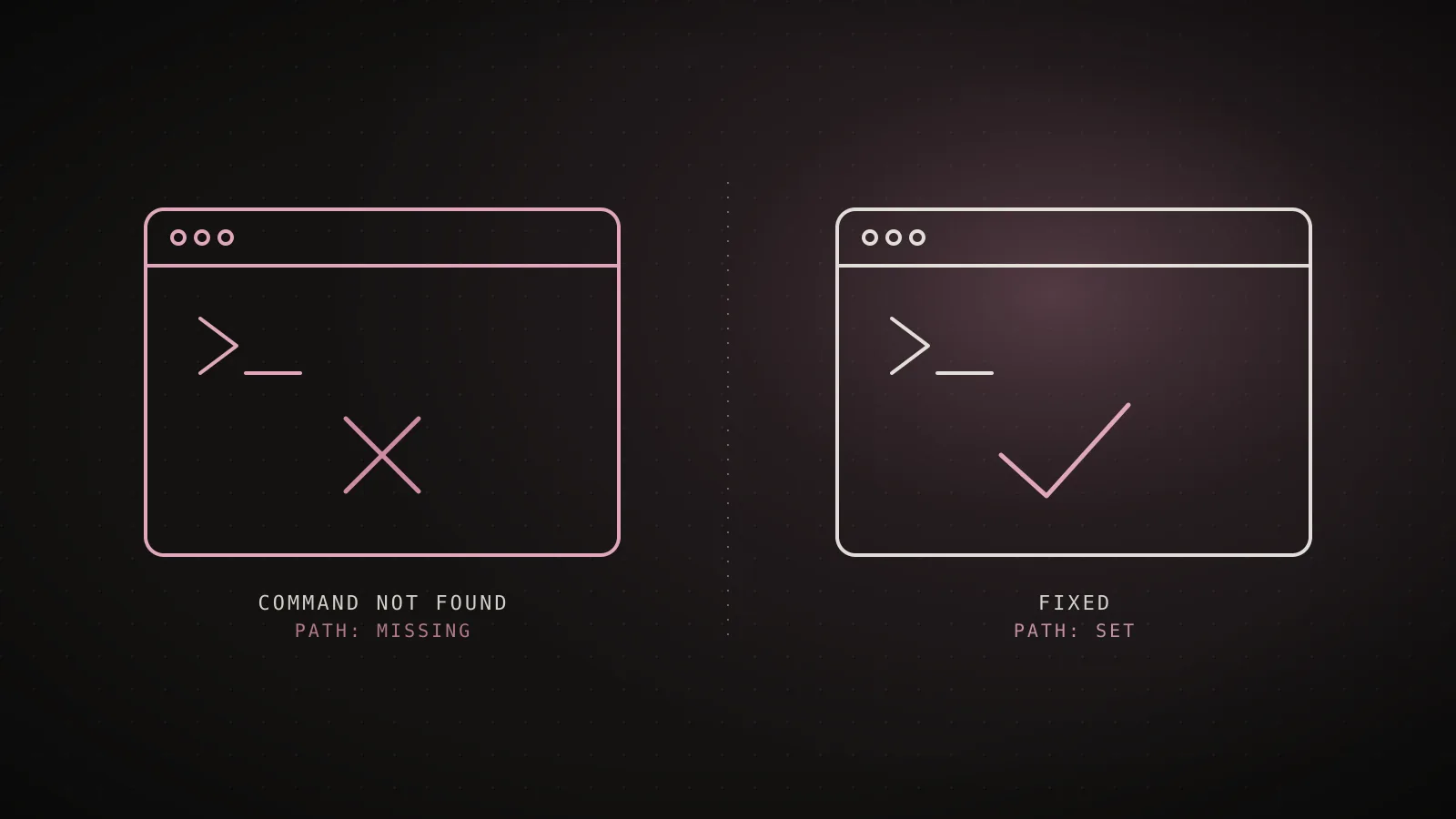
claude: command not found almost always means the install worked and your shell just doesn't know where the binary landed - it isn't a broken install, and reinstalling won't fix it. The native installer, npm, and Homebrew each put the claude binary in a real directory on disk; the error only shows up when that directory isn't listed in your shell's PATH. Add it once, in the profile file your shell actually reads, and the command works from every terminal you open afterward.
TL;DR: On Mac or Linux, run
echo 'export PATH="$HOME/.local/bin:$PATH"' >> ~/.zshrc && source ~/.zshrc(swap~/.zshrcfor~/.bashrcif you're on Bash), then open a new terminal. On Windows PowerShell,[Environment]::SetEnvironmentVariable('PATH', "$([Environment]::GetEnvironmentVariable('PATH','User'));$env:USERPROFILE\.local\bin", 'User')and restart your terminal. Confirm it worked withclaude --version- a working install prints a version number followed by(Claude Code).
Why this happens: a working install, not a broken one
Every install method puts claude somewhere concrete: the native installer symlinks it to ~/.local/bin/claude on Mac and Linux, npm links it into whatever directory npm config get prefix reports, and Homebrew symlinks its cask into /opt/homebrew/bin or /usr/local/bin. Your shell doesn't scan the whole filesystem for commands - it only checks the directories listed in the PATH environment variable, in order, and reports "not found" the instant none of them contain a match. The binary can be sitting on disk in perfect working order and still be invisible to the shell.
The exact wording changes by platform, but it's the same cause everywhere:
| Platform | What you see |
|---|---|
| macOS (zsh) | zsh: command not found: claude |
| Linux (bash) | bash: claude: command not found |
| Windows CMD | 'claude' is not recognized as an internal or external command |
| Windows PowerShell | claude : The term 'claude' is not recognized as the name of a cmdlet |
I reproduced this while writing the guide rather than guessing at the wording: running claude in a subshell with ~/.local/bin stripped out of PATH prints exactly bash: line 1: claude: command not found and exits with status 127 - the standard shell exit code for "command not found," not a Claude Code-specific error. Adding ~/.local/bin back to PATH in that same subshell, with no reinstall, immediately resolves it back to 2.1.220 (Claude Code). That's the whole bug: one directory missing from one list.
Same bug, four shells - the exact fix for each
macOS (zsh)
zsh: command not found: claudeecho 'export PATH="$HOME/.local/bin:$PATH"' >> ~/.zshrcLinux (bash)
bash: claude: command not foundecho 'export PATH="$HOME/.local/bin:$PATH"' >> ~/.bashrcWindows PowerShell
The term 'claude' is not recognized[Environment]::SetEnvironmentVariable('PATH', ..., 'User')Windows CMD
'claude' is not recognized as a commandAdd %USERPROFILE%\.local\bin via Environment Variables
Error strings from code.claude.com's troubleshooting docs, checked 2026-08-02.
Fix it on Mac or Linux (zsh and bash)
First, check whether the install directory is already on your PATH - if it is, the problem is something else, covered further down:
echo $PATH | tr ':' '\n' | grep -Fx "$HOME/.local/bin"
No output means it's missing. Add it to the profile file your shell actually loads. macOS ships zsh by default; most Linux distributions default to bash. If you're not sure which one you're running, echo $SHELL tells you.
Zsh (macOS default):
echo 'export PATH="$HOME/.local/bin:$PATH"' >> ~/.zshrc
source ~/.zshrc
Bash (most Linux distributions):
echo 'export PATH="$HOME/.local/bin:$PATH"' >> ~/.bashrc
source ~/.bashrc
source-ing the file applies the change to your current shell immediately; opening a brand-new terminal tab does the same thing without the extra command. Either way works - what doesn't work is typing the export line directly into the terminal without appending it to the profile file, since that only lasts until you close the window.
If you installed with a package manager instead of the native installer, the directory differs: Homebrew symlinks into /opt/homebrew/bin (Apple Silicon) or /usr/local/bin (Intel), and both are on PATH by default on a stock Homebrew setup, so this specific error is rare with that install method. npm's target directory depends entirely on npm config get prefix, which is what the next section covers.
Fix it on Windows (PowerShell and CMD)
Check first, since PowerShell and CMD read PATH differently and the fix command differs too:
PowerShell:
$env:PATH -split ';' | Select-String '\.local\\bin'
No output means it's missing. Add it to your User PATH permanently:
$currentPath = [Environment]::GetEnvironmentVariable('PATH', 'User')
[Environment]::SetEnvironmentVariable('PATH', "$currentPath;$env:USERPROFILE\.local\bin", 'User')
CMD:
echo %PATH% | findstr /i "local\bin"
CMD can't persist an environment variable edit from inside itself - if the directory is missing, open System Settings -> Environment Variables and add %USERPROFILE%\.local\bin to your User PATH there instead.
Either way, close and reopen your terminal afterward - the running session keeps whatever PATH it started with, even after the User variable changes underneath it. That's also why reinstalling from the same stale terminal looks like it "didn't work": the binary lands correctly, but the shell you're checking from hasn't picked up the new PATH yet.
Confirm it actually worked
Missing to confirmed, four commands
command -v claudePrints nothing if the shell can't find it
echo $PATH | tr ':' '\n' | grep -Fx "$HOME/.local/bin"No output means the directory is missing
echo 'export PATH="$HOME/.local/bin:$PATH"' >> ~/.zshrcAppends the directory once, for good
claude --versionPrints a version number, like 2.1.220 (Claude Code)
Reproduced for this guide, 2026-08-02
Running claude --version in a subshell with ~/.local/bin stripped from PATH printed bash: line 1: claude: command not found and exited 127- the standard shell code for "command not found," not a Claude Code-specific error. Restoring the directory in that same subshell, no reinstall, immediately printed 2.1.220 (Claude Code).
claude --version is the fast check - a working install prints a version number followed by (Claude Code). If you want to confirm the mechanism rather than just the symptom, command -v claude (Mac/Linux) or where.exe claude (Windows) prints the full resolved path when the shell can see the binary, and prints nothing at all when it can't - that's the same check the shell itself runs before deciding whether to say "not found." If you've installed more than once, which -a claude lists every matching binary on your PATH in order, which is how you catch a leftover npm install shadowing a newer native one.
The nvm edge case that keeps coming back
If you installed Claude Code with npm install -g @anthropic-ai/claude-code while a Node version manager like nvm was active, the binary didn't go to a fixed system directory - it went inside that specific Node version's own directory tree (something like ~/.nvm/versions/node/v22.x.x/bin). Run nvm use to switch to a different Node version later, for a different project, and your PATH now points at a different version's bin directory - one that never had Claude Code installed in it. claude was never moved or deleted; the shell just stopped looking in the directory it lives in.
Node v20.x active
PATH resolves to
~/.nvm/versions/node/v20.x/binRunning claude
claude found (installed here)
Node v22.x active
PATH resolves to
~/.nvm/versions/node/v22.x/binRunning claude
claude: command not found
This is also where a fact worth knowing gets out of date fast: older guides tell you to run npm bin -g to find the global install directory and check whether it's on PATH. I tested that command while writing this section, on the current npm release (10.9.8, bundled with Node 22): it no longer exists.
$ npm bin -g
Unknown command: "bin"
The current equivalent is npm config get prefix, with /bin appended to whatever it prints (%APPDATA%\npm with no extra suffix on Windows). If a guide you're reading still says npm bin -g, it predates that removal.
Reinstalling under the new Node version works, but it's a chore you'll repeat every time you switch. The native installer (curl -fsSL https://claude.ai/install.sh | bash) is the fix that sticks: it puts claude at a fixed path that has nothing to do with Node or nvm, so switching Node versions for other projects never touches it again.
When it's not a PATH problem at all
A PATH fix doesn't cover every "command not found"-shaped problem. Three real ones worth ruling out:
- The VS Code extension doesn't put
claudeon yourPATH. It bundles a private copy of the CLI inside the extension directory for its own chat panel and never touches your shell'sPATH. If you've only ever installed the extension,~/.local/bin/claudegenuinely doesn't exist yet - the VS Code integration guide covers installing the standalone CLI alongside it, which is what a terminal needs. - An npm install can leave a placeholder instead of a binary. If
clauderuns but immediately printsError: claude native binary not installed, the postinstall step that copies the real binary into place didn't run - usually--ignore-scripts,--omit=optional, or an.npmrcwithoptional=false. That's a different failure fromPATH, and no amount of PATH editing fixes it; reinstall without those flags instead. - Directory permissions block the install itself.
test -w ~/.local/bin && echo writable || echo "not writable"tells you fast. If it's not writable, the installer never placed the binary at all, andPATHwas never the issue.
FAQ
Why does "claude: command not found" happen after a successful install?
Because the install genuinely worked - the native installer, npm, and Homebrew all put the claude binary on disk, just not in a directory your shell searches by default. Your shell only finds commands that live in one of the directories listed in $PATH, and ~/.local/bin (the native installer's target) isn't on that list on every system. Add it once and the error is gone for good.
How do I fix "claude: command not found" on Mac or Linux?
Run echo 'export PATH="$HOME/.local/bin:$PATH"' >> ~/.zshrc && source ~/.zshrc on Mac (zsh is the default shell), or the same line with ~/.bashrc on most Linux distributions, then open a new terminal tab and run claude --version to confirm.
How do I fix "claude: command not found" on Windows?
In PowerShell, run [Environment]::SetEnvironmentVariable('PATH', "$([Environment]::GetEnvironmentVariable('PATH','User'));$env:USERPROFILE\.local\bin", 'User'), then close and reopen your terminal. In CMD, add %USERPROFILE%\.local\bin to your User PATH variable through System Settings -> Environment Variables instead, since CMD can't persist an environment variable change on its own.
Does "command not found" mean my Claude Code install is broken?
No. It means the binary is already on disk and only the shell's search path needs a one-line fix - reinstalling doesn't change anything, since the installer would put the binary in the exact same directory again. The install is only actually broken if you get a different error, like Error: claude native binary not installed after an npm install.
Why does the error come back every time I open a new terminal?
Because the PATH change didn't get saved to your shell's profile file - either the export line was typed directly into the terminal instead of appended to ~/.zshrc or ~/.bashrc, or it landed in the wrong file for the shell you actually use. Check which shell you're running with echo $SHELL and make sure the line lives in that shell's own config file.
Why did claude disappear after I switched Node versions with nvm?
If you installed Claude Code with npm install -g while a version manager like nvm was active, the binary landed inside that specific Node version's own directory tree, not a fixed system location. Switching versions with nvm use points your PATH at a different directory that never had Claude Code installed in it. Reinstalling under the new version fixes it, but switching to the native installer avoids the problem entirely, since it doesn't tie the binary to any Node version.
One export line, and it's done
Every version of this error traces back to the same missing line in the same kind of file - the shell can't find a binary that isn't in any directory it's told to check. Fix the PATH, restart the terminal, and claude --version should print a real version number on the first try from then on. If you haven't installed yet, the complete install guide covers every platform's install command up front, and my free Claude Code setup walkthrough is the fast way past the generic defaults once claude actually runs.