Claude Code Plugin Marketplace: How It Works and Which Ones to Add
 By Neo Zino - builder of ClockedCode9 min read
How the Claude Code plugin marketplace works, the exact add and install commands, and an honest verdict on which marketplaces are worth adding.
Made with DispatchSEO
On this page
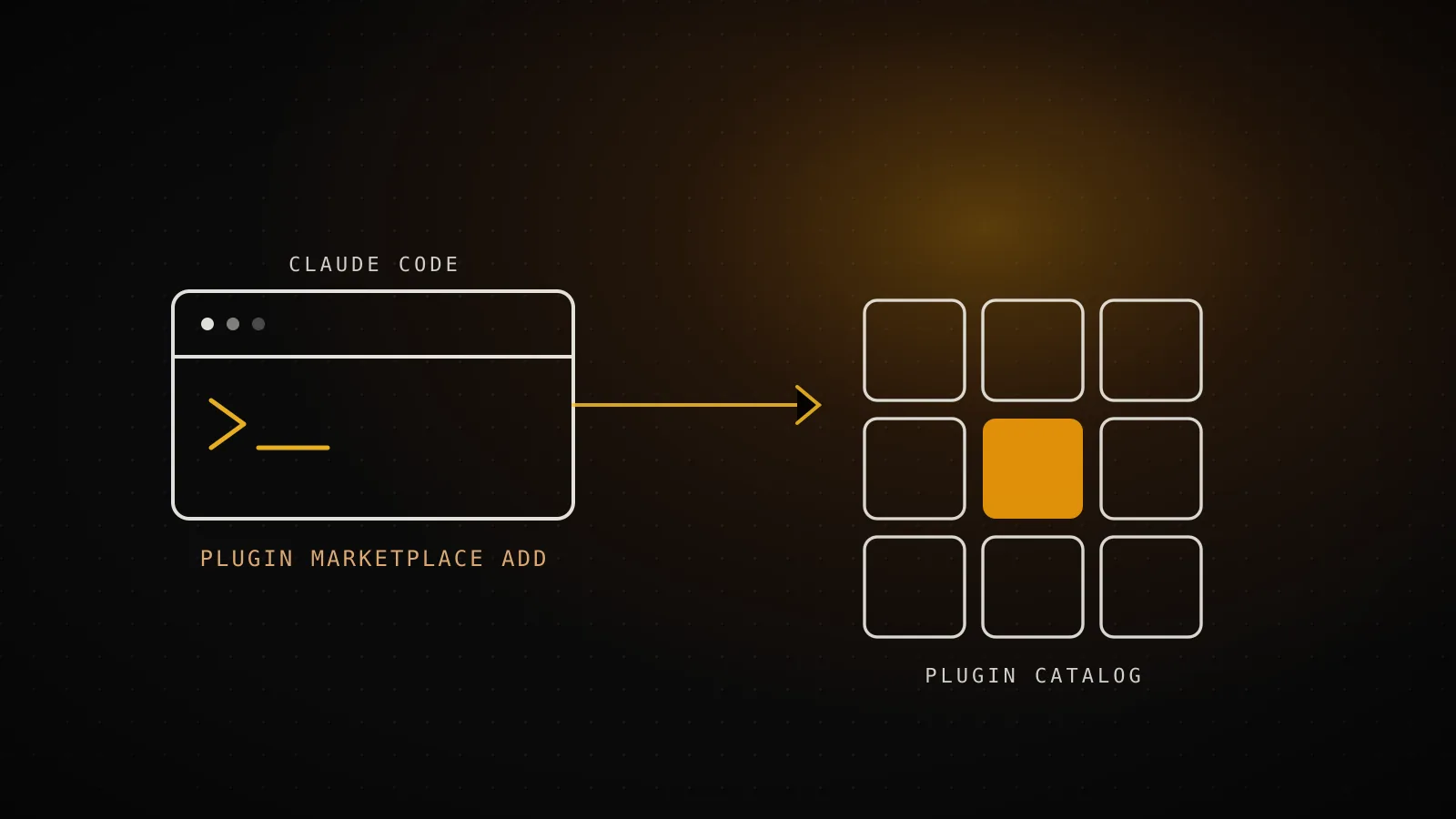
Claude Code's plugin marketplace system works in two steps: register a catalog with /plugin marketplace add, then install whatever you want from it with /plugin install. Anthropic runs two of these catalogs itself, claude-plugins-official (added for you automatically) and claude-community (a much bigger third-party pool you add by hand), and every other marketplace you'll find online is somebody else's GitHub repo you're choosing to trust. Counted directly rather than pulled from an old post, that breaks down to 284 plugins in the official catalog and 2,291 in the community one right now.
TL;DR:
/plugin marketplace add anthropics/claude-plugins-official(usually already done for you) and/plugin marketplace add anthropics/claude-plugins-communitycover almost everyone. A marketplace only registers a catalog - installing is a separate/plugin install name@marketplacestep. Anything else you find, check the repo before you add it: marketplaces run arbitrary code with your own permissions.
What the plugin marketplace actually is (and isn't)
A marketplace is not a plugin, and it's not a website either, even though several sites ranking for this exact search - claudemarketplaces.com, buildwithclaude.com, pluginmarketplace.ai - read like one. Technically, a marketplace is a repository containing a .claude-plugin/marketplace.json manifest that lists plugins and where to fetch each one from. Adding it with /plugin marketplace add clones that manifest locally so Claude Code knows what's available; it installs nothing on its own. You still have to pick plugins out of it with /plugin install or the /plugin panel's Discover tab.
That two-step split matters because the two actions carry different risk. Registering a marketplace is cheap and reversible - /plugin marketplace remove undoes it. Installing a plugin from one is not: a plugin can bundle skills, agents, hooks, and MCP servers, and any of those can run shell commands on your machine the moment they're invoked. For the fuller breakdown of what a plugin actually bundles versus a standalone skill or an MCP server, see the taxonomy in the best Claude Code plugins guide - this piece stays focused on the marketplace layer above that.
Adding a marketplace: the exact commands
/plugin marketplace add accepts four kinds of source, and the syntax differs enough between them that copying the wrong shape is the most common way this command fails:
| Source | Example |
|---|---|
GitHub repo (owner/repo) | /plugin marketplace add anthropics/claude-code |
Other git host (needs https:// and .git) | /plugin marketplace add https://gitlab.com/company/plugins.git |
Local path to a marketplace.json | /plugin marketplace add ./my-marketplace |
Remote URL to a hosted marketplace.json | /plugin marketplace add https://example.com/marketplace.json |
The GitHub shorthand only works for GitHub itself. Point it at GitLab, Bitbucket, or a self-hosted server without the full URL and .git suffix, and Claude Code v2.1.196+ rejects it outright rather than silently misreading it as a GitHub path - a fix for exactly the failure mode earlier versions had. To pin a branch or tag instead of the default, append # and the ref: /plugin marketplace add https://gitlab.com/company/plugins.git#v1.0.0.
I ran the two commands everyone actually needs, against Claude Code 2.1.226, in a clean environment with nothing configured yet:
$ claude plugin marketplace add anthropics/claude-plugins-official
✔ Successfully added marketplace: claude-plugins-official (declared in user settings)

$ claude plugin marketplace add anthropics/claude-plugins-community
✔ Successfully added marketplace: claude-community (declared in user settings)

$ claude plugin marketplace list
Configured marketplaces:

  ❯ claude-plugins-official
    Source: GitHub (anthropics/claude-plugins-official)

  ❯ claude-community
    Source: GitHub (anthropics/claude-plugins-community)
Both cloned without a prompt, which is expected for Anthropic's own repos. A third-party source clones the same way - the trust decision happened when you typed the command, not when it ran.
Official vs community: what 2,575 plugins actually break down into
"13 official plugins" is a number worth retiring - it was accurate when the best Claude Code plugins guide measured it on 2026-07-24, and it's already stale three weeks later. Adding both marketplaces fresh and counting the plugins array in each one's cached marketplace.json puts the official catalog at 284 entries today, not 13 - Anthropic has been shipping integrations (Stripe, Notion, Figma, a full page of database and cloud connectors, eleven LSP language servers) far faster than any static list can track. The community catalog, which most searches for this keyword don't mention at all, sits at 2,291.
claude-plugins-official
anthropics/claude-plugins-official
claude-community
anthropics/claude-plugins-community
Plugins listed today
284
2,291
Who vets a listing
Anthropic picks each one by hand
Automated validation + safety screening
How a listing is pinned
Anthropic's own repo, no pinning needed
Commit SHA, bumped by CI as the author pushes
How you add it
Nothing - registers on first interactive launch
/plugin marketplace add anthropics/claude-plugins-community
Counted by adding both marketplaces and reading their cached marketplace.json catalogs, 2026-08-10 - re-run `/plugin marketplace update` before trusting these counts weeks later.
The gap isn't just size. Official listings are Anthropic's own repo, so there's nothing to pin - they publish it, you get it. Community listings go through automated validation and safety screening before landing in the catalog, then get pinned to a specific commit SHA that CI bumps automatically as the author pushes updates, which is a meaningfully different trust model from "anyone can open a PR." Neither is a substitute for reading a plugin's own README before you install it, but it's the difference between a stranger's raw GitHub repo and a repo Anthropic's pipeline has already run a pass over.
Which marketplaces are actually worth adding
Four sources, four verdicts
claude-plugins-official
Already there after your first interactive launch - Anthropic's own curated set
Add itclaude-community
2,291 third-party plugins, automated validation and safety screening, commit-pinned
Add itYour team's own repo
extraKnownMarketplaces in .claude/settings.json - internal plugins, install prompts for teammates
Add if it appliesA repo a directory site links to
Sites like claudemarketplaces.com or buildwithclaude.com list marketplaces, they aren't one - the linked GitHub repo is what actually runs on your machine
Check the repo first
The two Anthropic-run catalogs cover the overwhelming majority of what anyone needs: official for the vetted basics (GitHub, Sentry, Supabase, the LSP servers, security-guidance), community for everything else that's passed automated screening. A team's own internal marketplace is worth setting up once you have plugins specific to your codebase - add it to extraKnownMarketplaces in .claude/settings.json and Claude Code prompts teammates to install it the first time they trust the repo folder.
The fourth row is the one this search actually needs clearing up: sites like claudemarketplaces.com, buildwithclaude.com, and pluginmarketplace.ai are directories, not marketplaces you point /plugin marketplace add at directly. What you're really trusting is whichever GitHub repo they link out to, and Anthropic's own docs are blunt about what that means: plugins and marketplaces "are highly trusted components that can execute arbitrary code on your machine with your user privileges." Anthropic also reserves marketplace names that could impersonate its own - official-claude-plugins and anthropic-plugins-v2 are explicitly blocked, and Claude Code re-checks that block on every load, not just when you add one. A directory site can't fake being the official marketplace even if it wanted to; it also can't vouch for a repo it merely links to. Treat the link as a starting point for research, not an install target.
There's also a demo marketplace, claude-code-plugins (/plugin marketplace add anthropics/claude-code), built to show off what the plugin system can do rather than for daily use - worth a browse if you're building your own plugin, not a line in your setup otherwise.
Installing, checking cost, and removing plugins day to day
Get it running
/plugin install <name>@<marketplace>Prompts for user, project, or local scope
claude plugin details <name>Component inventory and projected token cost, before you commit
Keep tabs on it
/plugin list --enabledConfirms what's actually active in this session
Cut it loose
/plugin disable <name>@<marketplace>Turns it off without removing it
/plugin uninstall <name>@<marketplace>Removes it entirely
Two habits from that flow are easy to skip and shouldn't be. First, run claude plugin details <name> before you commit to a plugin, not after - it shows the exact commands, agents, skills, and MCP or LSP servers it will add, plus a projected token cost, so you're not guessing what a plugin is going to do to your context window the way you would be if you only read its marketplace description. Second, Claude Code tracks usage: the /plugin panel's Installed tab surfaces anything you installed yourself but haven't used in two weeks and ten-plus sessions under a "Not used recently" header, which is the fastest way to find plugins still taxing every turn for nothing.
One command changed behavior worth knowing before you hit it: /reload-plugins applies changes without restarting, but if the reload would invalidate the prompt cache - typically because a plugin's MCP server just got enabled or disabled - it warns and skips instead of silently re-reading your whole conversation. Rerun it with --force if you actually want that.
When not to add a marketplace
Don't add one you don't plan to install from. Registering a marketplace is nearly free on its own, but it's also pure clutter if it just sits there - remove it with /plugin marketplace remove <name> rather than letting your /plugin panel fill up with catalogs you never open.
Don't add a marketplace whose name looks official without checking why. Anthropic reserves the real official names specifically so third parties can't squat on them, which means a marketplace claiming to be first-party through some other name is worth extra suspicion, not less. And don't skip the repo read because a directory site's listing looked polished - polish is cheap; a commit history that's been quiet for a year, or a README that doesn't say what the plugin actually installs, is the real signal, the same check the plugin-by-plugin guide already runs before recommending anything.
If you're setting up Claude Code from scratch rather than tuning what you already have, ClockedCode's Claude Code templates bundle the marketplace-add and install commands for a curated starting setup into copy-paste configs, so you're not typing each one by hand.
FAQ
What is the Claude Code plugin marketplace?
A plugin marketplace is a git-backed catalog - technically a repo with a .claude-plugin/marketplace.json file - that lets Claude Code discover and install plugins. Adding one with /plugin marketplace add only registers the catalog; nothing installs until you run /plugin install on something inside it.
How do I add a plugin marketplace in Claude Code?
Run /plugin marketplace add <source>, where source is a GitHub owner/repo, a full git URL (with https:// and, for non-GitHub hosts, a trailing .git), a local path to a marketplace.json file, or a remote URL to a hosted one. The official Anthropic marketplace registers itself automatically the first time you launch Claude Code interactively, so you'll usually only run this command for a second, third-party, or team marketplace.
What's the difference between the official and community plugin marketplace?
claude-plugins-official is a curated set Anthropic picks by hand, 284 plugins as of 2026-08-10, and it's the one Claude Code adds for you automatically. claude-community is the much larger pool of third-party submissions, 2,291 plugins as of 2026-08-10, each pinned to a commit SHA after passing automated validation and safety screening rather than a human review.
Is it safe to add a third-party plugin marketplace?
Only as safe as the repo behind it. Anthropic's own docs warn that plugins and marketplaces can execute arbitrary code on your machine with your user privileges, and Anthropic doesn't vet what's inside a third-party marketplace beyond the automated screening the community catalog runs. Check the repo's commit history and README before adding it, the same way you'd vet any dependency.
How do I remove or update a plugin marketplace?
/plugin marketplace remove <name> deletes it and uninstalls anything you installed from it. /plugin marketplace update <name>, or with no name, all of them, refreshes the catalog without touching what's already installed.