What Are the Best Skills for Claude Code?
 By Neo Zino - builder of ClockedCode4 min read
The best Claude Code skills enforce workflow discipline instead of vague 'be better' prompts. The three worth installing, what they do, and how to add them.
On this page
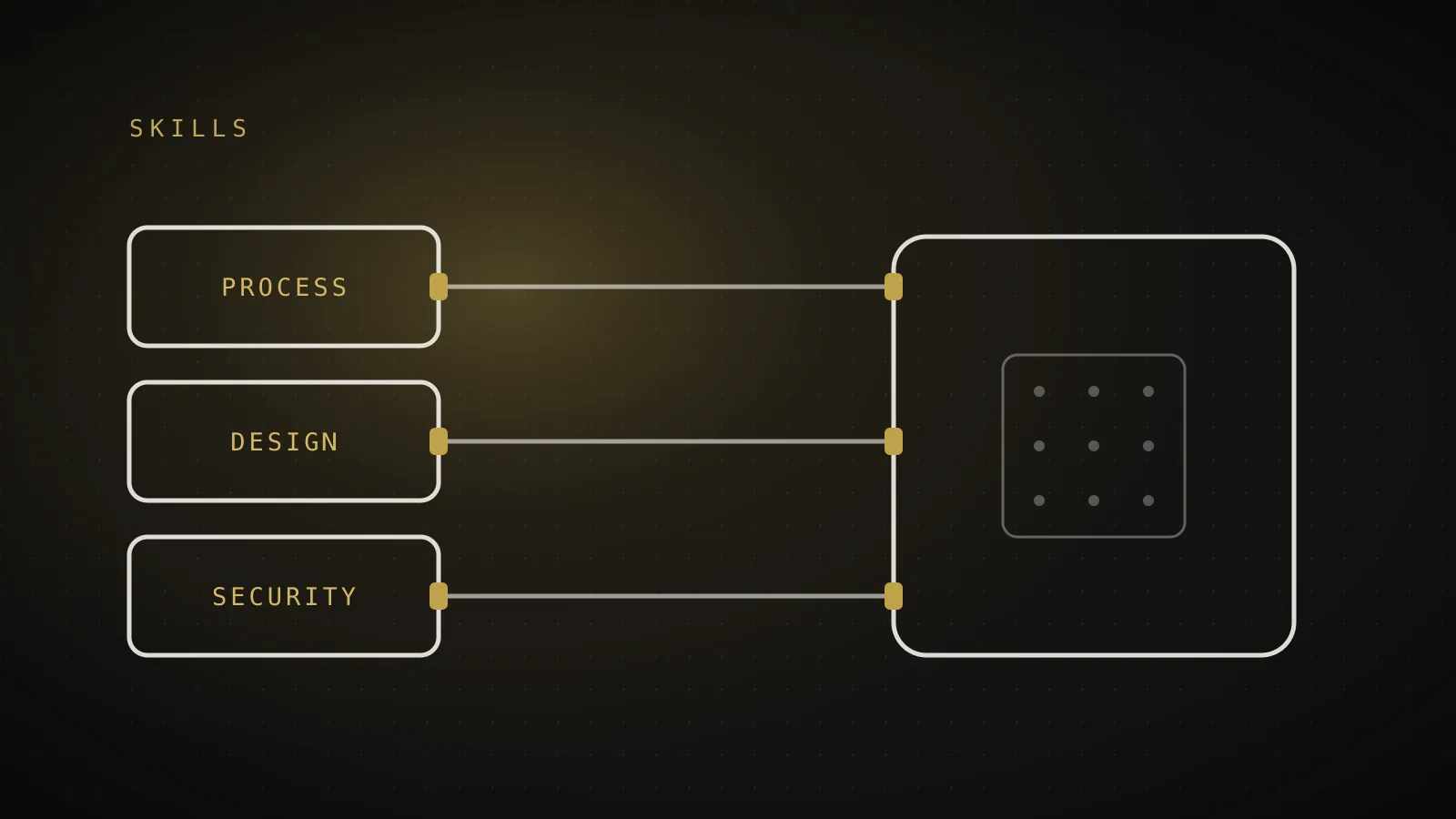
The best skills for Claude Code are the ones that enforce a working process - planning before coding, testing before claiming done, real design taste instead of generic output - rather than skills that just add more instructions to every prompt. After using them daily on a shipped product, three earn a permanent place: Superpowers for process discipline, frontend-design for UI quality, and security-guidance for catching risky code as it is written. Everything else is situational.
TL;DR: Install Superpowers (workflow discipline: brainstorm, plan, test-drive, verify), frontend-design (makes generated UI look designed instead of AI-generic), and security-guidance (flags insecure patterns while coding). Skills load on demand, so they cost almost nothing until triggered. A short list you actually use beats a directory of fifty.
What is a skill in Claude Code?
A skill is a folder with a SKILL.md file of instructions that Claude Code loads on demand when a task matches it, instead of carrying those instructions in every request. That on-demand loading is the point: a skill can hold hundreds of lines of workflow guidance and cost you near zero tokens until the moment it is actually relevant. Skills come from plugins (installed via the /plugin marketplace), from your own .claude/skills/ folders, or bundled with tools you already use. They differ from MCP servers, which connect external services and inject tool definitions into every turn - a skill is knowledge, an MCP server is a connection.
The 3 best skills for Claude Code
1. Superpowers. A set of process skills that force Claude to work like a disciplined engineer: brainstorm requirements before writing code, write a plan for multi-step work, use test-driven development, debug systematically instead of guessing, and verify results before claiming success. The single biggest failure mode of AI coding is confident code that was never checked - Superpowers attacks exactly that. It is the difference between "looks done" and "is done."
2. frontend-design. Guidance that pushes generated UI away from the generic AI look - default shadows, purple gradients, cookie-cutter cards - toward intentional typography, spacing, and visual hierarchy. If you build anything user-facing, this is the highest-leverage skill per token: same request, visibly better output.
3. security-guidance. Flags insecure patterns while code is being written - injection risks, secrets in code, unsafe input handling - instead of after a review. It is the cheapest security review you will ever run, because it happens inline, before problems are committed.
How do I install skills in Claude Code?
Run /plugin inside Claude Code, browse or add a marketplace, and install from there - a skill is available in the same session. For your own skills, create a folder under .claude/skills/ (project) or ~/.claude/skills/ (global) containing a SKILL.md with a name, a description of when it applies, and the instructions. The description matters most: Claude decides whether to load the skill by matching your task against it, so a vague description means a skill that never fires.
Do more skills make Claude Code better?
No - past a small set, more skills make results worse, not better. Every installed skill's name and description participates in the "should this load?" decision, overlapping skills fire in the wrong situations, and skills you never audit drift out of date. The pattern that works is curation: a handful of skills you have personally verified on real work, reviewed occasionally, and removed when they stop earning their place. Ten verified tools beat fifty installed ones. That bar - personally used, on a real shipped product, never padded to reach a number - is the honest filter for any "best skills" list.
What skills does ClockedCode ship?
ClockedCode ships the three skills above as part of its curated 10-tool Claude Code setup, alongside the connections and hooks that pass the same daily-use bar, plus a tuned global CLAUDE.md. One paste sets up the whole thing - the list in this post, already installed and configured.