Claude Code Hooks Not Firing? How to Debug and Fix Them
 By Neo Zino - builder of ClockedCode12 min read
Six real causes for a Claude Code hook that never fires, tested with claude doctor on 2.1.273 - three it names outright, two it stays completely silent about.
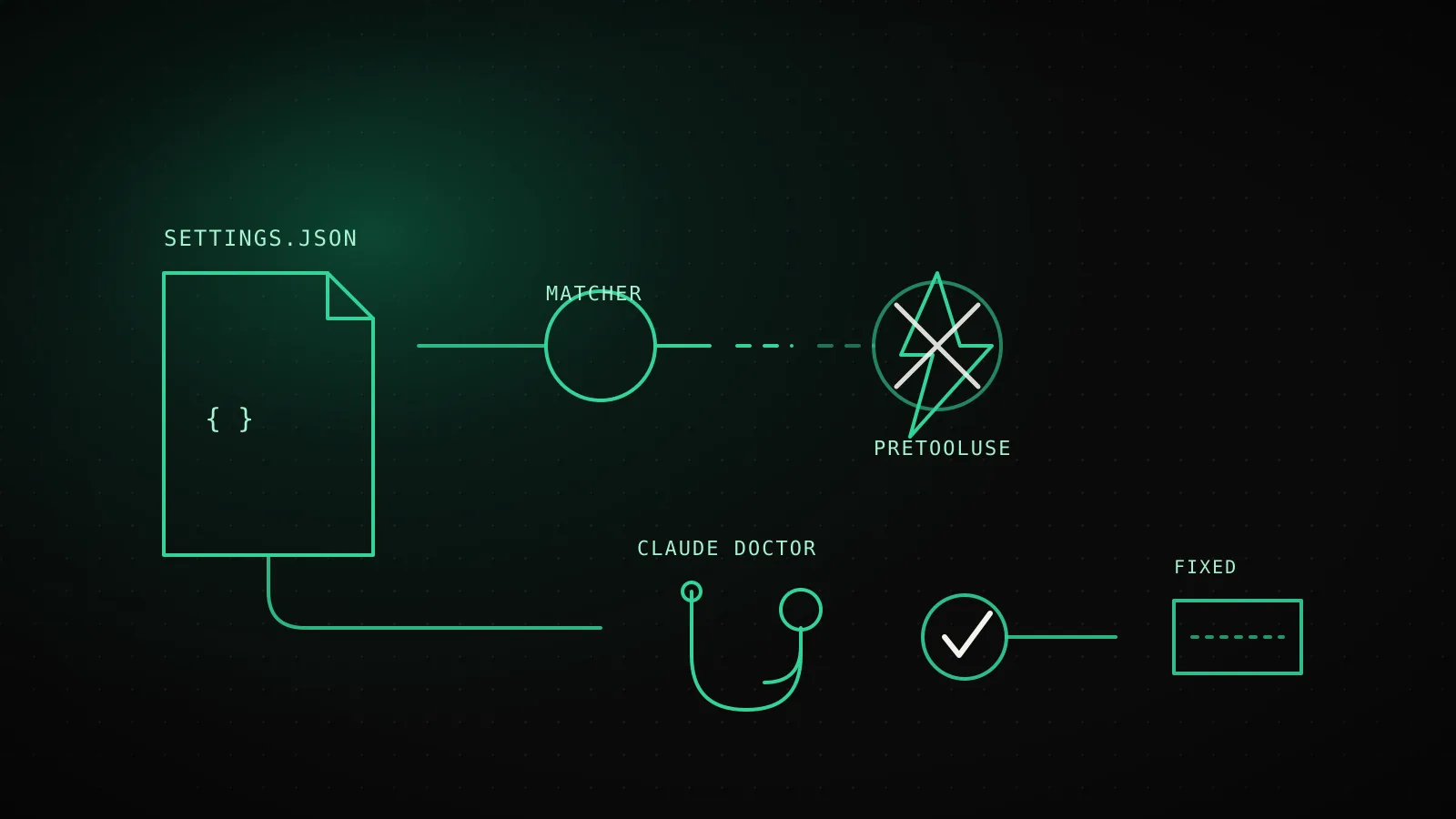
Made with DispatchSEO
On this page
A Claude Code hook that never fires is almost always one of six things: it's declared under the wrong key or saved to a file Claude Code never reads, its matcher doesn't match what you think it matches, it sits on an event that ignores matchers entirely, its exit code doesn't mean what your script assumes, its JSON output got corrupted before Claude ever read it, or the script itself never ran. I set up each of these on purpose in a scratch project and checked claude doctor against every one on Claude Code 2.1.273 - it names three by exact field, and says nothing at all about the other two.
TL;DR: Run
claude doctorfirst - it validates the shape of every settings file and now names malformed JSON, wrong keys, and bad matcher types outright. It says nothing about a hook saved to the wrong filename, or a matcher on an event that doesn't support one, because both are schema-valid. Exit code 1 doesn't block anything on most events, butWorktreeCreateandWorktreeRemoveblock on any nonzero exit - the one documented exception. If a hook's JSON gets silently ignored, the usual cause is a shell profile writing to stdout before your command does, andclaude --debugis what actually finds it.
Confirm the hook is even loading
Before assuming your hook logic is wrong, rule out the boring failure first: it never loaded in the first place.
Before editing settings.json, run these three
Run claude doctorValidates the shape of every settings file - catches a bad key name, a malformed matcher, or broken JSON before you go looking anywhere else
Run /hooks inside a sessionRead-only browser of what actually loaded: every event, its matcher, and which settings file each hook came from - not what you think you saved
Trigger it once with --debug-file setShows every hook Claude Code evaluated for that event, whether the matcher matched, and the exact exit code and output it got back
Tested on Claude Code 2.1.273 (Linux) - doctor and /hooks catch most config mistakes before a single tool call ever runs.
/hooks is worth calling out on its own: it's a read-only browser now, not the interactive editor older tutorials describe, and it lists every hook by the exact settings file it came from. If a hook you just added doesn't show up there, the problem is upstream of your matcher or your script - the file it's in either has a syntax error or isn't one Claude Code loads from that location. ClockedCode's complete hooks guide covers the four valid locations and how they merge if you need to confirm which one should be winning.
What claude doctor catches, and what it lets through
I made five real mistakes on purpose in a throwaway .claude/settings.json and ran claude doctor after each one, rather than trust an older post's account of what it reports.
Five real mistakes, checked against claude doctor
- Caught
Top-level key capitalized: "Hooks" instead of "hooks"
"PreToolUse/PermissionRequest hooks are declared outside \"hooks\"" - Caught
matcher written as an array, ["Bash"], instead of a string
"Invalid hook matcher" plus a suggested-fix example with the correct shape - Caught
A trailing comma in settings.json
"Expected object, but received undefined" - Silent
Hooks saved in .claude/hooks.json instead of .claude/settings.json
"No installation issues found." - the file is never read, so there is nothing to flag - Silent
matcher set on an event that ignores matchers, like Stop
"No installation issues found." - a schema-valid field doctor has no reason to question
All five reproduced live in a scratch project on Claude Code 2.1.273 (Linux), 2026-09-15.
The pattern across all five: doctor validates shape, not meaning. A capitalized Hooks key, an array where a string belongs, and a trailing comma all break the schema doctor checks, so it names them with a suggested fix. Saving the exact same valid hook config to .claude/hooks.json instead of .claude/settings.json breaks nothing doctor looks at - the file is simply never read, so there's nothing to flag. A matcher field on Stop is schema-valid too; doctor has no way to know the event throws it away. Both are silent failures with real fixes, and neither shows up as an error anywhere.
The matcher mistakes doctor will never warn you about
Two more matcher gotchas worth knowing before you spend an hour on them, straight from the current hooks reference:
- Matchers are case-sensitive, and must match the tool name exactly.
"bash"never matches theBashtool - no warning, no error, just a hook that looks configured and never runs. - Anything other than a plain name or a pipe-separated list turns your matcher into an unanchored regex.
Edit.*doesn't mean "the Edit tool and nothing else" - it means "any tool whose name contains Edit," which quietly pulls inNotebookEdittoo. Comma-separated matchers ("Edit, Write") work the same as pipe-separated ones since v2.1.191, if you're checking a config against an older version's docs. ClockedCode's hooks examples post has a working matcher for every event if you want a copy-paste starting point instead of writing one from scratch.
And ten events currently ignore the matcher field outright, silently, no matter what you put there: CwdChanged, UserPromptSubmit, PostToolBatch, Stop, TeammateIdle, TaskCreated, TaskCompleted, WorktreeCreate, WorktreeRemove, and MessageDisplay. If your hook lives on one of these and only fires for "some" events instead of all of them, the matcher isn't doing what you think - it's dead weight the parser accepted without comment.
Exit codes do not mean what most hook scripts assume
This is the fastest way to write a hook that looks like it isn't firing when it's actually running and doing nothing useful:
| Exit code | What actually happens |
|---|---|
0 | Success. Stdout is parsed for JSON directives; plain text just gets logged to the debug log |
2 | Blocks the action on most events, using the JSON permissionDecision reason or stderr as the message |
| Anything else (1, 3, ...) | Non-blocking error on most events - the action proceeds, and a short <hook name> hook error notice appears in the transcript |
Two exceptions are easy to miss. PermissionRequest and a handful of other events don't honor exit 2 for blocking the way PreToolUse does, so a guard written against the general rule can pass clean and still let the action through. Going the other way, WorktreeCreate and WorktreeRemove block on any nonzero exit code, not just 2 - a script that means to warn but not stop, and returns exit 1 out of habit, blocks the worktree operation anyway. If you're running Claude Code headlessly in CI with -p, one more thing to know: a PermissionRequest prompt only exists there when the Agent SDK's canUseTool callback supplies one, so a hook waiting on that event in a plain -p run has nothing to respond to - use PreToolUse for automated decisions instead.
When the hook runs but Claude never sees the JSON
The hook executed - you can prove it, maybe with a side effect or a log line - but Claude Code behaved as if it said nothing.
The fix is narrow once you know the cause: wrap profile output so it only runs in interactive shells (if [[ $- == *i* ]]; then echo "..."; fi in .zshrc or .bashrc), or switch the hook to exec form with "args": [] so Claude Code spawns your script directly instead of through a shell that might source a profile at all. The other silent version of this: a field like permissionDecision or additionalContext sitting at the top level of your JSON instead of nested inside hookSpecificOutput still parses as valid JSON, so nothing errors - Claude Code just ignores the field it doesn't recognize in that position. claude --debug and a search for Hook JSON output had unrecognized keys in the log is what actually surfaces that one; eyeballing the JSON won't, because it's syntactically fine.
Read the debug log in the order that actually finds it
Once doctor is clean, /hooks shows your hook, and the matcher rules above check out, the debug log has the rest of the answer:
- Start the session with
claude --debug-file /tmp/claude-hooks.log(orclaude --debug hooksto filter to just hook events on 2.1.273) andtail -f /tmp/claude-hooks.login a second terminal. - Trigger the action your hook is supposed to catch, once.
- Read for: which hooks Claude Code evaluated for that event, whether your matcher matched, and the exact exit code and stdout/stderr it captured.
- If you started the session without
--debug-file, run/debugmid-session instead of restarting - it turns on logging and tells you where the log went. Ctrl+Oopens the transcript view in the same session, which is the fastest way to check a blocking hook's reason without leaving the conversation.
One thing worth checking here specifically before you assume a bug: a Stop hook that keeps returning a blocking decision gets overridden by Claude Code after eight consecutive blocks without progress, and that cap is exactly as likely to look like "my hook stopped firing" as an actual config problem. If your hook genuinely needs more iterations to converge, raise it with the CLAUDE_CODE_STOP_HOOK_BLOCK_CAP environment variable rather than assuming something broke.
Nothing above explains it: minimal repro and filing it
If doctor is clean, /hooks lists the hook correctly, the matcher and exit code are right for the event, and the debug log shows Claude Code evaluating your hook and still not doing what the docs say it should - that's a real bug, not a config mistake, and the fix is reporting it well rather than continuing to guess.
Cut your settings.json down to the smallest version that still fails: one event, one matcher, one command that does nothing but echo to stderr. If the minimal version still doesn't fire, you've ruled out everything specific to your original script. Paste the debug log output alongside it - the exact hook evaluation, matcher decision, and exit code from the run in question is more useful to a maintainer than a description of the symptom. Search the anthropics/claude-code issue tracker for your exact matcher or event name before filing fresh; hook-firing reports are common enough on GitHub, Reddit, and Hacker News that yours may already have an open thread worth adding your environment details to instead of duplicating.
What this checklist will not catch
Everything above is either the current official hooks reference or something I reproduced myself on Claude Code 2.1.273 (Linux) in a scratch project - the doctor matrix, the shell-profile corruption, and the exit-code table are all tested, not assumed. What it can't cover: claude doctor explicitly does not fetch managed (organization-level) settings without valid enterprise credentials, so a hook blocked by a remote policy your admin controls won't show up in any of this - that's a real cause of "not firing" this guide can't diagnose from a personal machine. HTTP, MCP-tool, and prompt-based hooks each have their own failure modes beyond the command-hook cases tested here, and if you're several versions away from 2.1.273 in either direction, run claude doctor yourself before trusting these exact messages - error text is precisely the kind of thing that keeps getting more specific release over release.
FAQ
Why does claude doctor say "No installation issues found" when my hook still isn't firing?
Doctor only validates shape - is hooks a real key, is matcher a string, does the JSON parse. Tested on 2.1.273, it stays silent on a hook saved to the wrong filename entirely and on a matcher sitting on an event that ignores matchers, because both are schema-valid. A clean doctor result means your settings.json is well-formed, not that the hook you meant to write is doing anything.
Does Claude Code care about matcher case, like "bash" vs "Bash"?
Yes. The official troubleshooting docs state it directly: matcher patterns are case-sensitive and must match the tool name exactly. A matcher of "bash" never matches the Bash tool, and claude doctor does not flag the mismatch because a lowercase string is still a perfectly valid matcher.
Which events ignore the matcher field entirely?
Ten as of the current docs: CwdChanged, UserPromptSubmit, PostToolBatch, Stop, TeammateIdle, TaskCreated, TaskCompleted, WorktreeCreate, WorktreeRemove, and MessageDisplay. Add a matcher to any of them and Claude Code loads it, validates it, and silently ignores it - reproduced here on 2.1.273.
Why did my hook's JSON get ignored even though it printed valid JSON?
Two causes cover most of it. First, something else writes to stdout before your hook does - commonly an unconditional echo in a shell profile sourced through BASH_ENV - so the combined output no longer starts with { and Claude Code reads all of it as plain text; reproduced live with bash -c on this exact repro. Second, a field like permissionDecision sitting at the top level instead of inside hookSpecificOutput parses fine but gets silently dropped - claude --debug and a search for "Hook JSON output had unrecognized keys" is what finds that one.
What do I do if none of this fixes it?
Reproduce it in the smallest settings.json you can write - one event, one matcher, one command that just echoes to stderr - and confirm it still fails to fire. Check claude --debug output for that exact run first, since a real bug and a config mistake look identical from the outside. If the debug log shows Claude Code evaluating the hook correctly and it still doesn't do what the docs say, search the anthropics/claude-code issue tracker for your exact symptom before filing a new one - hook-firing reports are common enough that yours may already have a thread.
Doctor is the first move, not the last one
claude doctor catches more hook mistakes than it used to, and that's genuinely worth building into the habit before anything else - it's free, it's fast, and on 2.1.273 it names three of the five most common config mistakes with the exact field to fix. It's the same habit worth having for MCP servers that won't connect - run doctor before you touch a config file by hand, on either one. It just isn't the whole story: the wrong filename, a matcher on the wrong event, and a shell profile corrupting your JSON all pass clean, and those are exactly the ones this guide walked through with real output instead of a guess. If you'd rather not hand-type the settings block at all, ClockedCode's Hooks Preset Generator builds the matcher and command syntax for you, which quietly rules out two of the five mistakes above before you ever save the file.