Claude Code Memory: CLAUDE.md vs Auto Memory and How to Control Both
 By Neo Zino - builder of ClockedCode10 min read
Claude Code memory is two file systems: CLAUDE.md you write and auto memory Claude writes. See what each loads, where it lives, and how to edit or disable both.
Made with DispatchSEO
On this page
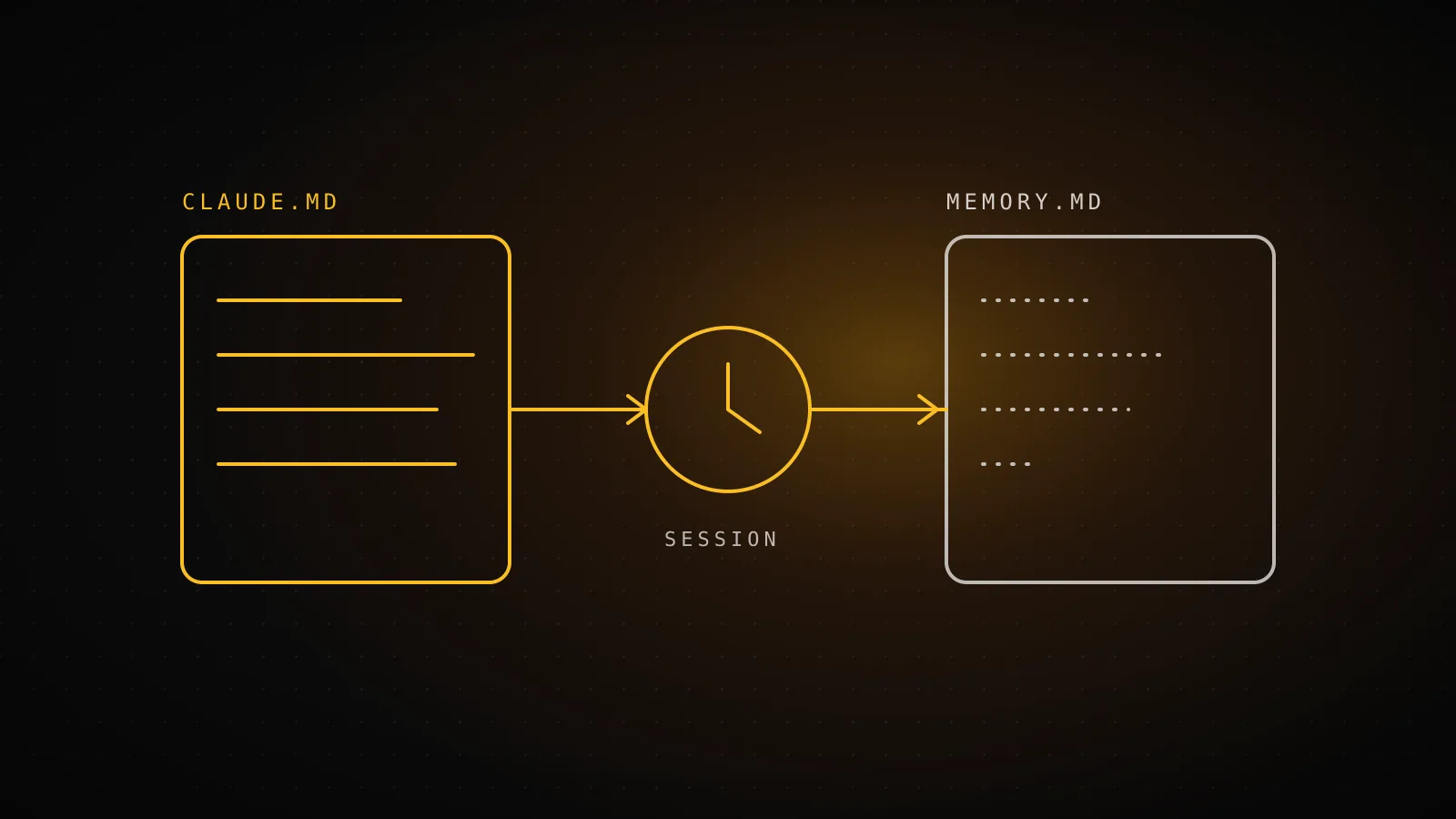
Claude Code has no memory of your last conversation. Every session starts with a fresh context window, and what feels like memory is two sets of plain files it reads at launch: CLAUDE.md files that you write, and auto memory notes that Claude writes for itself. You can read, edit, move, or turn off either one.
TL;DR: Put rules the whole team must follow in CLAUDE.md. Let auto memory keep the small stuff Claude learns from your corrections. Check what is loaded with
/memoryand/context, turn auto memory off with the/memorytoggle orCLAUDE_CODE_DISABLE_AUTO_MEMORY=1, and use a hook for anything that must happen every single time.
CLAUDE.md
Instructions you write
Scope
Org, user, project or local - travels with the repo
Loaded at launch
Whole file; target under 200 lines per file
Holds
Rules, conventions, commands, how to work
Auto memory
Notes Claude writes itself
Scope
Per git repo, this machine only, shared across worktrees
Loaded at launch
MEMORY.md index only: first 200 lines or 25KB
Holds
Four note types: user, feedback, project, reference
What does Claude Code actually carry from one session to the next?
Two things, and only two. Anthropic's memory docs describe them the same way: CLAUDE.md files hold instructions, auto memory holds learnings. Both are loaded at the start of every conversation, and Claude treats them as context, not as enforced configuration.
| CLAUDE.md | Auto memory | |
|---|---|---|
| Written by | You | Claude |
| Lives in | Your repo, ~/.claude/CLAUDE.md, or an org policy path | ~/.claude/projects/<project>/memory/ |
| Shared with the team | Yes, if committed | No, machine-local |
| What loads at launch | The whole file | The MEMORY.md index, first 200 lines or 25KB |
Auto memory saves four kinds of notes, tagged with a type field in each file's frontmatter: user (your role and preferences), feedback (corrections you gave and approaches you confirmed), project (ongoing work and decisions not visible in the code), and reference (where things live outside the repo, like a tracker or dashboard). It deliberately skips anything it can derive from the codebase, and anything your CLAUDE.md already says. It also does not save something every session, so an empty memory folder after a short session is normal.
For the full CLAUDE.md side, including the file hierarchy and imports, see the complete CLAUDE.md guide. This page is about the decision between the two systems and how to control them.
Which fact goes in CLAUDE.md and which does auto memory keep?
My rule of thumb: if a new teammate would need it on day one, it belongs in CLAUDE.md. If it is a habit Claude picked up from working with you, auto memory is fine, and it will get there by itself.
Where does this fact go?
- Run tests with pnpm test, never npmCLAUDE.md
- Every teammate must follow itCLAUDE.md
- API rules that only matter under src/apiPath rule
- A correction you gave once and Claude keptAuto memory
- Where the bug tracker or dashboard livesAuto memory
- Lint must run before every commit, no exceptionsHook
Two details change the split in practice:
- "Remember this" goes to auto memory, not CLAUDE.md. When you tell Claude to remember that API tests need a local Redis, it saves to the auto memory folder. If you want the committed, team-wide version, say "add this to CLAUDE.md" or edit the file yourself.
- Neither one is enforcement. CLAUDE.md is delivered as a user message after the system prompt, with no guarantee of strict compliance. A rule that has to run before every commit is a hook, because hooks run as shell commands at fixed lifecycle events regardless of what the model decides.
If you are starting from nothing, the CLAUDE.md generator writes a first project file you can trim from there.
What is loaded at launch and what gets cut off?
CLAUDE.md loads in full; the docs recommend staying under 200 lines per file because longer files cost context and reduce adherence, and a file over 4 MiB is skipped entirely. Imported files do not help: @path imports organize a big file but still load at launch, so they do not save context. Path-scoped rules in .claude/rules/ do, because they only load when Claude touches matching files.
Auto memory has the opposite shape. Only the MEMORY.md index loads, and only its first 200 lines or first 25KB, whichever comes first. The topic files it points to are read on demand with ordinary file tools. Past the cap, lines are simply not in context at session start.
I wanted to see where that cutoff lands, so I wrote a ten-line shell check and ran it on two synthetic indexes. I could not run Claude Code itself in this environment (it was not logged in), so this measures the documented window, not the model's behavior, and I treated 25KB as 25,600 bytes.
$ ./memcheck.sh mem/MEMORY.md
total: 300 lines, 8484 bytes
loaded at session start: 200 lines
invisible at session start: 100 lines

$ ./memcheck.sh mem/long.md
total: 120 lines, 29172 bytes
loaded at session start: 105 lines
invisible at session start: 15 lines
MEMORY.md lines visible at session start
300 short entries
300 lines total
120 long entries
120 lines total
The second case is the one that surprises people. 120 entries is well under 200 lines, but when each entry is a 240-character paragraph instead of a one-line pointer, the byte cap cuts you off at line 105. The index is meant to be one line per memory, with the detail in topic files. Claude Code also nudges Claude to shorten the index when it nears a limit, so a healthy folder mostly looks after itself.
Worth knowing for your own setup: this repo's CLAUDE.md is 21 lines (1,942 bytes) and imports a 105-line AGENTS.md, so the combined instruction load is about 126 lines, nowhere near trouble. The docs say a startup warning appears when files run long or add up past a combined limit, and each CLAUDE.md, rules file, and @path import counts as a separate file.
How do you read, edit, move, or switch off auto memory?
Everything is plain markdown, so the answer to "what did it save?" is to open it.
- See it. Run
/memoryin a session. It lists your CLAUDE.md, CLAUDE.local.md, and other memory files across user and project scopes, shows the auto memory toggle, and has an option to open the auto memory folder. In-session messages like "Saved 2 memories" or "Recalled 2 memories" mean Claude is writing to or reading from that folder. - Edit or delete it. Open any file from
/memory, or edit~/.claude/projects/<project>/memory/directly. Files in that folder are excluded from the transcript cleanup sweep, so a note stays until you or Claude removes it. - Turn it off. Use the
/memorytoggle (savesautoMemoryEnabledto~/.claude/settings.json), or per project:
{
  "autoMemoryEnabled": false
}
or set CLAUDE_CODE_DISABLE_AUTO_MEMORY=1 in the environment.
4. Move it. Set autoMemoryDirectory in settings.json to store notes elsewhere, for example "~/my-custom-memory-dir".
One more scoping fact: the <project> directory is derived from the git repository, so every worktree and subdirectory of one repo shares a single auto memory folder. If you run parallel checkouts, see Claude Code with git worktrees for the CLAUDE.local.md side of the same problem, since a gitignored local file only exists in the worktree where you made it.
Why does Claude forget a rule, or trust a stale note?
Forgetting and staleness are different problems with different fixes.
It forgot. Run /context and look under Memory files. If your CLAUDE.md is not listed, Claude cannot see it, and the fix is the file's location, not its wording. If it is listed, check for vague phrasing ("format code nicely" loses to "use 2-space indentation") and for two files that disagree, since Claude may pick either. If a rule vanished mid-session after a compaction, project-root CLAUDE.md is re-read from disk and survives, so the usual culprit is something you only said in chat. Put it in the file. The auto-compact guide covers what else survives.
It trusted something stale. Auto memory has no expiry. A note about a workaround stays after you fix the underlying bug, and a later session may act on it. The docs say Claude keeps the index concise and drops stale entries when it reorganizes, but I would not rely on that alone. Skim the folder now and then and delete what is no longer true. It takes a minute because it is just markdown.
A subagent did not know. The main conversation's auto memory is not loaded into subagents. A subagent can keep its own auto memory through its memory field, in a separate directory, so do not assume the two share notes.
When memory is the wrong tool
Memory is for facts that stay true. It is the wrong place for rules that must always fire (use a hook), for one-off task context (just say it in the prompt), and for anything the code already shows, since Claude skips what it can derive and a CLAUDE.md full of directory listings only burns context. If your sessions drown in tool output rather than missing rules, that is a context-budget problem, not a memory one: see the context window breakdown. And if the same repo also serves other coding agents, CLAUDE.md vs AGENTS.md explains how to share one file.
FAQ
Does Claude Code remember previous conversations?
Not the conversation itself. Every session starts with a fresh context window. What carries over is files: your CLAUDE.md instructions, plus the notes auto memory saved to its memory folder under ~/.claude/projects/. Anything you only said in chat and never promoted to one of those is gone next session.
Where does Claude Code store its memory?
Auto memory lives in a per-project memory folder under ~/.claude/projects/, with a MEMORY.md index and one markdown file per topic. The folder name comes from the git repo, so all worktrees of one repo share it. Your CLAUDE.md files live in the repo (./CLAUDE.md or ./.claude/CLAUDE.md), in ~/.claude/CLAUDE.md for personal rules, and in an OS-level managed location for organizations.
How do I turn off Claude Code auto memory?
Run /memory and flip the auto memory toggle, which saves autoMemoryEnabled to ~/.claude/settings.json. For one project only, set "autoMemoryEnabled": false in that project's settings. To switch it off by environment, set CLAUDE_CODE_DISABLE_AUTO_MEMORY=1. CLAUDE.md files are unaffected by all three.
Is auto memory shared with my team?
No. Auto memory is machine-local: files are not shared across machines or cloud environments. Only the worktrees of one repo on one machine share a directory. Anything the team should follow belongs in a committed CLAUDE.md instead.
What is the difference between CLAUDE.md and MEMORY.md?
CLAUDE.md is a file you write with instructions, loaded in full every session. MEMORY.md is the index Claude maintains inside the auto memory folder, one line per saved note, and only its first 200 lines or 25KB load at the start of a session. The topic files it points to are read on demand.
Why does Claude Code seem to forget my instructions?
Usually one of four causes: the file is not in a location that loads, the rule is vague, two files contradict each other, or the instruction was only ever given in chat. Run /context and check the Memory files list first. If the file is not listed, Claude cannot see it. If the rule must fire every time, make it a hook rather than a memory.
Keep the durable stuff in the file
Memory works best when the split is boring: team rules in a short CLAUDE.md, Claude's own scratch notes in a folder you glance at occasionally. ClockedCode ships a tuned global CLAUDE.md for exactly that first half, so you start from a file that already follows these limits.