Claude Code Shift+Enter Not Working: Fix Newlines in Every Terminal
 By Neo Zino - builder of ClockedCode8 min read
Shift+Enter submits instead of adding a newline in Claude Code? Find your terminal, run /terminal-setup, add the tmux lines, or fall back to Ctrl+J.
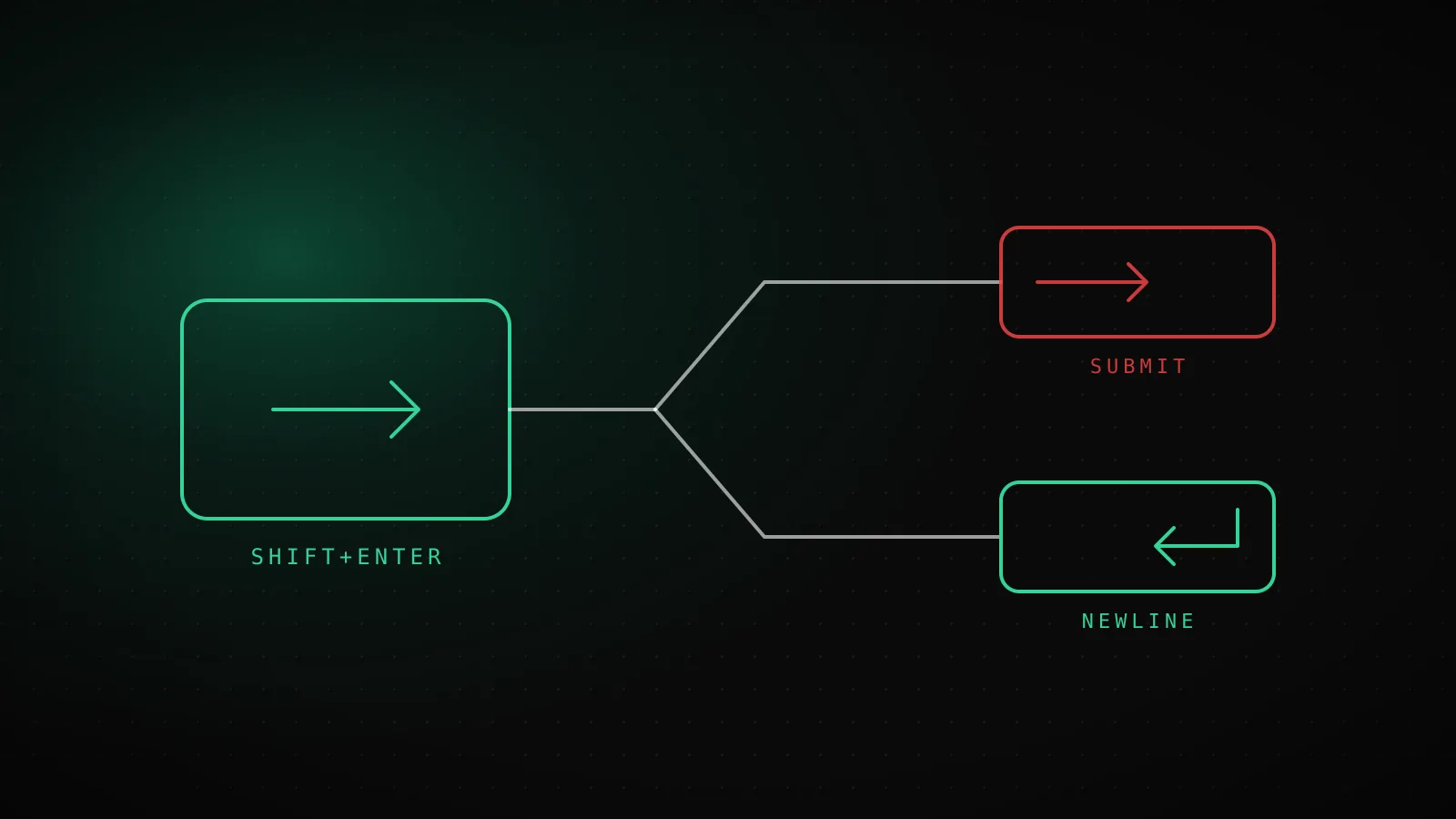
Made with DispatchSEO
On this page
When Shift+Enter submits your prompt instead of adding a line, your terminal is sending the same signal for both keys, and Claude Code has no way to tell them apart. Press Ctrl+J right now for a newline that works in any terminal. To get Shift+Enter itself back, run /terminal-setup once if you're in VS Code, Cursor, Zed, or an old Alacritty, or add three lines to ~/.tmux.conf if you're in tmux.
TL;DR: Ghostty, Kitty, iTerm2, WezTerm, Warp, Apple Terminal and Windows Terminal need nothing. VS Code, Cursor, Devin Desktop, Zed and Alacritty before 0.16 need
/terminal-setuprun once. gnome-terminal and JetBrains terminals can't do Shift+Enter, so use Ctrl+J or\then Enter. Inside tmux, turn onextended-keysfirst. Checked against the official terminal docs and Claude Code 2.1.288 on 2026-10-02.
Which terminal are you in?
Find your row, do the one thing it says, and skip the rest of the page. The table comes from the terminal configuration docs.
Works out of the box
Nothing to do
- Ghostty
- Kitty
- iTerm2
- WezTerm
- Warp
- Apple Terminal
- Windows Terminal
- foot and Alacritty 0.16+ (Claude Code v2.1.269+)
One command fixes it
Run /terminal-setup once
- VS Code
- Cursor
- Devin Desktop
- Alacritty before 0.16
- Zed
No Shift+Enter at all
Use Ctrl+J or \ then Enter
- gnome-terminal
- JetBrains IDEs (PyCharm, Android Studio)
One catch on the first group: the docs' "works without setup" covers the terminal on its own. If you run Claude Code inside tmux, Shift+Enter still needs the tmux config further down, even when the outer terminal is on the good list.
Why a terminal can't tell Enter from Shift+Enter
A classic terminal turns keys into bytes, and Enter and Shift+Enter both become a carriage return. Claude Code reads that byte, sees Enter, and submits. Terminals that support extended key reporting, like the kitty keyboard protocol, send a different sequence for Shift+Enter, so Claude Code can treat it as a newline. That is why the fix is always on the terminal side: either the terminal gets taught to send something different, or you use a key that was never ambiguous.
Claude Code v2.1.269 and later also recognizes this on other terminals that speak the kitty keyboard protocol, such as foot and Alacritty 0.16 or later. Older versions of Claude Code on those terminals won't, so update before you debug anything else.
VS Code, Cursor, Zed and old Alacritty: run /terminal-setup once
These terminals don't send a distinct Shift+Enter by default, but Claude Code can write the binding for them. Run this once, directly in the terminal you want to fix:
/terminal-setup
On the first run it prints something like Installed VSCode terminal Shift+Enter key binding. If the binding is already there it says VSCode terminal Shift+Enter key binding already configured and changes nothing. Run it in the host terminal itself, not inside tmux or screen, because it has to write to the terminal's own config.
Two side effects are worth knowing before you run it. In VS Code, Cursor and Devin Desktop it also sets terminal.integrated.gpuAcceleration to "off" to stop garbled text, and adjusts terminal.integrated.mouseWheelScrollSensitivity for fullscreen mode. If the GPU change bothers you, set it back to "auto" and reload the window. In Zed it edits keymap.json in place, and if the file already has bindings it saves a .bak copy next to it first. When Claude Code can't parse, back up, or verify the merged keymap, it leaves the file untouched and prints the block for you to paste yourself.
tmux: three lines in tmux.conf
Inside tmux, Shift+Enter submits by default, even in a terminal that supports it everywhere else. tmux sits between the keyboard and Claude Code and flattens the key unless you tell it to keep extended keys.
Outer terminal
Sends Shift+Enter as an extended key
tmux
Drops the Shift unless extended-keys is on
Claude Code
Sees plain Enter and submits
~/.tmux.conf
- set -g allow-passthrough on
- set -s extended-keys on
- set -as terminal-features 'xterm*:extkeys'
Add the lines to ~/.tmux.conf, then apply them to the running server without restarting it:
set -g allow-passthrough on
set -s extended-keys on
set -as terminal-features 'xterm*:extkeys'
tmux source-file ~/.tmux.conf
I loaded exactly those three lines into a throwaway tmux 3.4 server to make sure they parse cleanly. tmux show -s extended-keys came back on, show -g allow-passthrough came back on, and show -s terminal-features gained an xterm*:extkeys entry alongside the defaults. That confirms the syntax is valid on a current tmux. It doesn't replace pressing the keys yourself in your own terminal, so do that once after sourcing the file.
The allow-passthrough line is for notifications and the progress bar reaching the outer terminal, not for Shift+Enter. The two extended-keys lines are the newline fix.
gnome-terminal and JetBrains: Shift+Enter isn't available
The docs list both as "not available". There's no /terminal-setup path and no tmux-style setting that changes it, so there's nothing to tune. In gnome-terminal and in the terminal inside PyCharm, Android Studio and the other JetBrains IDEs, use one of the two universal routes.
Ctrl+J
No setup
Every terminal
\ then Enter
No setup
Every terminal
Shift+Enter
Depends on terminal
Most terminals, see table above
Option+Enter
Enable Option as Meta
macOS terminals
chat:newline binding
Edit keybindings.json
Any key you choose
Ctrl+J is the one to learn first, because it's a single chord and the docs list it as working in every terminal with no setup. \ then Enter is the one to remember when you're on a machine where Ctrl+J is already taken by something else.
Option+Enter on macOS does nothing
Option+Enter is another newline route, but on macOS most terminals don't send Option as a modifier until you ask. The setting is usually called "Use Option as Meta Key":
- Apple Terminal: Settings, Profiles, Keyboard, tick "Use Option as Meta Key".
- iTerm2: Settings, Profiles, Keys, General, set Left Option key and Right Option key to "Esc+".
- VS Code: add
"terminal.integrated.macOptionIsMeta": trueto your settings.
For Ghostty, Kitty and others, look for an Option-as-Alt setting in the terminal's config file. This also unlocks the other Option shortcuts, like Option+P for the model picker.
Rebinding Enter and Shift+Enter yourself
If you'd rather have Enter insert a newline and Shift+Enter submit, or you want a different key for newline entirely, map the chat:newline and chat:submit actions in ~/.claude/keybindings.json (/keybindings creates it). Claude Code picks up edits without a restart.
{
  "bindings": [
    {
      "context": "Chat",
      "bindings": {
        "enter": "chat:newline",
        "shift+enter": "chat:submit"
      }
    }
  ]
}
This only changes what Claude Code does with a key it receives. It can't make a terminal send a Shift+Enter it doesn't send, so on gnome-terminal that binding would never fire. Pick a key your terminal does deliver. ctrl+j is already bound to chat:newline by default, which is the reason it works everywhere. Claude Code logs bad bindings, like a misspelled modifier, to the debug log, so start it with --debug if a rebind seems to be ignored. If you use vim mode, Enter still submits in INSERT mode, so use o or Ctrl+J there; the vim mode guide covers the rest.
When none of this is the problem
If Shift+Enter works in a fresh terminal tab but not in your usual one, check for a terminal profile or a shell wrapper that remaps keys before Claude Code sees them. Running Claude Code over SSH or inside a nested multiplexer adds another layer that can flatten the key, and the fix is the same idea as tmux: every layer has to pass extended keys through. Windows users running Claude Code under WSL are in the same position, since the terminal window you type into is what sends the key, so that is the row to look up in the table above.
When the whole prompt box misbehaves, not just the newline key, that's a different problem. The troubleshooting checklist is the better starting point. And for every other shortcut, the keyboard shortcuts guide and the searchable cheat sheet list what's bound by default.
FAQ
Why does Shift+Enter submit my prompt in Claude Code?
Your terminal is sending the same signal for Shift+Enter as for plain Enter, so Claude Code can't tell them apart. Terminals like Ghostty, Kitty, iTerm2, WezTerm, Warp, Apple Terminal and Windows Terminal send a distinct key and work without setup. VS Code, Cursor, Zed and older Alacritty need /terminal-setup, and gnome-terminal and JetBrains IDEs can't do it at all.
What does /terminal-setup actually do?
It writes a Shift+Enter keybinding into the host terminal's own configuration file. In VS Code, Cursor and Devin Desktop it also sets terminal.integrated.gpuAcceleration to off and changes mouseWheelScrollSensitivity. In Zed it backs up and merges into keymap.json. If a binding already exists it leaves it alone and says so.
How do I get a newline in Claude Code if Shift+Enter will never work in my terminal?
Press Ctrl+J, or type a backslash and then press Enter. Both work in every terminal with no setup, including gnome-terminal and the JetBrains terminal where Shift+Enter isn't available.
Why does Shift+Enter fail only inside tmux?
By default tmux doesn't pass extended key information through, so Shift+Enter reaches Claude Code as plain Enter. Add set -s extended-keys on and set -as terminal-features 'xterm*:extkeys' to ~/.tmux.conf, then run tmux source-file ~/.tmux.conf.
Can I make Enter insert a newline and Shift+Enter submit?
Yes. Bind chat:newline and chat:submit in ~/.claude/keybindings.json under the Chat context, with enter mapped to chat:newline and shift+enter mapped to chat:submit. Claude Code applies changes to that file without a restart.
Why does Option+Enter do nothing on my Mac?
Most macOS terminals don't send Option as a modifier by default. Turn on Use Option as Meta Key in Apple Terminal, set Left and Right Option to Esc+ in iTerm2, or set terminal.integrated.macOptionIsMeta to true in VS Code.