Claude Code vs Cursor: Which One Should You Actually Use in 2026
 By Neo Zino - builder of ClockedCode10 min read
Claude Code vs Cursor compared on interface, pricing, model access, and ecosystem, plus how a tuned Claude Code setup closes Cursor's ease-of-use gap.
Made with DispatchSEO
On this page
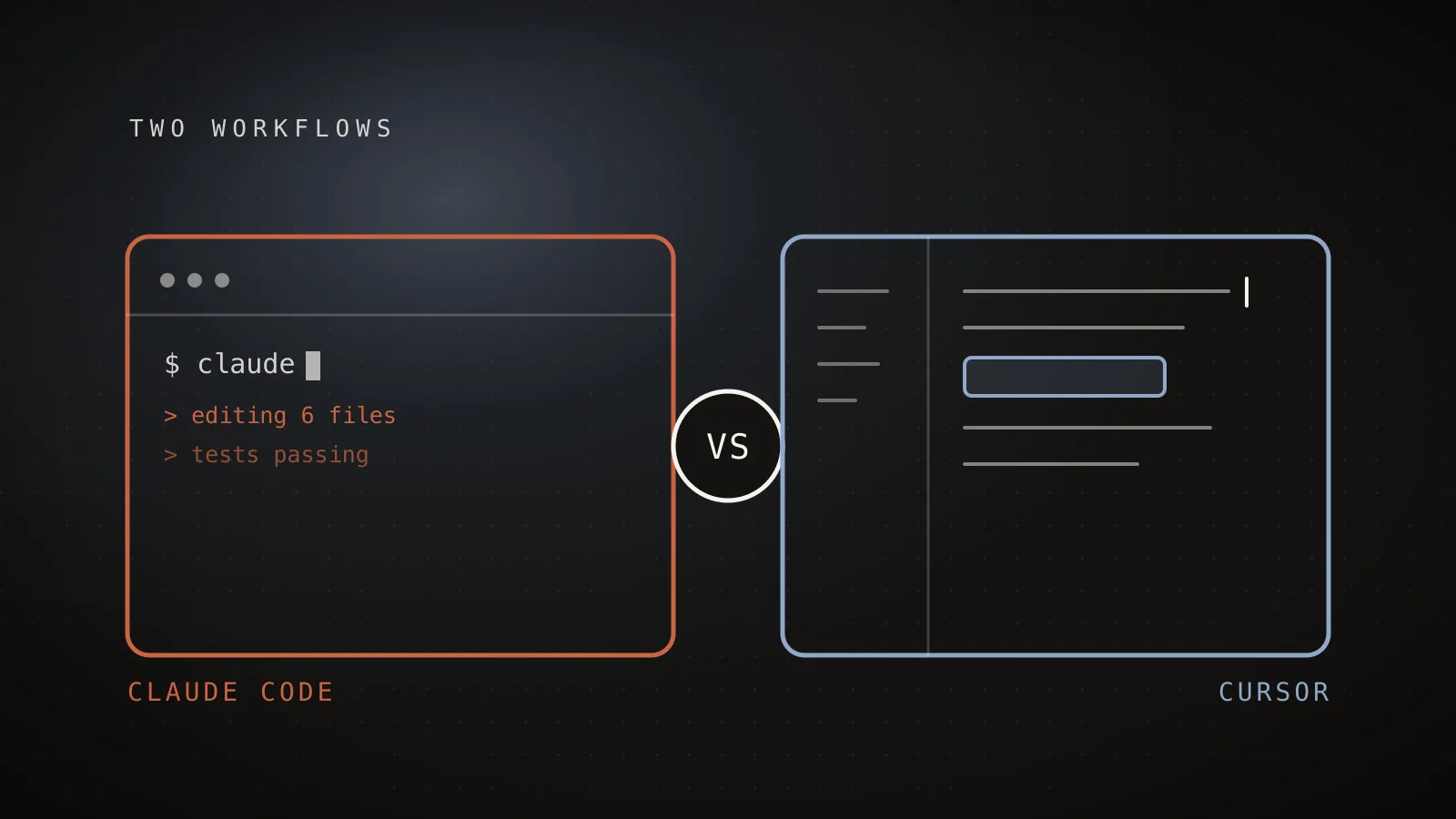
The switch-or-stick debate between Claude Code and Cursor resurfaces every time either tool ships a headline feature, and most of the takes miss the actual decision: these are different shapes of tool, not competing flavors of the same one, so "which is better" is the wrong question. Claude Code is a terminal agent you hand a goal to and walk away from. Cursor is a VS Code fork that keeps you watching every edit land in real time. I keep both installed and switch between them depending on the task, and this comparison is built from that actual back-and-forth, not from a spec sheet.
TL;DR: Claude Code is the pick for large, multi-file changes you can review after the fact - it runs headless, in CI, from a script, or piped from another command, and Claude Pro starts at $17/month with Claude Code included. Cursor is the pick for staying in visual control of every edit - it is a full VS Code fork with Tab autocomplete, Cmd-K, and an Agent/Composer mode, at a widely reported $20/month for Pro. Claude Code's extension surface (MCP servers, subagents, skills, hooks, CLAUDE.md) is deeper out of the box, but a lot of that gap closes once you install an actual curated Claude Code setup instead of the stock config. Most developers who use both end up running Cursor for exploratory edits and Claude Code for the work they can delegate.
Claude Code vs Cursor: the quick answer
Interface
Terminal CLI, plus IDE, desktop, and web surfaces
VS Code fork GUI, plus a CLI/agent mode
Starting price
$17/mo (Pro, billed annually)
$20/mo (Pro, widely reported)
Runs unattended
Yes - headless in CI, scripts, and pipes
Mostly GUI-driven, a human reviews each diff
Model access
Claude models only (Fable 5 flagship)
Model picker: Claude, GPT, Gemini, and its own models
The four rows point at one underlying fact: Claude Code is built to run without you watching it, Cursor is built for you to watch it. Pricing, which models you get to pick, how the ecosystem is shaped, all of that follows from that single structural difference.
How the interfaces actually differ
Claude Code starts as a CLI: install it, run claude in a project directory, and it works from your terminal, reading the codebase, editing files, and running commands on its own. The same engine also ships as a VS Code and JetBrains extension, a standalone desktop app, and a browser-based version at claude.ai/code - but the terminal is the native surface, and it is the one that pipes into scripts and CI: git diff main --name-only | claude -p "review these changed files for security issues" is a normal Claude Code command, not a special mode.
Cursor is the opposite shape: a full fork of VS Code with the file tree, tabs, and settings you already know, plus AI woven directly into the editing surface - Tab predicts your next multi-line edit, Cmd-K rewrites a selection in place, and an Agent/Composer mode handles multi-file changes while you watch the diffs land. Cursor has since added its own CLI and agent mode for developers who want a terminal-driven option too, but the GUI is still where most Cursor usage happens, and it is the reason people reach for it: you see the change before it lands, not after.
Pricing, model access, and autonomy at a glance
| Claude Code | Cursor | |
|---|---|---|
| Entry price | $17/mo (Pro, annual) or $20/mo (Pro, monthly) | ~$20/mo (Pro, widely reported) |
| Higher tier | Max, from $100/mo for 5x-20x usage | Higher-usage tiers with more fast requests |
| Team pricing | $20/seat/mo (annual), includes Claude Code | Per-seat team plans available |
| Model access | Claude models only (Fable 5 is the current flagship) | Model picker: Claude, GPT, Gemini, and Cursor's own models |
| Autonomy | Runs headless - CLI, CI, scripts, piped input | Primarily GUI-driven; a human reviews each diff as it happens |
| Extension surface | MCP servers, subagents, skills, hooks, CLAUDE.md | Rules, MCP support, Tab, Composer/Agent |
One caveat on the numbers: the Claude Code row comes straight from Claude's own pricing page, while the Cursor row is what independent sources consistently report, since Cursor doesn't publish through a channel I can cite the same way. Treat the Cursor figures as directionally right, not gospel, and check Cursor's own pricing page before you commit to anything.
"Model access" cuts both ways, too. Locking to Claude models means Claude Code's whole harness is tuned around Claude specifically, the same way GPT-5.6 was tuned for Codex. Cursor's flexibility to swap models is a real feature if you actually want to compare models, not just agents.
Which one fits your actual workflow?
Answer these about your own workflow
Touching several files, and fine reviewing the diff after, not during?
Want to steer edits visually, line by line, as they happen?
Needs to run unattended - in CI, a cron job, or piped from a script?
Landed on a mix of both answers? That is the most common outcome, and the reason a two-tool stack keeps coming up below.
If you answered "lean Claude Code" on the first two questions, you are the target user for large, ambiguous, multi-file work - the kind where reviewing a finished diff beats watching every keystroke. If you answered "lean Cursor" on both, you probably do your best work staying visually close to the code, and Cursor's GUI is built for exactly that. The third question is the one with a real hard line: only Claude Code runs unattended in a pipeline today.
The ecosystem gap, and how to close it
Claude Code
5 extension points
MCP servers
Open protocol - connect any external tool or data source
Subagents
Delegate side tasks to an isolated context window
Skills
Packaged, reusable workflows the team can share
Hooks
Run shell commands automatically on Claude Code events
CLAUDE.md
Persistent project memory, read at the start of every session
Cursor
4 extension points
Rules
.cursor/rules project instructions, the CLAUDE.md equivalent
MCP support
Same open protocol, configured in the editor's settings
Tab
Predictive multi-line autocomplete as you type
Composer / Agent
Multi-file edit mode driven from the GUI
Claude Code rows from code.claude.com's own docs. A curated setup fills these in for you instead of leaving them blank.
Out of the box, Claude Code has the deeper extension surface: MCP servers that connect it to your other tools, subagents that keep side tasks out of your main context, skills, hooks, and a CLAUDE.md file that persists project knowledge across every session. Cursor's Rules and MCP support cover similar ground, but its GUI-first design puts less of the extension surface in front of you by default.
The gap that matters in practice is not features, it is setup time. A fresh Claude Code install with no CLAUDE.md and no MCP servers is genuinely less pleasant to use than a fresh Cursor install, because Cursor's GUI gives you useful defaults immediately and Claude Code gives you a blank terminal. That is the entire reason a curated setup exists: a tuned CLAUDE.md, a small list of MCP servers you actually use, and a couple of matched skills turn the blank terminal into something that outperforms Cursor's defaults within the first session, not after weeks of manual tuning. Free starter templates for subagents, hooks, and CLAUDE.md files are the fastest way to see what a filled-in setup looks like before you build your own.
Where Cursor still wins
Credit where it is due, because a comparison that only flatters one side is not a comparison. Cursor wins on:
- The learning curve. Watching an edit land in a familiar editor is a much softer introduction than a terminal prompt, especially for developers who have never used an agentic coding tool.
- Tight, visual loops. Line-by-line coding, small UI tweaks, and fast interactive debugging move quicker when you can see the change immediately and Cmd-K it into shape.
- Model flexibility. If you want to A/B different frontier models on the same task without switching tools entirely, Cursor's model picker does that natively; Claude Code does not.
- A GUI-native team. If your team already lives in VS Code and is not ready to add a terminal-first tool to the mix, Cursor is the smaller organizational lift.
None of that flips my overall pick. It just means Cursor earns its subscription for specific kinds of work, and pretending otherwise would make this a worse comparison than an honest one.
Can you use both?
Yes, and a lot of developers who use both tools daily end up doing exactly this: Cursor for the moment-to-moment editing loop, Claude Code for anything you would rather delegate and review than watch happen. The two coexist fine in the same repository - nothing about running Claude Code in a project stops you from also opening it in Cursor, and Anthropic ships an official Claude Code extension that installs into Cursor the same way it installs into VS Code, since Cursor is built on the same extension platform. If your budget covers both subscriptions, this combination gets you the visual control of Cursor and the unattended throughput of Claude Code without giving up either.
FAQ
Is Claude Code better than Cursor?
Neither is better in general - they solve different problems. Claude Code is a terminal-first agent built for autonomous, multi-file work you can hand off and review after the fact. Cursor is a VS Code fork built for staying in the loop on every edit. If your work is large-scale features and deep refactors, Claude Code usually wins. If it is line-by-line coding and fast visual debugging, Cursor usually wins.
Is Cursor cheaper than Claude Code?
On paper the entry prices are close - Claude Pro starts at $17/month billed annually and includes Claude Code, while Cursor Pro is widely reported at $20/month. The real cost driver is usage, not the sticker price: Claude Code that burns through context inefficiently or a Cursor plan that runs out of fast requests can both cost more than the base plan implies. Check your actual usage pattern before assuming either is cheaper.
Can I use Claude Code inside Cursor?
Yes. Anthropic ships an official Claude Code extension you can install for Cursor the same way you would for VS Code (since Cursor is a VS Code fork), which is exactly the setup a lot of developers who use both tools run - Cursor's editor plus Claude Code's agent, side by side.
Does Claude Code or Cursor run out of usage limits faster?
It depends entirely on your setup, not the tool. A bloated CLAUDE.md, too many MCP servers, or long conversational loops will burn through Claude Code's usage far faster than a clean, curated setup does - I wrote up exactly where that usage disappears to. Cursor has its own version of this problem with fast-request limits on heavier models. In both tools, the fix is the same: prune what you do not need.
Should beginners start with Cursor or Claude Code?
Cursor's GUI is the gentler on-ramp if you have never worked with an AI coding tool - you see every change as it happens. Claude Code has a steeper first day because it is a terminal tool, but a tuned setup (a real CLAUDE.md, a handful of MCP servers, a couple of skills) flattens that curve fast, and a Claude Code habit compounds in a way a GUI habit does not.
Your workflow already answered this
This debate gets re-litigated every time either tool ships a headline feature, but the underlying question hasn't moved: do you want to hand off work and review it later, or watch it happen as you type? Answer that honestly first, and the pricing, model access, and ecosystem details covered above just confirm what you already decided. My own answer is Claude Code, mostly because what I build is exactly the kind of work I'd rather delegate than narrate, and the setup ClockedCode ships exists to make that terminal useful from the first session instead of the fiftieth.