Claude Code vs Gemini CLI: The Real Differences
 By Neo Zino - builder of ClockedCode10 min read
Claude Code vs Gemini CLI compared on current docs and pricing: permission modes, Skills and Plan Mode parity, subagents, MCP, and which to run.
Made with DispatchSEO
On this page
Claude Code and Gemini CLI are both terminal-native coding agents you install with one command, point at a repo, and let loose on real changes - the split between them is Gemini CLI's generous free daily quota and a fast-moving feature set against Claude Code's deeper extension surface, mainly custom subagents and lifecycle hooks, that Gemini CLI's current docs still don't have an equivalent for. Most existing comparisons on this exact search were written before Gemini CLI added Skills, a default-on Plan Mode, and an interactive /rewind command, so they undersell how close the gap has gotten. I read both tools' current official docs and pricing pages, and ran the one command each lets me run honestly from here, to get the numbers straight.
TL;DR: Gemini CLI (Apache 2.0,
npm install -g @google/gemini-cli) now ships Skills, Plan Mode, and/rewind, and its free tier - 1,000 requests/day signed in with a personal Google account - has no Claude Code equivalent. Claude Code still leads on two things Gemini CLI's docs don't describe: named custom subagents and lifecycle hooks. Pricing splits by model tier more than by tool: Claude Fable 5 runs $10/$50 per million tokens against Gemini 3.1 Pro Preview's $2-4/$12-18, though Claude Opus 5 ($5/$25) and Gemini 3 Flash close that gap from Claude's side. If your setup depends on subagents or hooks, stay on Claude Code; if free daily usage or granular rewind matters more, Gemini CLI is a real option now, not the also-ran older comparisons describe.
Is Gemini CLI catching up to Claude Code?
Faster than the search results suggest. The package itself is evidence: npm view @google/gemini-cli version returns 0.52.0, published the same day I'm writing this, and the current docs tree at google-gemini/gemini-cli on GitHub carries dedicated pages for Skills, Plan Mode, /rewind, model routing, and git worktrees - none of which existed when the shipyard.build and Reddit threads that currently rank for this keyword were written. That doesn't make Gemini CLI a clone of Claude Code; it means the "Claude Code has an ecosystem, Gemini CLI is a chatbot with a terminal" framing that still shows up on page one is out of date.
What hasn't changed is the harness underneath. Gemini CLI is Google's own agent, tuned around Gemini models the way Claude Code is tuned around Claude models, and the honest comparison is still tool-to-tool, not just model-to-model - the same point that holds for Codex vs Claude Code.
Models, context, and price
Claude Code
Claude Fable 5
claude-fable-5- Context window
- 1M tokens
- Input
- $10 / M tokens
- Output
- $50 / M tokens
No persistent free tier - Pro plan from $17/mo (billed annually) or metered API
Gemini CLI
Gemini 3.1 Pro Preview
gemini-3.1-pro-preview- Context window
- 1M tokens
- Input
- $2-4 / M tokens
- Output
- $12-18 / M tokens
1,000 requests/day free via Google sign-in or API key (Gemini 3 mix)
Both flagships run a 1M-token context window, so the practical difference is price and routing, not headroom. Gemini CLI's /model command defaults to Auto (Gemini 3), which picks between gemini-3-pro-preview and gemini-3-flash-preview per task - Google's own guidance is to leave it on Auto unless you have a specific reason to force Pro or Flash. Claude Code's /model instead fixes one tier - Fable 5, Opus 5, Sonnet 5, or Haiku 4.5 - for the whole session; there's no automatic per-task routing between them.
On sticker price, Gemini 3.1 Pro Preview is cheaper than Claude Fable 5 at both ends. That gap narrows if you compare cheaper tiers instead of flagship to flagship: Claude Opus 5 matches Fable 5's reported coding benchmarks closely at $5/$25 per million tokens, and Gemini 3 Flash undercuts Gemini 3.1 Pro Preview the same way on Google's side. Most developers on either tool pay a flat subscription instead of metered tokens anyway, which is where the free-tier gap actually shows up. Gemini CLI gives you 60 requests a minute and 1,000 a day at no cost just for signing in with a personal Google account, or a separate free daily quota across a Gemini 3 Flash/Pro mix if you use an API key instead, per Google's current CLI and pricing docs. Claude Code has no equivalent standing free tier: Claude Pro starts at $17/month billed annually and includes Claude Code, and anything outside a subscription runs on metered API pricing from the first token.
If you're trying either tool for the first time with no budget committed yet, that gap alone is worth knowing before you assume Claude Code is the cheaper way in.
How much do you need to approve before either one acts?
Read-only
planplanAsks every time
manualdefault
defaultAuto-approves edits
acceptEditsauto_editReviewed auto-approve
autosafety classifier reviews actions
Fully autonomous
bypassPermissions--yoloflag/setting only, not a session toggle
Deny-by-default lockdown
dontAskCLI only, for CI
Claude Code (clay) has two buckets with no Gemini CLI equivalent in its current docs; Gemini CLI has none Claude Code lacks. The sets don't map 1:1 - read each tool's own docs before scripting around a mode.
Both tools let you dial how much runs without a prompt, and both put a read-only planning mode at one end and a fully-autonomous mode at the other - but the two mode sets aren't a clean 1:1 map. Claude Code's auto mode (a background safety classifier reviews actions and only interrupts you for the risky ones) has no stated Gemini CLI counterpart, and Gemini CLI's --yolo flag is explicitly flag-or-setting-only - Google's own settings docs describe it as something you turn on for a launch, or lock off entirely with security.disableYoloMode, not a mode you cycle into mid-session the way Claude Code's bypassPermissions works. Claude Code's dontAsk mode, built for CI where nothing should ever prompt, is the other one-sided entry: Gemini CLI's docs don't describe a deny-by-default lockdown mode of its own.
In day-to-day use, Gemini CLI's Shift+Tab cycles Default -> Auto-Edit -> Plan in-session, which covers the same middle ground Claude Code's manual/acceptEdits/plan modes do. The edges are where the tools actually diverge instead of just renaming the same idea: Claude Code's classifier-reviewed auto, and its CI-only dontAsk, against Gemini CLI's flag-gated --yolo.
Does Gemini CLI have Claude Code's subagents and hooks?
Skills
Reusable, model-invoked capability packages
Plan mode
Read-only research before any edit lands
Interactive session rewind
Step back and selectively revert chat and/or files
MCP servers
Connect external tools over Model Context Protocol
Custom subagents
Named, separately-prompted helper agents
Lifecycle hooks
Shell commands on tool-call and session events
Extensions / plugins
Installable community-built add-ons
Documented git worktree support
First-party doc page for running sessions across worktrees
A dash means the feature has no dedicated page in that tool's current docs as of this check, not a confirmed absence.
This is where the "Gemini CLI caught up" story has a real limit. Skills, Plan Mode, MCP servers, and an extensions system are shared ground now, and both tools' own current docs back that up, not just their marketing pages. But two Claude Code features don't have a documented Gemini CLI equivalent as of this check: custom subagents (named, separately-prompted helper agents you configure per project) and lifecycle hooks (shell commands that fire on tool-call and session events - the mechanism behind Claude Code's 29 hook events). If your Claude Code setup leans on either, Gemini CLI isn't a drop-in replacement yet.
The gap runs the other way on one feature: Gemini CLI's /rewind (also bound to pressing Esc twice) lets you step back to any prior turn and choose to revert the conversation, the file changes, or both, independently. Claude Code has no single command that does this - reverting file changes means reaching for git and reviewing the diff yourself, which is a real workflow difference if you rewind mid-session often.
Which one should you actually run?
Run Claude Code if your setup already depends on subagents or hooks - there's no Gemini CLI equivalent to fall back to for either, so switching would mean rebuilding that part of your workflow from nothing. Run Gemini CLI if you want to try an agentic terminal tool without committing a subscription first, or if /rewind's granular revert genuinely matters to how you work - Claude Code has no matching command today.
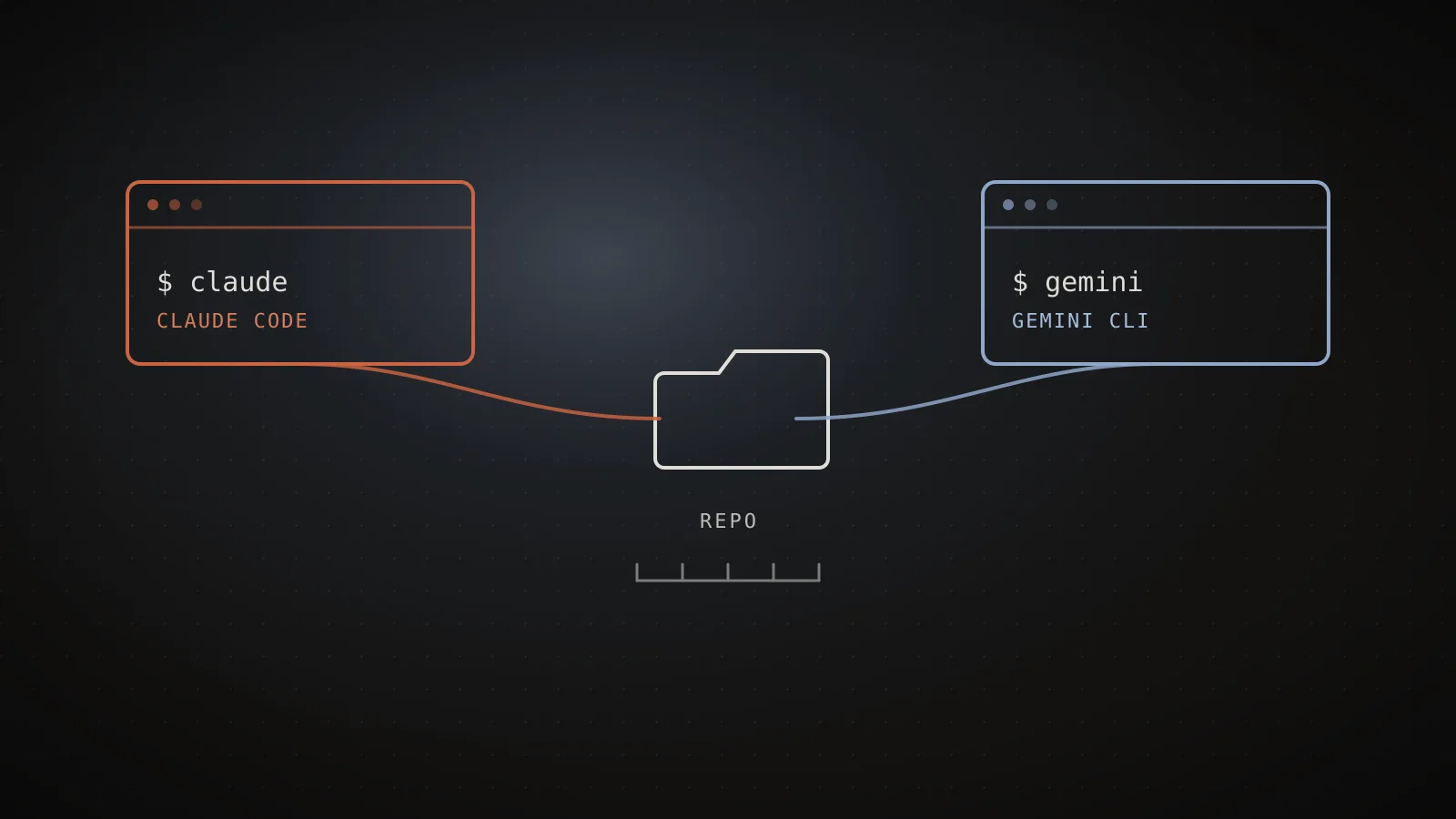
Neither answer requires giving up the other. GEMINI.md and CLAUDE.md read from the same repo without conflicting, both tools respect their own ignore files, and nothing about installing one uninstalls the other. Trying Gemini CLI against a real repo costs a npm install -g @google/gemini-cli and, at most, the free tier's daily request cap - a lower bar than most tool comparisons ask you to clear before forming an opinion.
When NOT to reach for Gemini CLI
Skip it if your Claude Code setup already has real weight behind it: a tuned CLAUDE.md, working subagents, hooks wired into your CI. None of that ports over, and Gemini CLI's own memory-file hierarchy (GEMINI.md, three tiers deep) would need to be built up separately rather than imported. It's also not the pick if you specifically need Claude Code's auto mode's classifier-reviewed middle ground - Gemini CLI's closest analog, --yolo, is a much blunter on/off switch by comparison, not a supervised auto-approve tier.
FAQ
Is Gemini CLI as good as Claude Code?
For raw ecosystem depth, not quite - Claude Code still leads on custom subagents and lifecycle hooks, two things Gemini CLI's current docs don't describe an equivalent for. But Gemini CLI has closed most of the gap that older comparisons describe: it now ships Skills, a default-on Plan Mode, and an interactive /rewind command Claude Code has no direct match for. Which one is "better" now depends on which of those specific features your workflow actually uses.
Is Gemini CLI free?
More generously than Claude Code, yes. Signing in with a personal Google account gets 60 requests/minute and 1,000 requests/day at no cost, and an API key carries its own free daily quota across a mix of Gemini 3 Flash and Pro. Claude Code has no comparable standing free tier - you're on a Pro plan (from $17/month billed annually) or a metered API key from your first session.
What is the default model in each tool?
Gemini CLI's /model command defaults to Auto (Gemini 3), which routes between gemini-3-pro-preview and gemini-3-flash-preview by task complexity; Auto (Gemini 2.5) and manual model selection are also available. Claude Code doesn't auto-route between tiers the same way - you pick a model tier (Fable 5, Opus 5, Sonnet 5, or Haiku 4.5) yourself, also via /model, and it stays fixed for the session.
Does Gemini CLI support MCP servers and subagents like Claude Code?
MCP servers, yes - both tools connect external tools over the same protocol. Subagents, no: Gemini CLI's docs describe Skills and an Extensions system, but neither is documented as a named, separately-prompted subagent the way Claude Code's subagents work. The same gap runs the other way on Gemini CLI's /rewind command, which Claude Code has no built-in equivalent for.
Should I switch from Claude Code to Gemini CLI?
Switch, or at least try it seriously, if free daily usage matters more to you than Claude Code's deeper extension surface, or if you specifically want /rewind's granular revert. Stay on Claude Code if your setup already leans on subagents and hooks, since neither carries over. Nothing stops you from running both against the same repo - GEMINI.md and CLAUDE.md coexist fine, and trying a free Gemini CLI session costs you nothing but time.
The gap is closing, but not evenly
Gemini CLI's release cadence means this comparison is worth re-reading in a few months, not treating as settled - a tool that shipped Skills, Plan Mode, and /rewind inside one recent stretch of releases isn't done adding features. What's less likely to change soon is the shape of the gap: Claude Code's edge is ecosystem depth you build up over time (subagents, hooks, a tuned CLAUDE.md), and that kind of investment doesn't disappear just because a competitor adds a feature checklist item. Pick based on what you'd actually use this month, and don't assume either tool's current feature list is where it stops.