Cline vs Claude Code: Which One Should You Actually Use
 By Neo Zino - builder of ClockedCode12 min read
Cline vs Claude Code compared on interface, model access, and pricing, plus the overlap most guides miss: Cline can run through your existing Claude Code plan.
Made with DispatchSEO
On this page
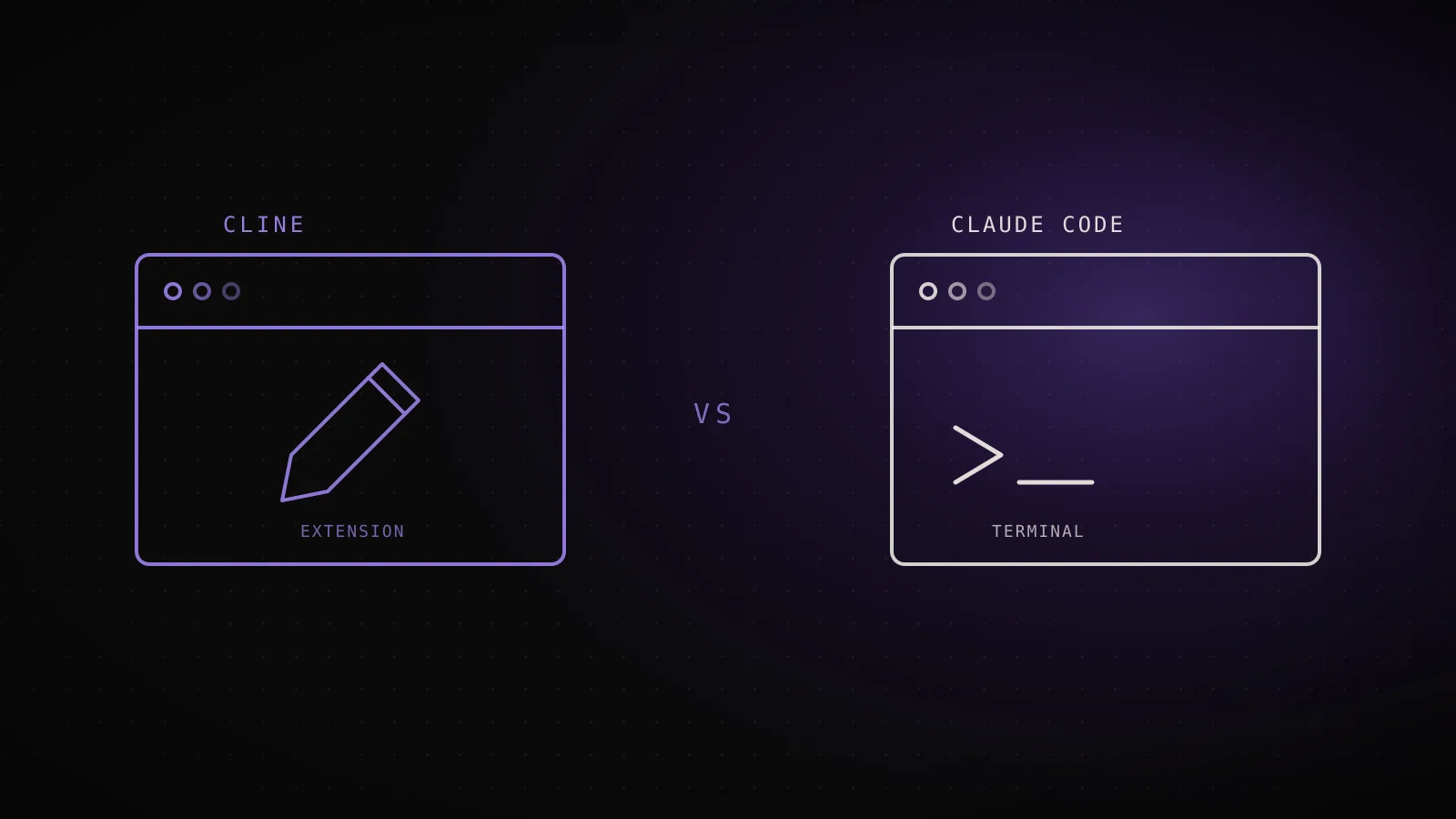
Cline and Claude Code both get called "AI coding agents" in the same breath, but they're built on opposite bets: Cline is a free, open source extension that plugs into whatever model you already pay for, and Claude Code is a terminal-native agent built end to end around one vendor's models. I read both tools' current official docs and pricing pages rather than trusting the usual roundup, and the split holds up - plus one overlap between them that's newer than most existing comparisons and that none of the current page-1 results mention.
TL;DR: Cline is free and open source (Apache 2.0), works across VS Code, JetBrains (early access), a CLI, and an SDK, and connects to any model provider you bring a key for - Anthropic, OpenAI, Gemini, Bedrock, Ollama, and more. Claude Code is a terminal-first agent locked to Claude models, starting at $17/month (Pro, annual), with the deeper native extension surface: subagents, hooks, skills, and a persistent CLAUDE.md. The wrinkle most comparisons miss: Cline can run its whole agent loop through the Claude Code CLI as a provider, billing your existing Claude subscription instead of a metered API key - so the two tools aren't always a straight either/or. Pick Cline if you want to choose your model per task; pick Claude Code if you want one deep, autonomous agent with the richest ecosystem.
| Cline | Claude Code | |
|---|---|---|
| Interface | VS Code, JetBrains (early access), CLI, SDK | Terminal-native CLI, plus VS Code/JetBrains extension |
| License | Open source (Apache 2.0) | Closed source |
| Model access | Any provider, bring your own key | Claude models only |
| Starting price | Free (BYOK) | $17/mo (Pro, annual) |
What Cline actually is
Cline calls itself "the open coding agent," and the description is literal: it's Apache 2.0-licensed, with the code public on GitHub, where it carries 8M+ installs and 66k stars. The VS Code extension is the main surface, but it also ships a JetBrains extension in early access, a standalone CLI (npm i -g cline, currently at v3.0.52 on the npm registry), and an SDK for embedding the same agent runtime in your own product.
Inside a session, Cline runs a Plan-and-Act loop: toggle Plan mode to work out the approach with the model before anything touches your files, then switch to Act to execute it, approving each step yourself or flipping on auto-approve to let it run unattended. What actually varies most between Cline sessions is the model behind it, because Cline doesn't ship its own - it connects to "every major provider," per its own docs: Anthropic, OpenAI, Google Gemini, AWS Bedrock, Azure, GCP Vertex, Ollama, DeepSeek, xAI, Mistral, Cerebras, and any OpenAI-compatible API. On top of that it supports .clinerules for project-specific coding standards, an MCP marketplace, and multi-agent teams with scheduling for splitting work across several sessions.
What Claude Code actually is
Claude Code starts as a CLI: install it, run claude in a project directory, and it reads the codebase, edits files, and runs commands from your terminal - git diff main --name-only | claude -p "review these changed files" is a normal command, not a special mode. The same engine also ships as a VS Code and JetBrains extension and a desktop app, but the terminal is the native surface, which is why it pipes into scripts and CI without extra setup. Unlike Cline, it isn't a model-agnostic shell: it runs Claude models exclusively, and the harness (subagents, hooks, skills, CLAUDE.md) is tuned specifically around them.
Autonomy is a session flag, not a toggle inside a chat window. Running claude --help against the CLI installed for this guide (v2.1.227) lists six --permission-mode values - plan, manual, dontAsk, acceptEdits, auto, bypassPermissions - plus --bg/--background, which starts a session as a background agent you check on later with claude agents. That range covers the same territory as Cline's Plan/Act toggle, just exposed as explicit modes instead of one on/off switch.
Feature-by-feature: interface, models, and autonomy
Cline
Claude Code
VS Code, JetBrains (early access), CLI, SDK
Interface
Terminal-native CLI, plus VS Code/JetBrains extension and a desktop app
Any provider - Anthropic, OpenAI, Gemini, Bedrock, Ollama, and more
Model access
Claude models only
Plan then Act - approve every step, or flip auto-approve
Default autonomy
6 permission modes, from plan to bypassPermissions
Open source (Apache 2.0), free, bring your own key
License and cost base
Closed source, subscription or metered API
Yes, via its CLI or SDK
Runs headless in CI
Yes, native (-p flag, pipeable)
The pattern across every row is the same trade: Cline gives up a built-in model and a matched ecosystem in exchange for picking your own provider on a tool you can read the source of; Claude Code gives up model choice in exchange for a harness tuned around one model family and a deeper set of Claude-specific primitives.
Pricing: bring-your-own-key vs a subscription
Cline
- Open source
- FreeBYOK - pay your model provider per token
- ClinePass
- $4.99 first mo, then $9.99/mocurated open-weight models only (GLM, Kimi, DeepSeek...), 2-5x quota vs raw API
- Enterprise
- CustomSSO/OIDC, SLA, JetBrains, centralized billing
Claude Code
- Pro
- $17/mobilled annually ($20/mo monthly), includes Claude Code
- Max
- $100/mo+5x-20x more usage than Pro
- Team
- $20/seat/moannual ($25 monthly), includes Claude Cowork
The structural difference here isn't the price of either tool - it's that Cline doesn't sell a subscription for its own core usage at all. The open source path is free, and your only recurring cost is whatever your chosen model provider bills you per token. ClinePass is easy to misread as "the paid tier," but it isn't a way to get cheaper Claude or GPT access: it's a flat $9.99/month (after a $4.99 first month) bundle of eleven curated open-weight models - GLM 5.2, three Kimi variants, two DeepSeek tiers, MiniMax M3, two MiMo tiers, and two Qwen tiers - at 2-5x the quota of hitting those same models' raw APIs yourself. If you're pointing Cline at Claude or OpenAI, ClinePass buys you nothing; you're back to your provider's own pricing.
Claude Code's ladder is a conventional subscription stack: Pro at $17/month (billed annually, $20/month monthly) includes Claude Code with everyday usage limits, Max starts at $100/month for 5x-20x more capacity, and Team runs $20/seat/month annually with Claude Cowork bundled in. There's no free tier, which is the gap Cline's BYOK model sidesteps entirely - you can run Cline for the price of whatever the cheapest capable model costs per token, including free local models through Ollama.
The overlap nobody mentions: Cline can run through your Claude Code plan
Running Cline on a Claude Pro or Max seat instead of an API key
npm install -g @anthropic-ai/claude-codeInstall the official CLI your Claude plan already covers
Cline Settings -> API Provider -> Claude CodePoint Cline at the claude executable on your PATH
Cline spawns claude in the backgroundClaude reasons, Cline runs the terminal commands and file edits
Billed to your Claude subscriptionNo separate Anthropic API key, no per-token invoice
The two tradeoffs Cline's own docs list
Responses arrive as one complete block instead of streaming token by token, and image messages get swapped for a text placeholder since the bridge doesn't carry images through. Everything else - reasoning, tool calls, file edits - runs the same as a normal Cline session.
Most current "Cline vs Claude Code" writeups don't carry this, because Cline shipped it after a lot of them were published: you can point Cline at the Claude Code CLI itself as a provider, which means a Claude Max or Pro subscriber can run Cline's whole interface - Plan/Act, auto-approve, the VS Code extension - without touching an Anthropic API key or paying per token. Cline wraps the claude binary, passing your conversation to it and letting Claude handle the reasoning while Cline drives the actual tool calls.
It isn't free of tradeoffs. Per Cline's own documentation, responses come back as one complete block instead of streaming character by character, and image messages get replaced with a text placeholder rather than sent through. For a lot of workflows - reading a diff, running a command, editing a file - neither limitation matters much; for anything leaning on inline screenshots or a live-typing feel, it will be noticeable. In practice, that means the "Cline vs Claude Code" framing this whole guide has been using can collapse into "Cline running Claude Code" for anyone who already pays for a Claude seat and wants Cline's interface on top of it.
Which one fits your workflow
Pick Cline if model choice is what decides it for you: you want to run Claude for one task and a cheap open-weight model for another, you're already paying for API access across several providers, or you want the option to point it at a fully local model through Ollama with no vendor in the loop at all. Its open source license also matters if you specifically want to read or modify the agent's own code, which a closed-source tool never lets you do.
Pick Claude Code if what you actually need is depth on one agent: you want subagents that keep side tasks out of your main context, lifecycle hooks that fire on tool-call and session events, and a CLAUDE.md file that persists project knowledge every session picks back up - none of which Cline ships as a first-party, combined system the way Claude Code does. It's also the better fit if headless operation is the actual requirement: piping a prompt from a script or wiring an agent into CI is Claude Code's native mode, not an add-on.
Where Cline wins (and where Claude Code's limits show)
A comparison that only argues one direction isn't worth much, so here's where the trade genuinely favors Cline:
- No vendor lock-in. Swap models mid-project without switching tools, or drop to a local model when you don't want data leaving your machine at all.
- Reading the source. Apache 2.0 means you can audit exactly what Cline sends and does, which a closed-source agent never offers.
- Multi-editor reach. VS Code, JetBrains, a CLI, and an SDK cover more surfaces than Claude Code's own extension layer does today.
Claude Code's real limit is the mirror image of Cline's strength: locking to one model family means you're fully exposed to Anthropic's pricing and availability, with no fallback provider if a model has a bad day or a price hike lands. If that single-vendor dependency is the thing you're trying to avoid, Cline (or running Cline through the Claude Code bridge above, so you still get a fallback path to other providers later without re-tooling) is the safer default.
Can you run both?
Yes, and the bridge above means it's less of a double subscription than it looks. A common setup: Claude Code as the daily terminal driver for the deep, autonomous work its ecosystem is built for, and Cline installed alongside it for the moments a task specifically calls for a different model - a cheap open-weight model for a bulk mechanical change, or a provider you're already paying for elsewhere. Because Cline can run on top of an existing Claude subscription instead of a separate API key, adding it costs you an install, not necessarily a second bill.
FAQ
Is Cline free to use?
Cline itself is open source (Apache 2.0) and free to install, and it runs bring-your-own-key, so you pay your model provider directly per token instead of paying Cline. The optional ClinePass add-on is $4.99 for the first month, then $9.99/month, but it doesn't unlock Claude or GPT models - it bundles curated open-weight models (GLM, Kimi, DeepSeek, and others) with 2-5x the quota of a raw API key.
Is Cline better than Claude Code?
It comes down to what you're trading away. Cline's whole pitch is model flexibility and zero lock-in: point it at any provider, or your existing Claude subscription, and it works across VS Code, JetBrains, a CLI, and an SDK. Claude Code's pitch is depth on one agent: a native extension surface (subagents, hooks, skills, a persistent CLAUDE.md) and a terminal-first design built to run unattended. Pick your model per task and Cline wins that argument. Want one deep, autonomous agent with the richest ecosystem, and Claude Code wins it.
Can I use my Claude Max subscription in Cline instead of an API key?
Yes. Install the Claude Code CLI (npm install -g @anthropic-ai/claude-code), then in Cline's settings pick "Claude Code" as the API provider and point it at the claude executable. Cline spawns claude in the background and bills usage to your existing Claude subscription instead of a metered API key, so Max or Pro subscribers see $0 in marginal token cost. The tradeoffs, per Cline's own docs: responses arrive as one complete block instead of streaming, and image messages get swapped for a text placeholder.
Does Cline only work in VS Code?
No, though VS Code is where most Cline usage happens. It also ships a JetBrains extension (early access), a standalone CLI you install with npm i -g cline, and an SDK for embedding Cline's agent runtime in your own product.
Can I use Cline and Claude Code together?
Yes, and not just side by side - Cline can run its whole agent loop through the Claude Code CLI as its backend, so "which one should I install" isn't always an either/or question. A lot of developers keep Claude Code as their daily terminal driver and reach for Cline specifically when a task calls for a different model, without paying for two separate subscriptions.
Pick the shape, not the hype
The two tools optimize for opposite things on purpose - Cline for model choice and an open, auditable codebase, Claude Code for one deep agent with a built-in ecosystem - and neither is going to convincingly out-argue the other on that trade, because it's a design decision, not a bug either vendor is racing to fix. What decides it in practice is whether you'd rather pick your model per task or trust one vendor's harness end to end, and the bridge that lets Cline run on a Claude subscription means testing the other side doesn't require dropping what you already pay for. My own daily driver stays Claude Code, and the setup ClockedCode ships is built around getting that terminal useful from the first session - but if model flexibility is what you're actually missing, installing Cline next to it costs an evening, not a rebuild. For the fuller field of alternatives beyond just these two, the seven real Claude Code alternatives covers where each one - Cline included - actually earns a second install, and if editor-native review is the piece you're weighing instead of model choice, Claude Code vs Cursor is the closer comparison.